Konvertieren Sie RichObject beim Exportieren in Text
Until recently, the export of the RichObject was done as an image. Of course, many people did not like it. In FastReport .NET version 2018.2.3 a new property of the RichObject - ConvertRichText object appeared. This property allows you to enable the export mode of the object in text form, instead of the image. That is, by including this option, we will get the text in any export format, except, of course, exporting to the image.
By tradition, I propose to get acquainted with the new property by example.
We add RichObject to the report page. And load into it the rtf document in the editor:
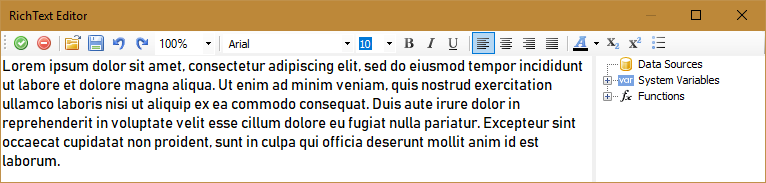
Now run the report in preview mode and export to PDF.

And we see the picture in the document. Let's return to the report template. Select the RichObject object and set its ConvertRichText property to true. Repeat the export of the report to PDF:

This time, we got a text available for selection. And the text is displayed completely, unlike the example with the image, where the text scope is limited by the size of the RichObject object.
Still there is a minus - the original formatting of the text and the font can be lost, if those are not supported in FastReport .NET.