Updated Export menu FastReport.Net report
In the version of FastReport.Net 2018.3.14 appeared useful refinement that does not relate to the functionality of generator. However, it significantly improves usability report designer, or rather the report preview mode.
Finishing touched menu exports. Because developers regularly delight us with new export formats, their recruit until 31. Let's take a look how it looked until recently:
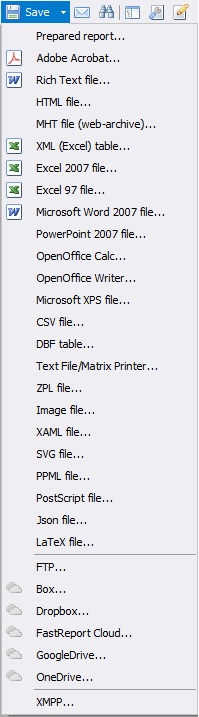
In such a huge list is not just quickly find export, not to mention the size of the menu that on smaller screen resolutions are simply not fit entirely. There is only one way out-group exports by destination. Here is what we have now:
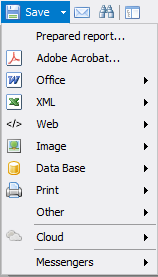
Very compact. Just some relief. Briefly go through the menu.
Prepared report formats and Adobe Acrobat stand apart. For them there is no pair to create the drop-down list.
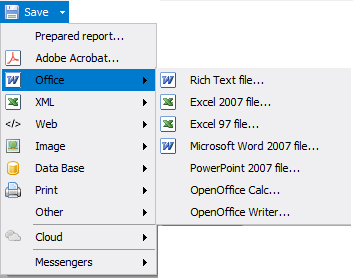
All formats of Microsoft Office and Open Office in the same group.
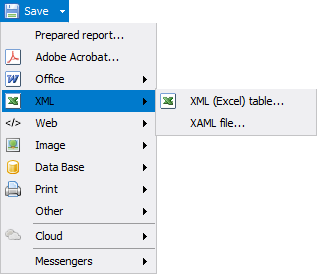
XML group contains export formats such as:
Web group contains other markup languages used in the Web:
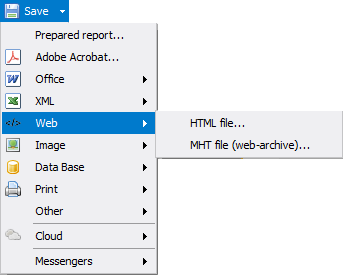
In the Image group - export formats in image.
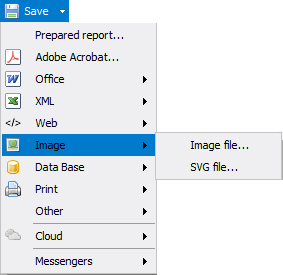
Export Image file formats support: JPG, BMP, PNG, GIF , TIFF, Windows metafile. Export to SVG stands out because it has a lot of their own settings.
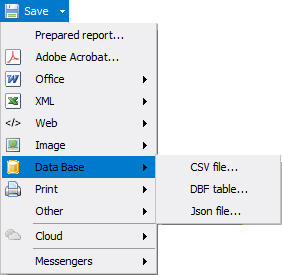
Group Database contains formats commonly used to store data:
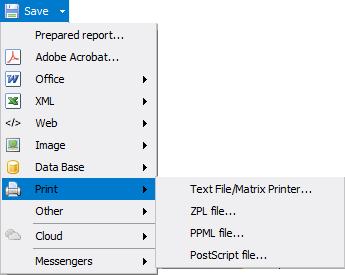
Print Group gathered all export formats that are relevant to printing.
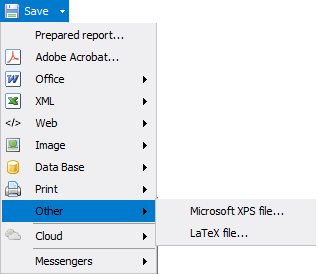
And the Other group includes other export formats for which a separate section is inappropriate:
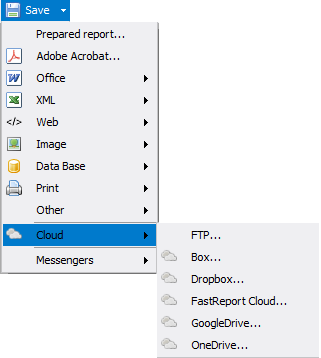
Group Cloud contains exports to external storage. Usually it is cloud services. Here you need to understand that it is not enough simply to have an account in one of cloud services, you want to create an application in the cloud-based service through which you will save the report to the store. More details can be found in the documentation of FastReport.Net.
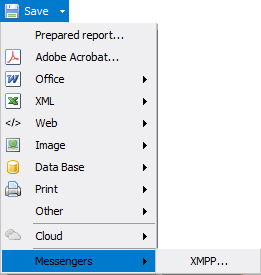
The last group contains Messengers only one export to XMPP for now, also known as the Jabber. The fact that exports in Messenger placed in a separate section, gives us hope for the addition of new export formats to the most popular instant messengers. What is the export of this? FastReport.Net loads report to the cloud FastReport Cloud. And then sends a link to the report in the messenger.
In conclusion, I would like to commend the work of FatReport.Net team that she does not forget about usability. I look forward to further work in this direction.