PDF viewing settings when exporting from FastReport .NET
Title of the article partly reveals subject. I would like to consider configuration a viewer PDF files when exporting FastReport .NET report. This can be Acrobat Reader or browser's built-in viewer (Edge, Chrome) or any other viewer. You'll find that some of the options are very useful. Here is the tab "View" window in PDF export settings:
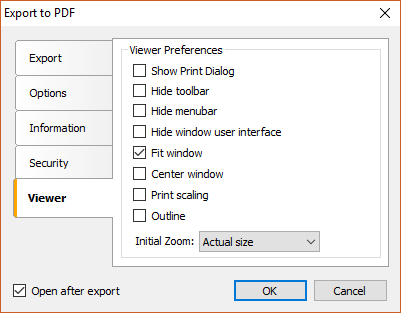
Consider all the options in order:
- Show print dialog - when you start pdf file will immediately show the print dialog;
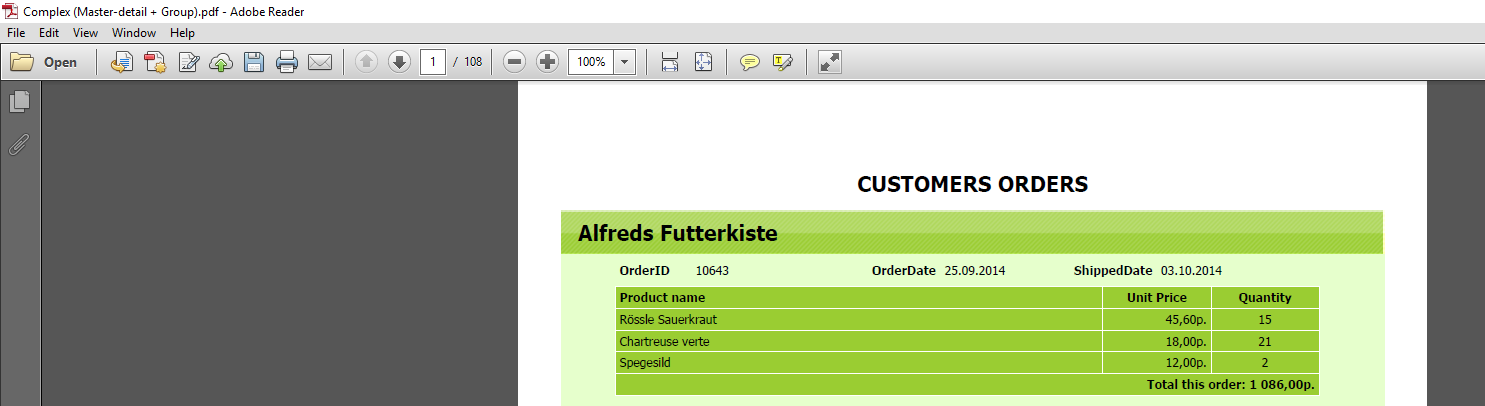
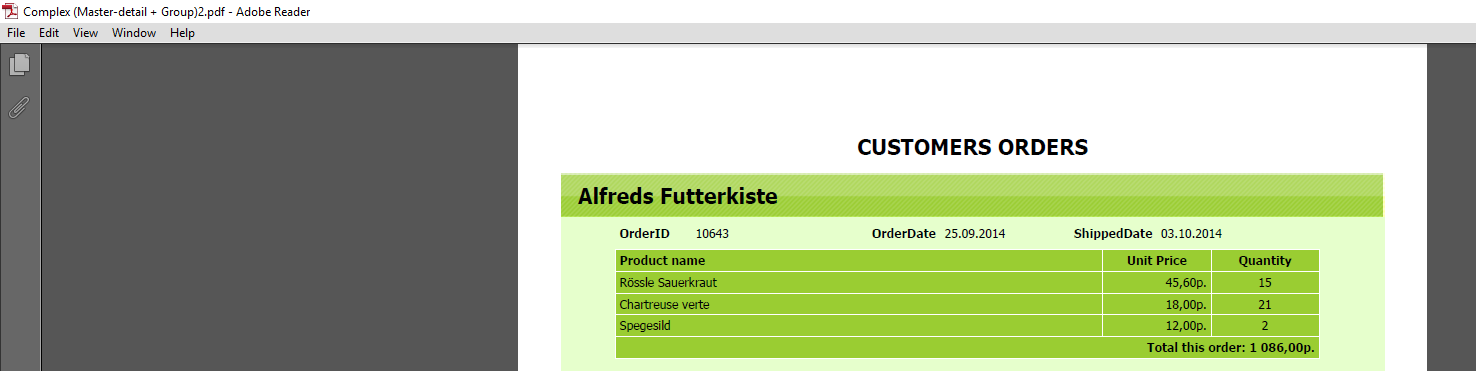
- Hide toolbar - disables the toolbar menu at the viewer;
With the menu:
Without the toolbar menu:
- Hide menubar - includes a main menu in the viewer;
With the main menu:
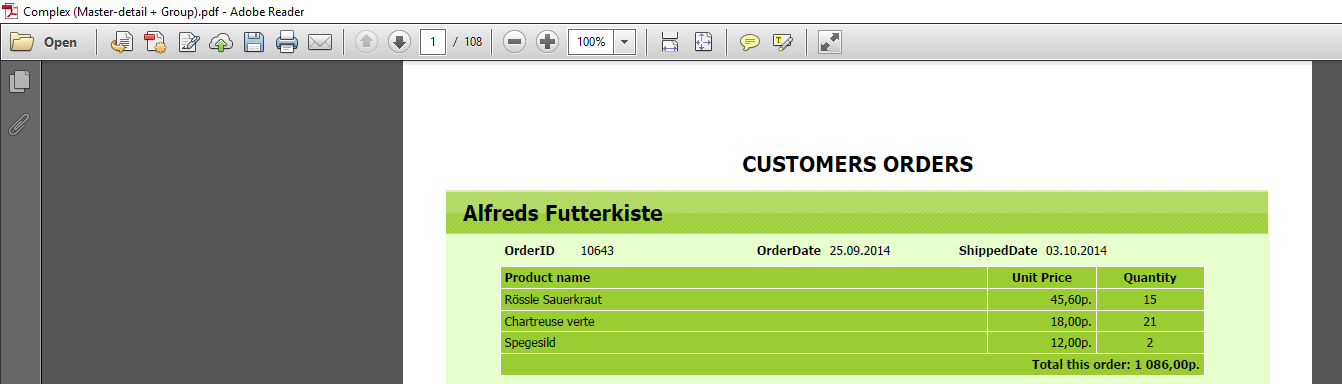
Without the main menu:
- Hide window user interface - this option enables / disables the sidebar that displays document pages in miniature. Interface hidden:
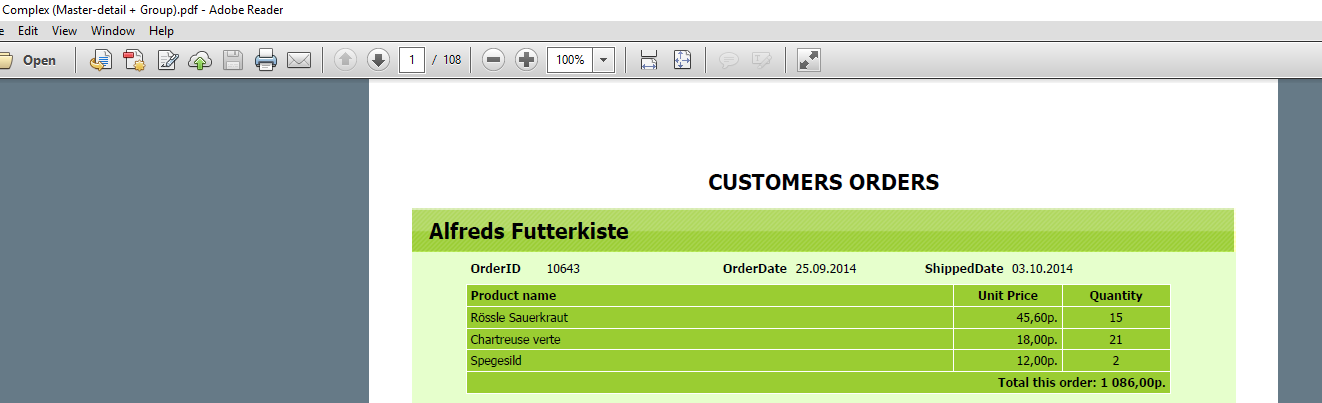
- Fit window - it allows you to adjust the size of the document window so that the page of the document was placed in width. If the window is smaller than the width of the document page, it will be increased;
- Center window - this option allows you to center the Viewer window on the screen;
-
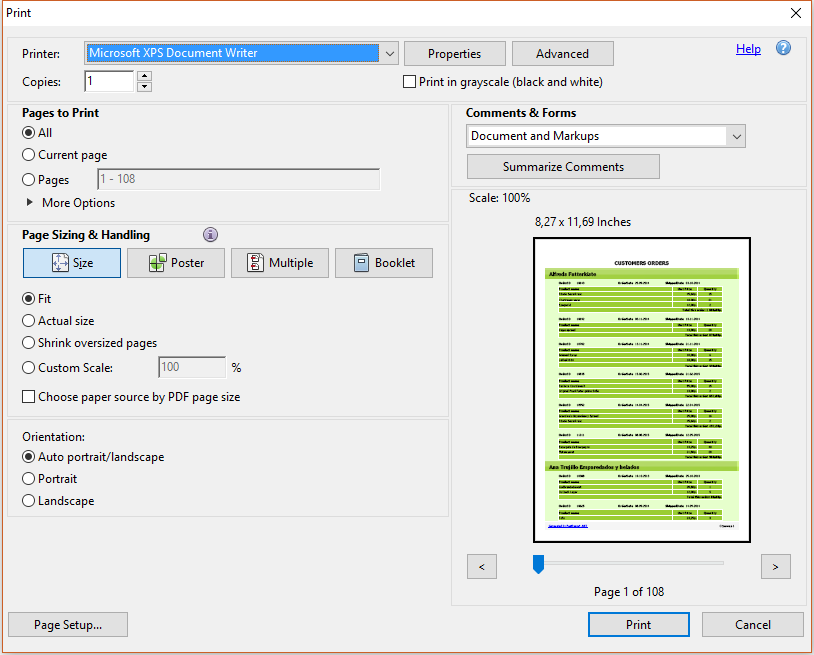
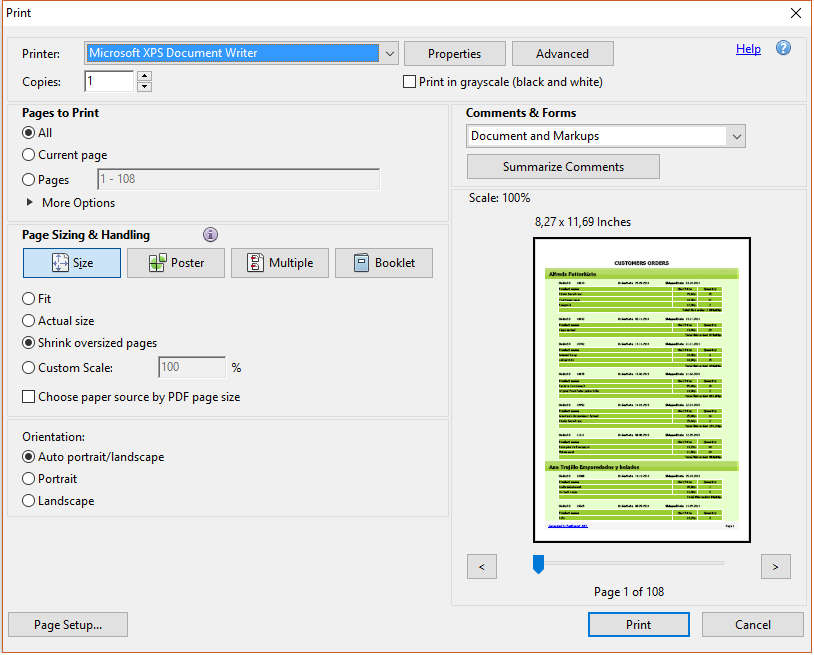
Print scaling - allows you to compress the large pages. For example, the image on the entire page had fields (some printers may not print entirely on the entire sheet, they require field). If you select this option, in the print window of the PDF document you will see the selected item Shrink oversized pages.
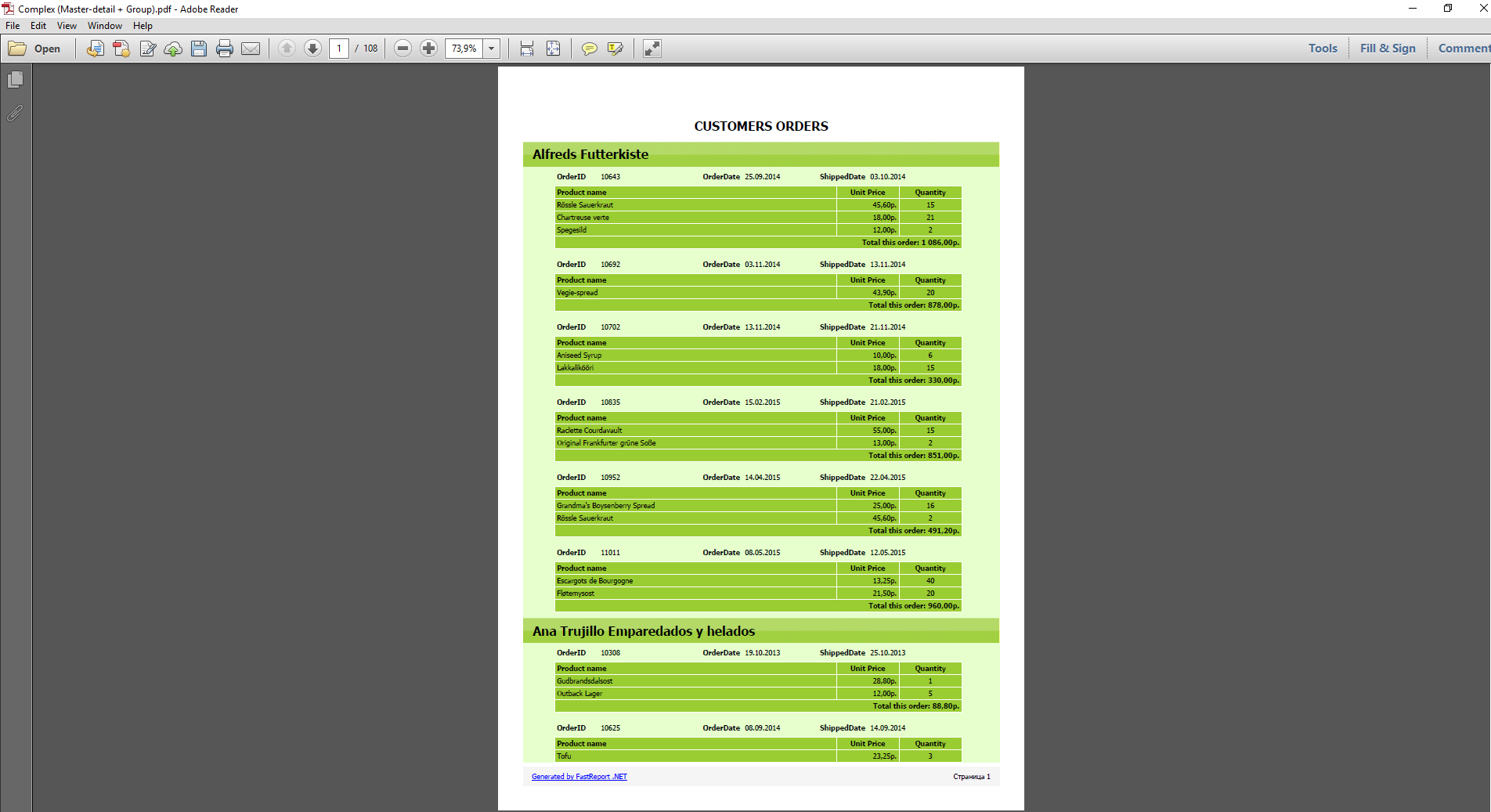
- Scale - the opportunity to ask the original display scale of the document. You can change it later, when viewing the document.
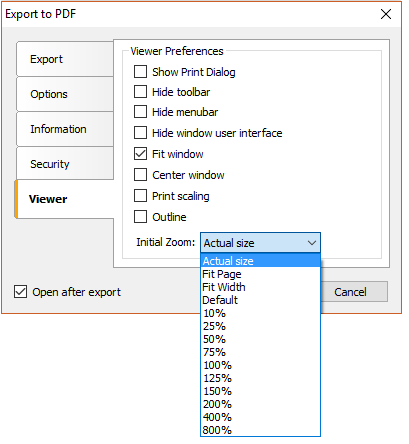
For example, choose the size of the "Fit Page". The scale will be chosen so that the entire page is fully displayed on the screen:
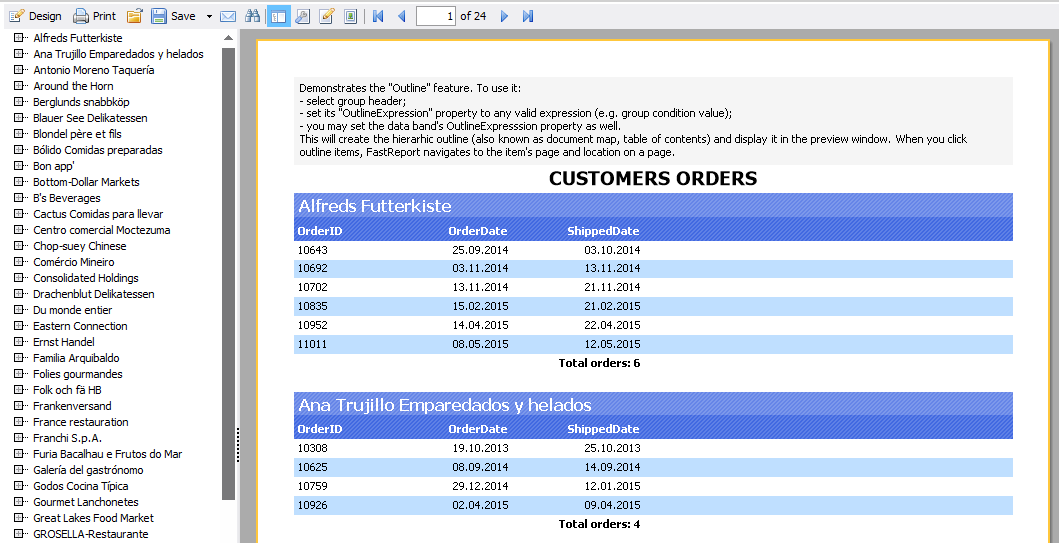
- Outline - allows you to display report the plan as a PDF file.
Here is a sample report with a built-up:
And here is the document PDF, if for such a report to include the option Outline:
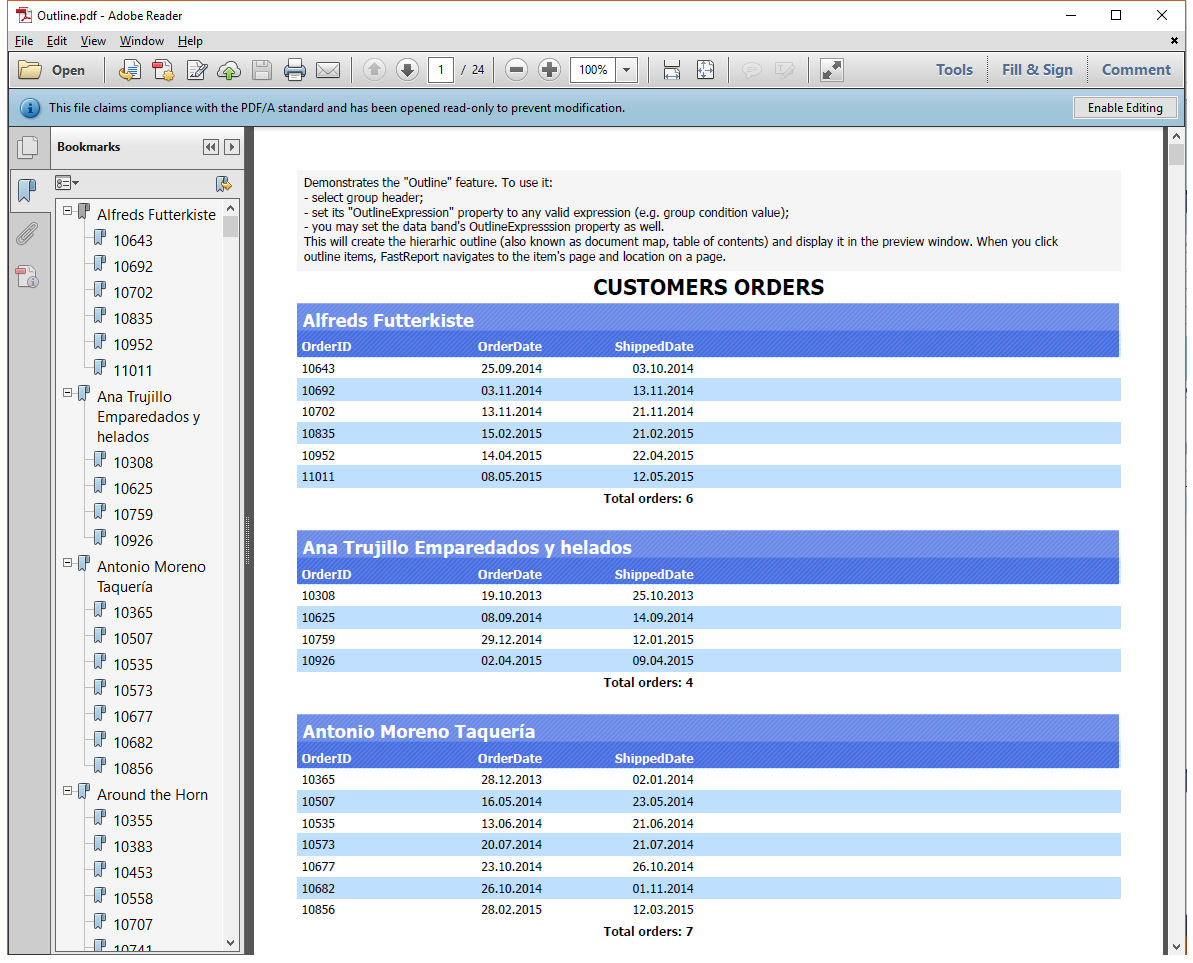
On the left is displayed bookmarks toolbar, which contains the report plan.
We have considered all the options for configuring the display of the document in the viewer. Which of them will be useful to you to judge. But it is obvious that you shouldn't ignore these settings if you want to create a document that is easy to read the end-user.