Save the original image quality when exporting to PDF
In PDF export report there is a new option - "Original Resolution". It allows you to save images in full resolution. Sometimes it is important to transfer an image with the original quality. Using this new option, you will be able to get the image from a PDF document without any quality loss.
Here there is one restriction - you cannot rotate the image in the report because it will require a change of the image.
However, FastReport has a special protection on the odd chance that you have rotated the image. PDF export will get the original picture. What if you find an image of not a desired angle in your PDF report? In this case, you should check the export options to make sure that the "Original Resolution" option is enabled.
If it is necessary, you can scale the image.
Let us take a look at the following example.
First, create a simple report. Add an object "Picture" to the report page. Double click on the added object "Picture". After this, a picture editor will open:
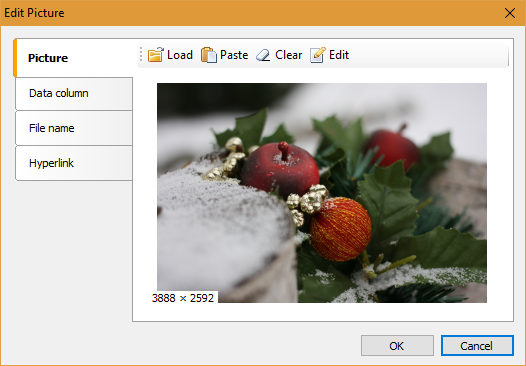
Use the "Load" button and select the image on the local disk. Click "OK". Here, scaling of the object "Picture" is optional:
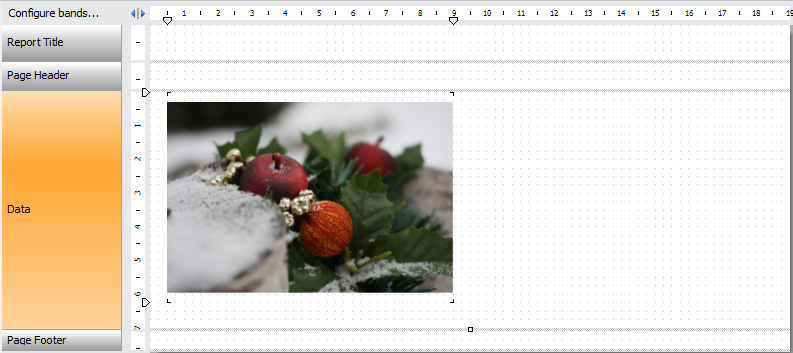
Run the report in preview mode. Select «Save» -> «Adobe Acrobat»
In the PDF export settings select the "Options" tab:
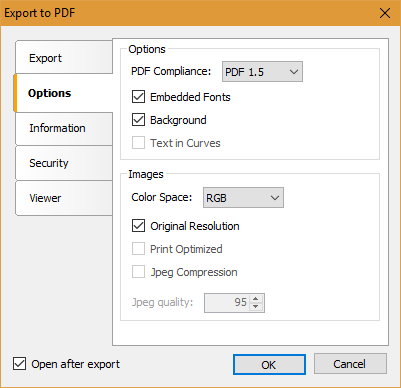
Click "OK" and save the export file:
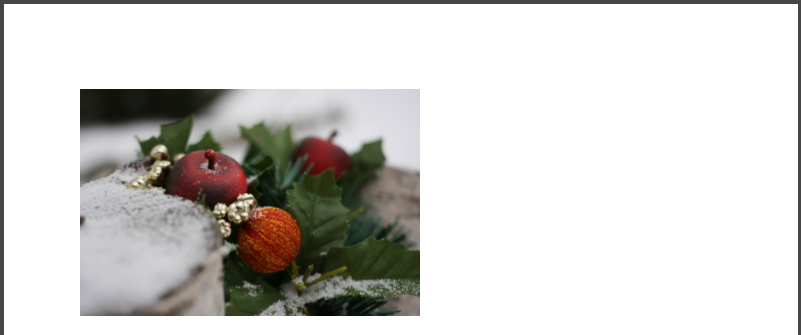
Now change the report template. Establish the "Angle property" of the object "Picture" to 90 degrees.
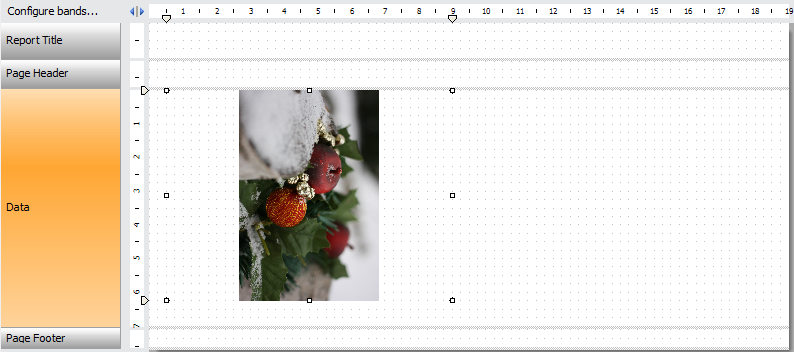
Take into account, that you should make export to PDF with the enabled "Original resolution":
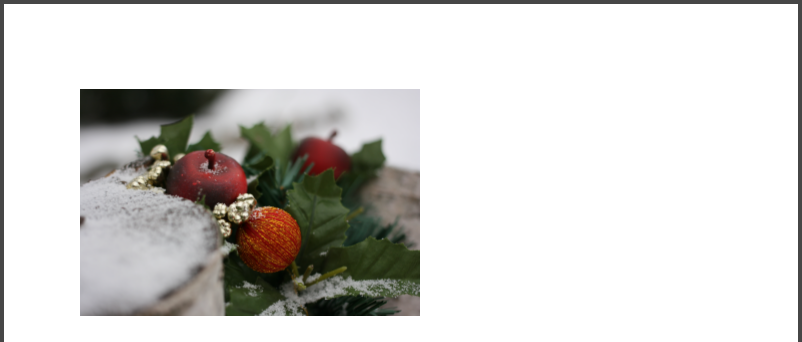
As you can see, the image has not been rotated by 90 degrees.
Let us make another export to PDF, but with a disabled option "Original resolution":
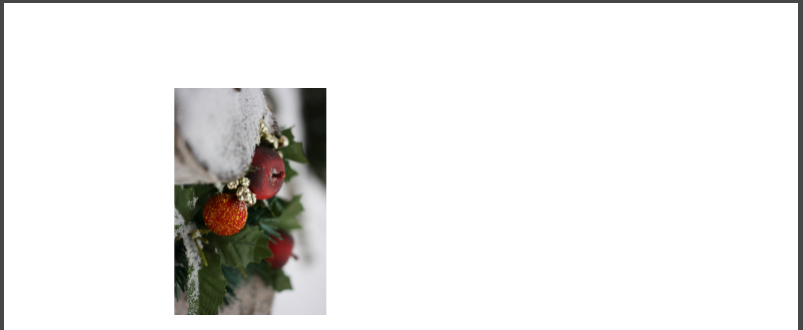
In this case, we get an image, rotated by 90 degrees. But what happened to the "original" image?
The quality is lost. It is seen from the size of the file:

In the last export, we have disabled the option "Original Resolution" and got the file size of 93 KB instead of 14 703 KB. You can stretch the image if you open your PDF file in the editor. In first two exports the picture with high resolution will retain quality:
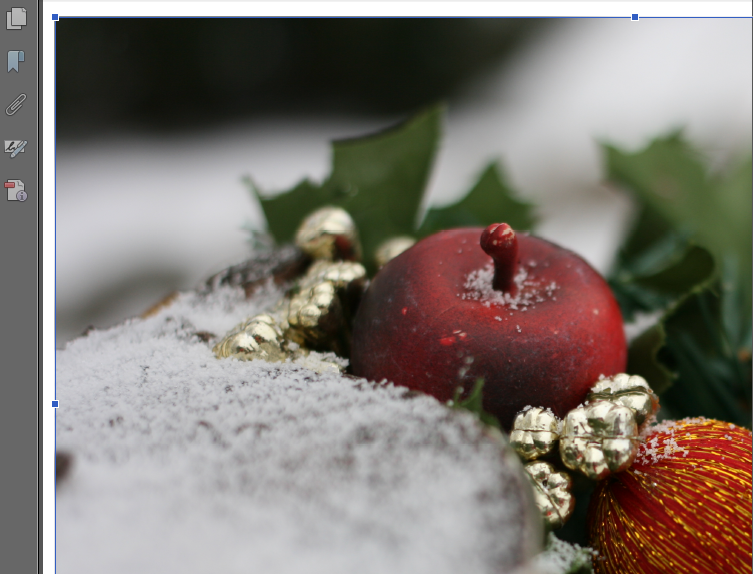
In the third one you will see a terrible pixelation:
Summing up, in the article we have illustrated a method, that helps you to send documents, retaining the original image quality.