Using property PrintOnPreviousPage with unlimited pages
In this article I want to consider a property PrintOnPreviousPage of the object ReportPage. How does it work? If you have a two-page report, you can set this property to true for the second page, and then, if the first page is left free space, the objects of the second page, partially or completely be transferred to the first. Thus, you can save paper when printing reports or simply to improve the look of the report, if the empty space on the page is causing your discord. All of this works fine with the usual report pages. However, if you use the property or UnlimitedHeight UnlimitedWidth, then to the pages will be connected you must to fulfill some conditions:Страницы должны иметь включенное свойство UnlimitedHeight или UnlimitedWidth;
- If both pages have enabled UnlimitedHeight property, they should have the same width, or enabled UnlimitedWidth property;
- For the page you want to merge with the previous the property PrintOnPreviousPage should be enabled.
If you do not observe these restrictions, the merging of pages will not happen.
The functional of merger of unlimited pages became available with version 2017.1.13.
And now a bit of practice. Create a report with two pages:
And:

Pages have the same width 21cm. For both pages enabled UnlimitedHeight property. For the second page enabled PrintOnPreviousPage property.
Run the report:
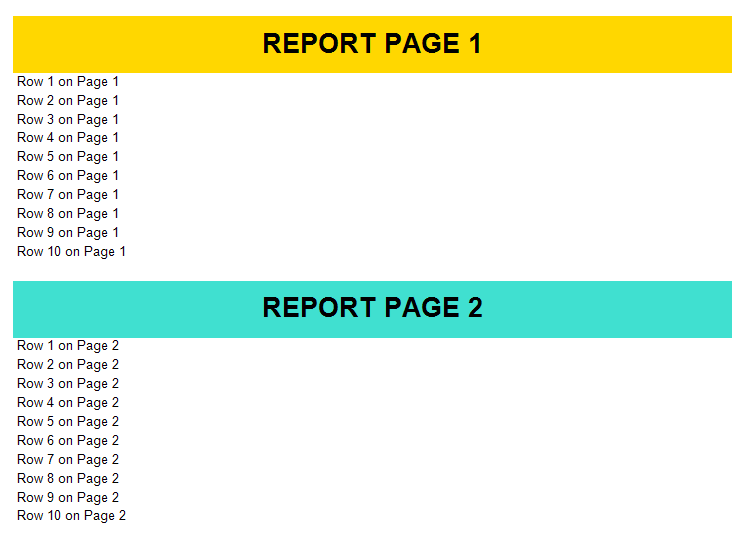
The pages joined into the one. And now for one of the pages change the sheet width from 21 to 22:
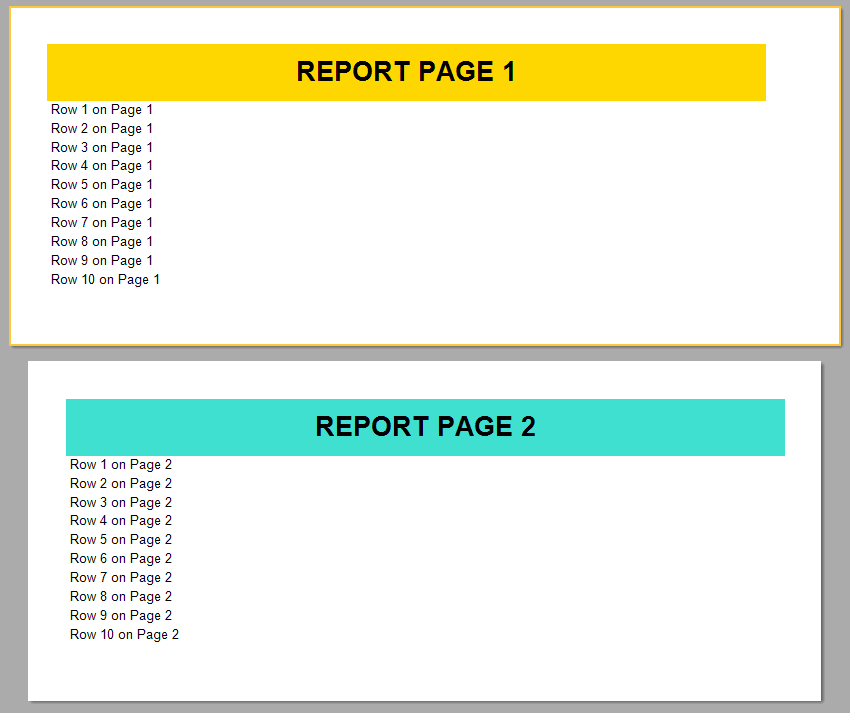
Pages not connected.
Now, enable the UnlimitedWidth property for the both pages:
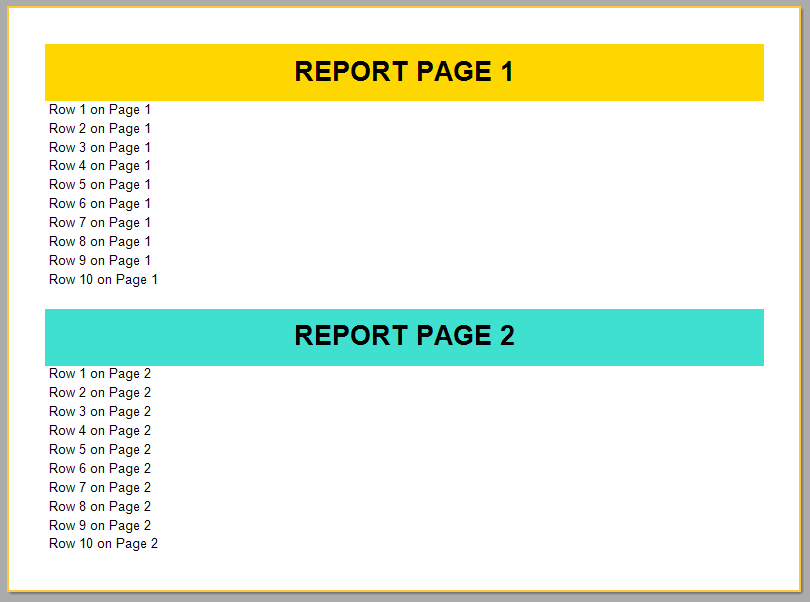
Pages are reconnected. Requirements for the third page are the same as for the second. If we disable PrintOnPreviusPage property for the second page, and enable it for the third page, then only the second and third pages will be merged:
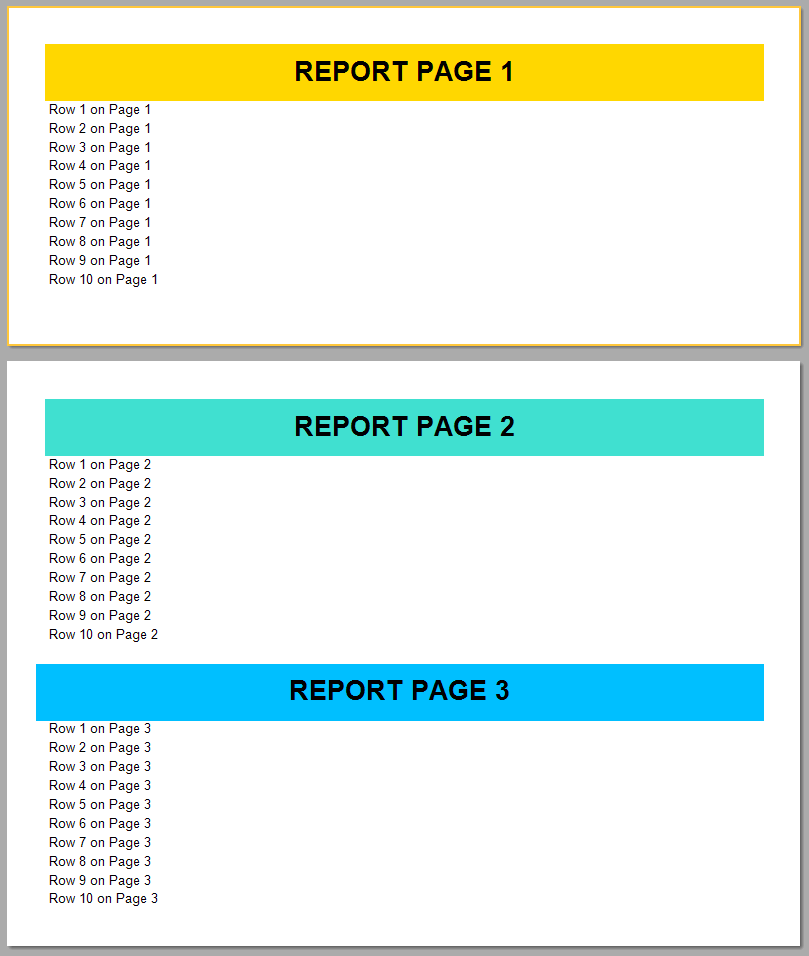
Thus, you can now use PrintOnPreviousPage property for "unlimited" pages. This makes a report with a few pages one-page report.