How to make wedding invitations from Excel
Do you have a celebration on the occasion of the wedding? Do you need to print a lot of invitations? This can be quite a tedious task. Indeed, in each invitation will have to enter the names of the guests.
In this article I will show you how to solve this problem with FastReport. We need to compile an Excel spreadsheet with the names and surnames of the guests being planned. For example, this:
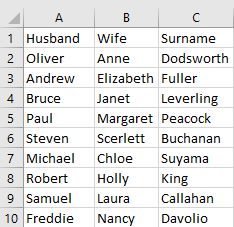
One line is the family, namely a male name, female name, surname. Save the file with the extension csv.
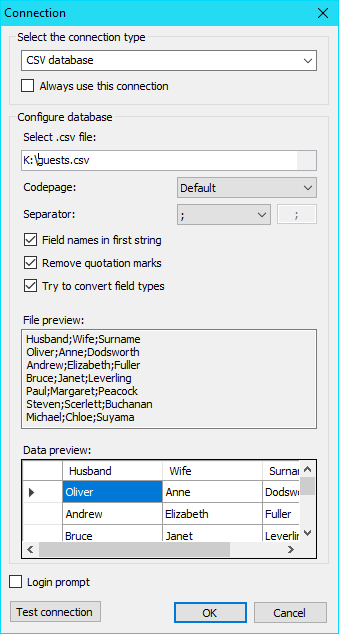
Now we are going to create a report, open the designer. You must create a new data source in the report.
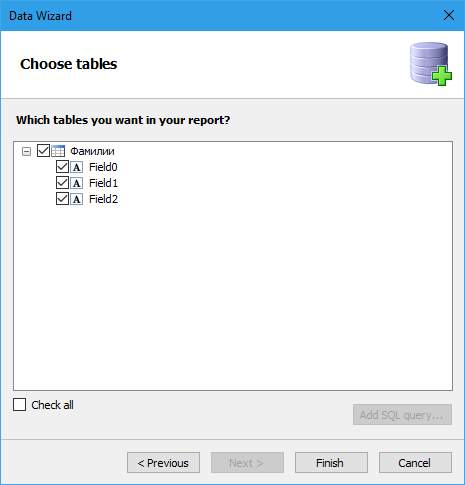
Then we mark all fields of the data source:
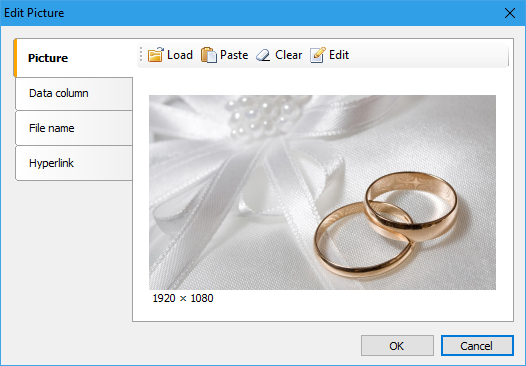
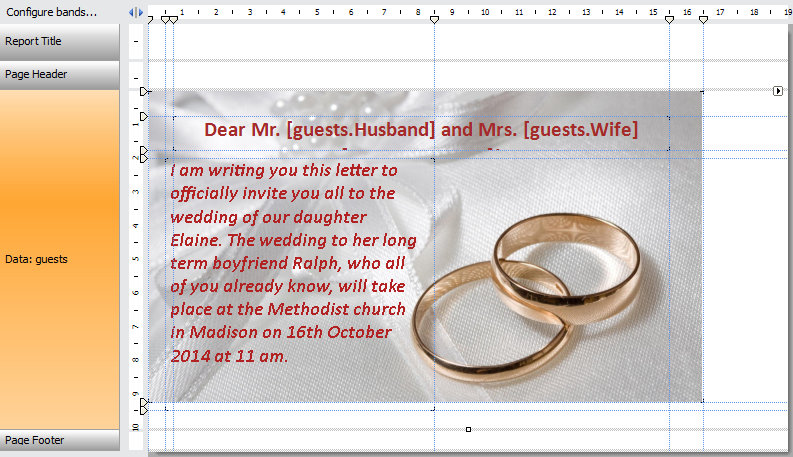
Then add the Picture object to the Data band. Load the background image in the Picture object editor,:
Add a title:
Dear Mr. [guests.Husband] and Mrs. [guests.Wife] [guests.Surname]!
And the text of the invitation:
I am writing you this letter to officially invite you all to the wedding of our daughter Elaine. The wedding to her long term boyfriend Ralph, who all of you already know, will take place at the Methodist church in Madison on 16th October 2014 at 11 am.
The result is the following pattern:
Run the report in preview mode and get invitations to all guests:
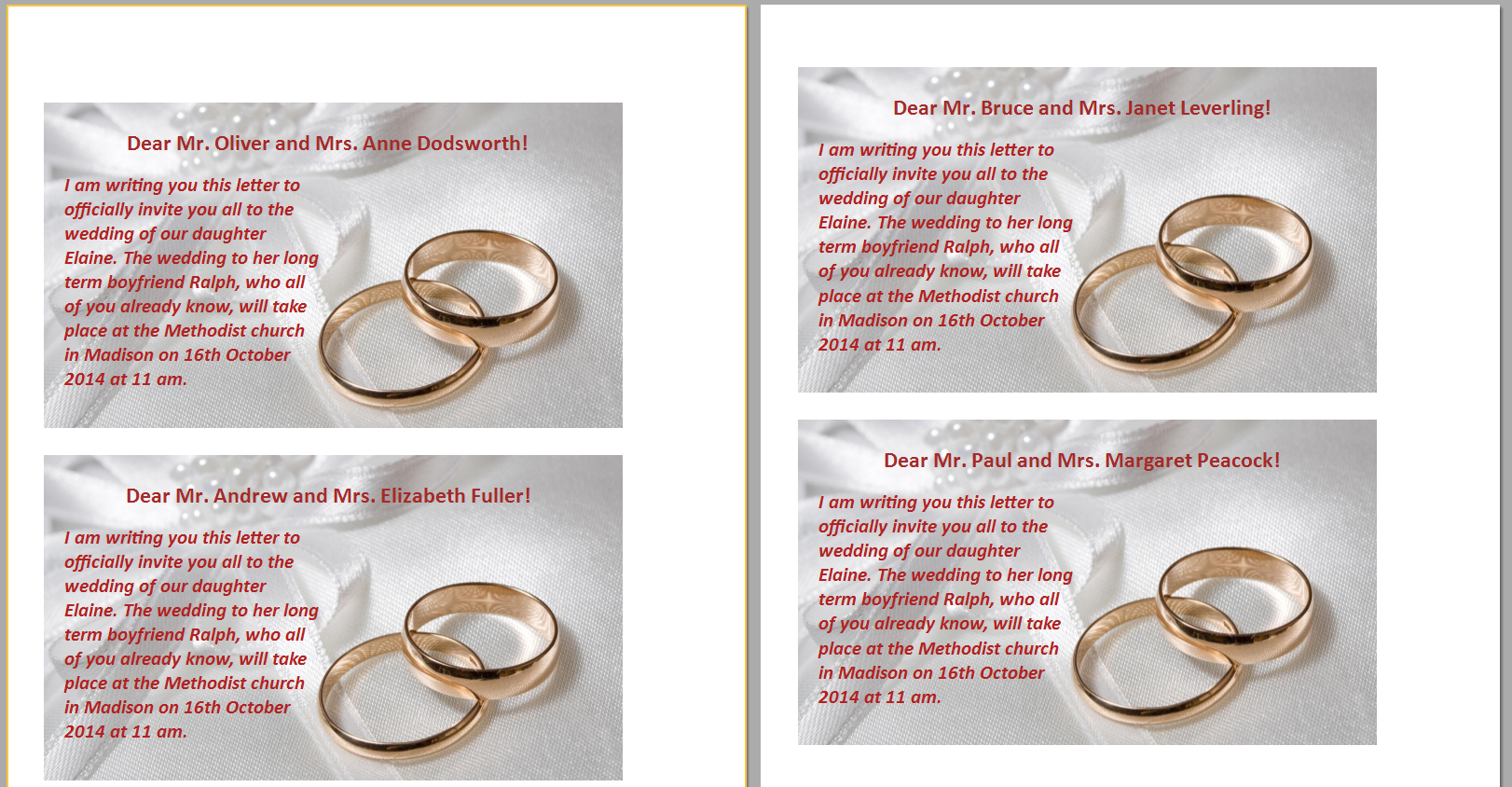
After that, you can print the report or export it to one of the available formats, for example, PDF.
