How to make a PDF document from a text file
Today we will talk about the cases when you need to make a PDF document, but there is no Adobe Acrobat on the computer. You only have a text file with original data and FastReport Desktop.
To begin with, you need a test file, in which there is a division into paragraphs (carriage return to a new line). Such a data source will allow you to use paragraphs as data strings.
Now let's create a report in the designer.
Create a new data source:
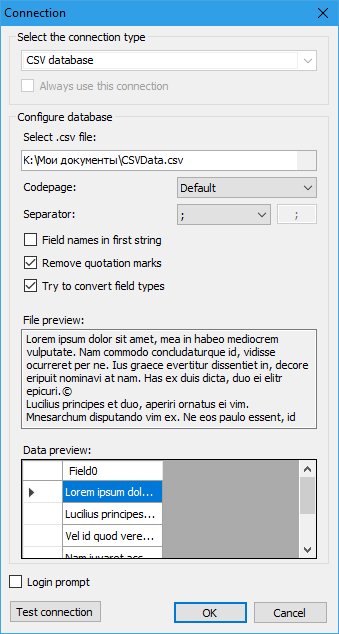
Note the Separator field. By the way, you can enter any character that does not exist in the document, and this will allow you to use carriage return at the end of each paragraph as a separator.
Then select the column Field0:
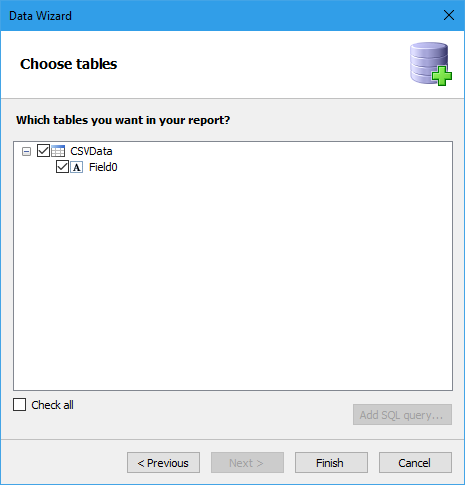
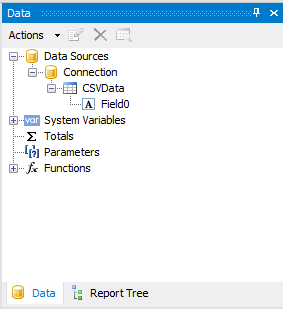
In the data window appeared a source with one field:
Drag this field to the "Data" band and stretch it to the full width:

To fit the entire paragraph text on the band, enable the CanGrow property (can grow) for the added field and for the Data band. You can do this from the context menu:
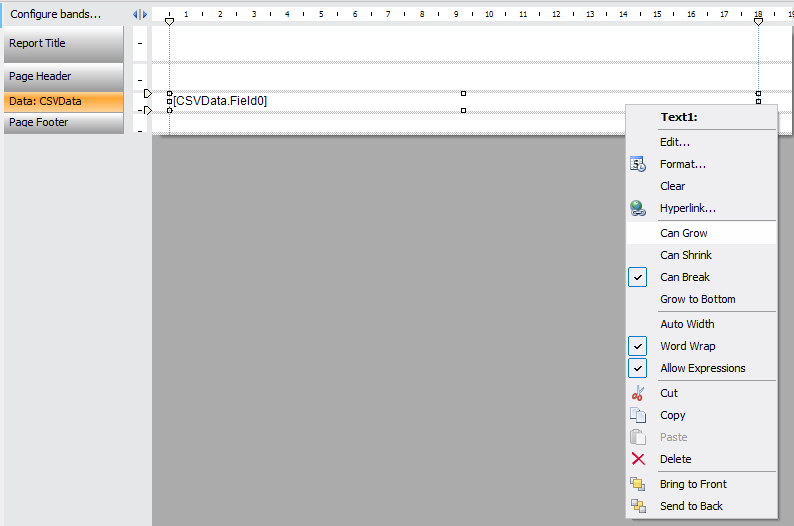
Also, we call the context menu for the band by right clicking on the band header.
Add a title:

Let's see how the report looks in the preview mode:
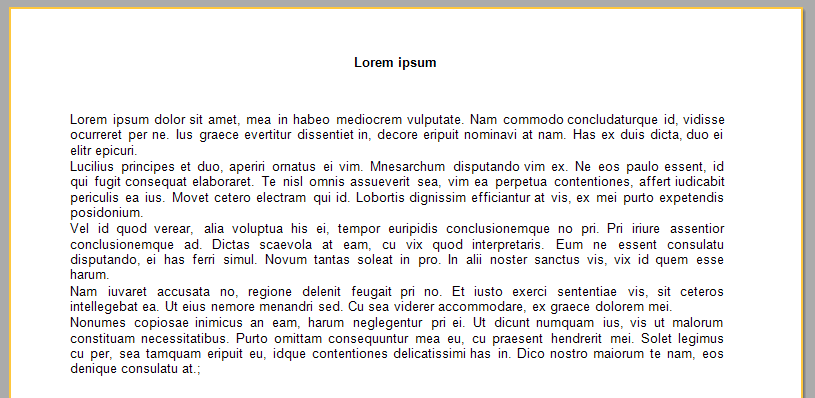
As you can see, from a regular text file we received a paragraph-broken document.
So, half the work is done. It remains only to configure the export of the report to PDF format using FR Desktop.
Launch the Configurator tool. Choose the report we created:
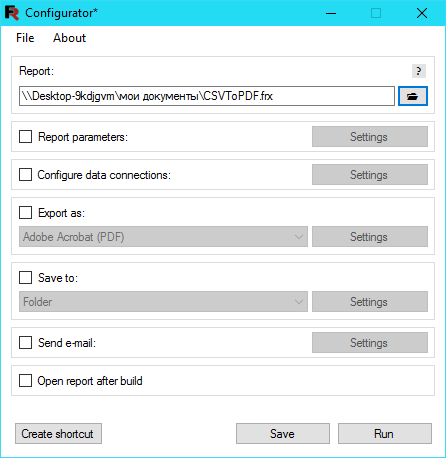
We mark the option Export as. And choose the PDF format:

The next step is to select the folder where our PDF document will be saved. To do this, select the Save to option and select the value of Folder:

To select a folder, click the Settings button.
Now, save the configuration with the Save button. You can run the configuration file for execution immediately using the Run button, or use it later with the scheduler.
Press the Run button:
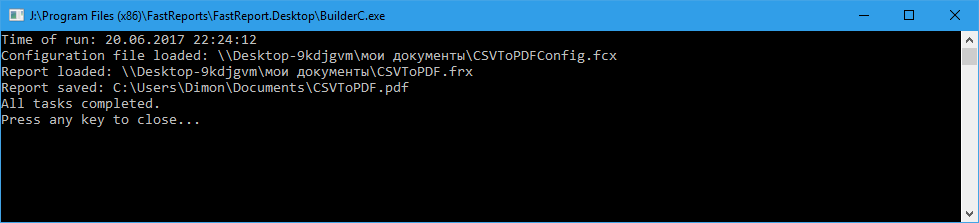
We will check the folder specified in the config. And there is! File created:
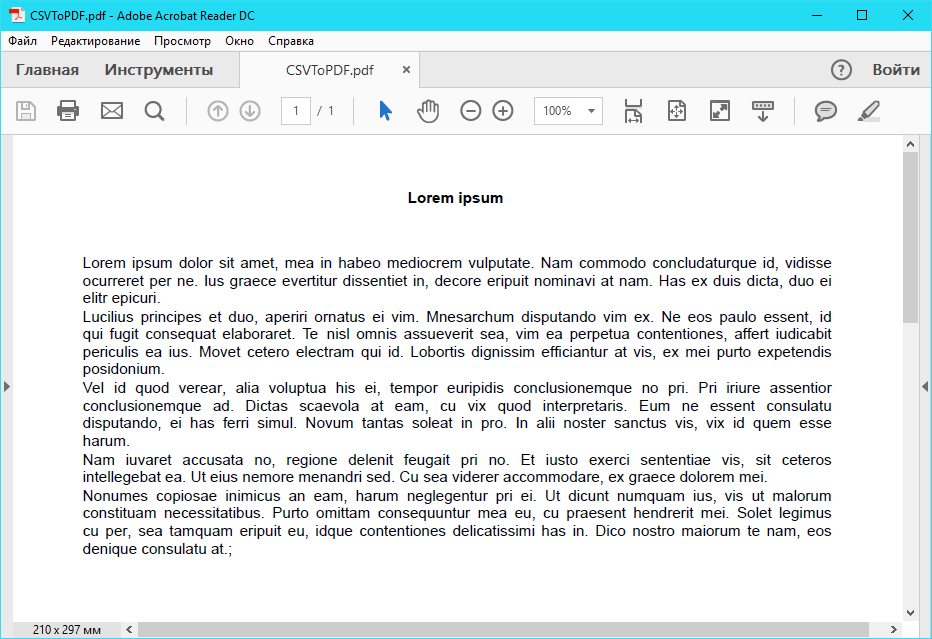
As we have seen, you can easily create PDF documents from text files using FastReport.