5 functions for working with reports in FastReport Online Designer
The time for Fast Reports products is not standing still. Every month we add new functions and objects and improve and optimize the current code. There have been some updates in FastReport Online Designer, which improve usability and simplify report creation. Here is their list:
- Autosave;
- Selection of several objects in the report tree and table cells;
- Setting favorite properties for objects;
- You can change property values for multiple selected objects;
- The settings of FastReport Online Designer Builder are now saved when you specify a new configuration. Now you don't need to set values all over again.
Autosave
Now you can enable Autosave in FastReport Online Designer. This can be done in two ways.
1. To enable Autosave in the already built FastReport Online Designer.
2. To set the corresponding option in FastReport Online Designer Builder.
Let's take a closer look at these two methods.
Autosave in the already built FastReport Online Designer
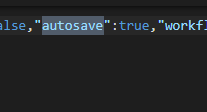
To enable Autosave, set the Autosave option to true in the build.json file, which is located in the directory with the built-up designer.
Autosave in FastReport Online Designer Builder
You can also enable Autosave in the designer builder. This option is located in the "Settings" tab.

Selecting multiple objects in the report tree and table cells
We have added the ability to select multiple items in the report tree by holding Shift or Ctrl.
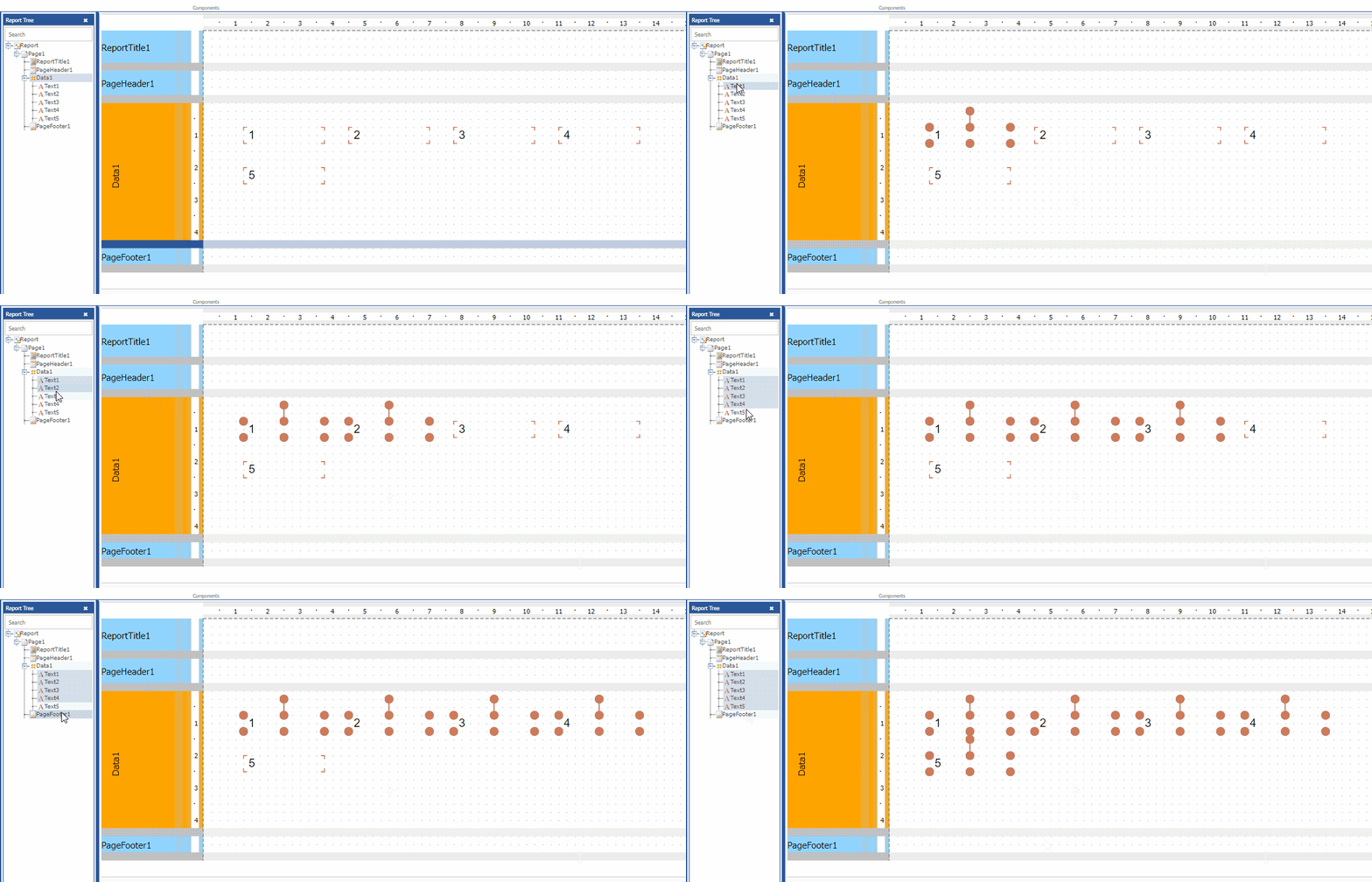

This also works with table cells.

Favorite Properties for Objects
We have added the ability to mark an object property as a Favorite. Now you do not need to search a frequently changed property each time.
To add a property to "Favorites", right-click on it and select "Add to Favorites" in the context menu.

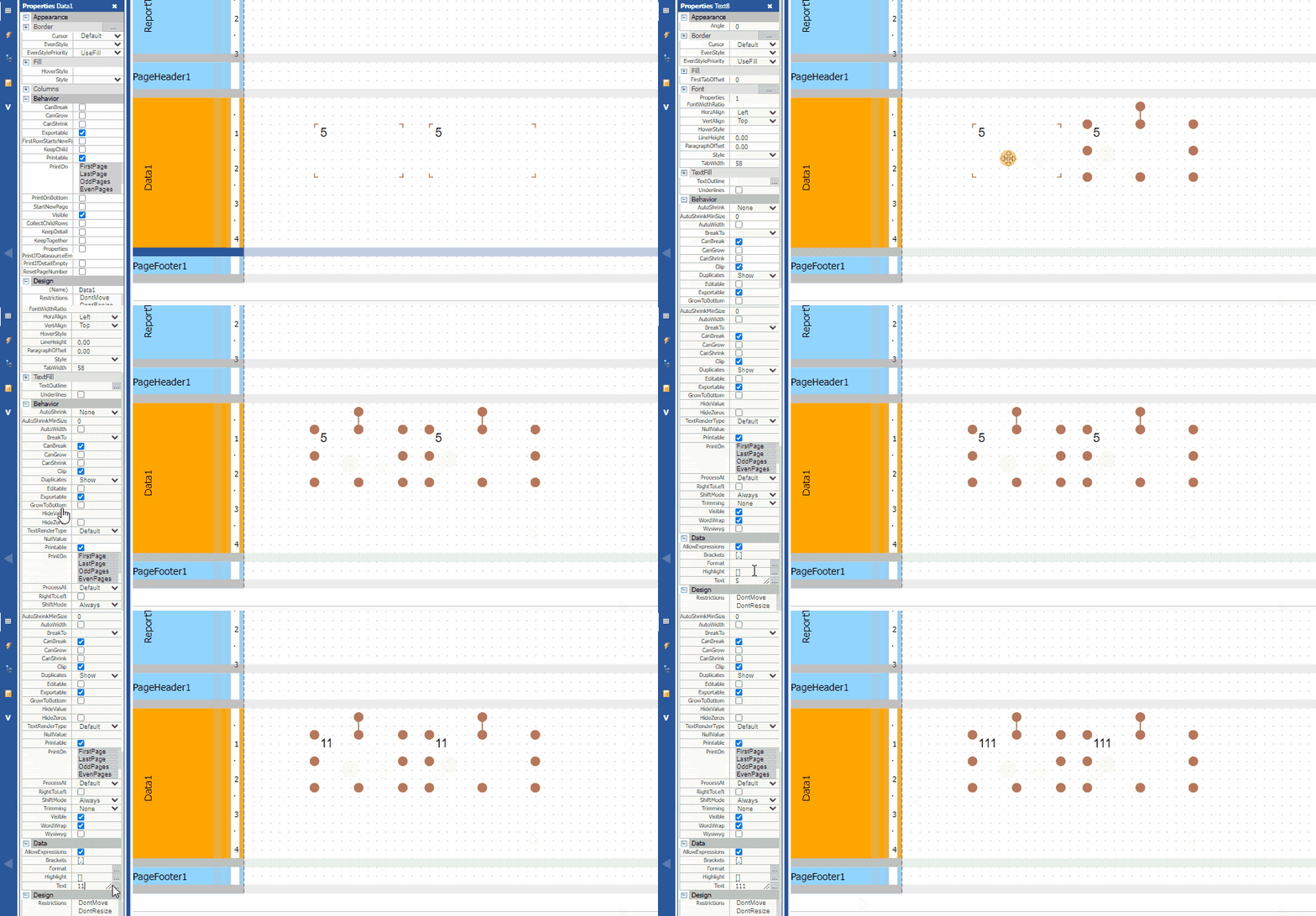
Changing property values for multiple selected objects
Now you can change property values for several objects at the same time:
Saving settings for FastReport Online Designer Builder
Previously, FastReport Online Designer Builder did not remember the selected options, and you had to set all the options again each time with a new configuration. Now it remembers the values.

The FastReport Online Designer development team is committed to improving the user experience. In the future, FastReport Online Designer will offer even more useful features that simplify report creation. We are always open to feedback from you. Contact our support!
