Exportar para Jabber
A very interesting feature has been created in FastReport.Net - it allows to export to the messenger Jabber (XMPP). In fact, it is an HTML export with saving a report in Report Cloud. In this case, you receive a Web link to the report in your Jabber client. Such exports may be useful for a quick demonstration of reports within a company if the XMPP messenger is used as a corporate.
Let us run any report in preview mode:
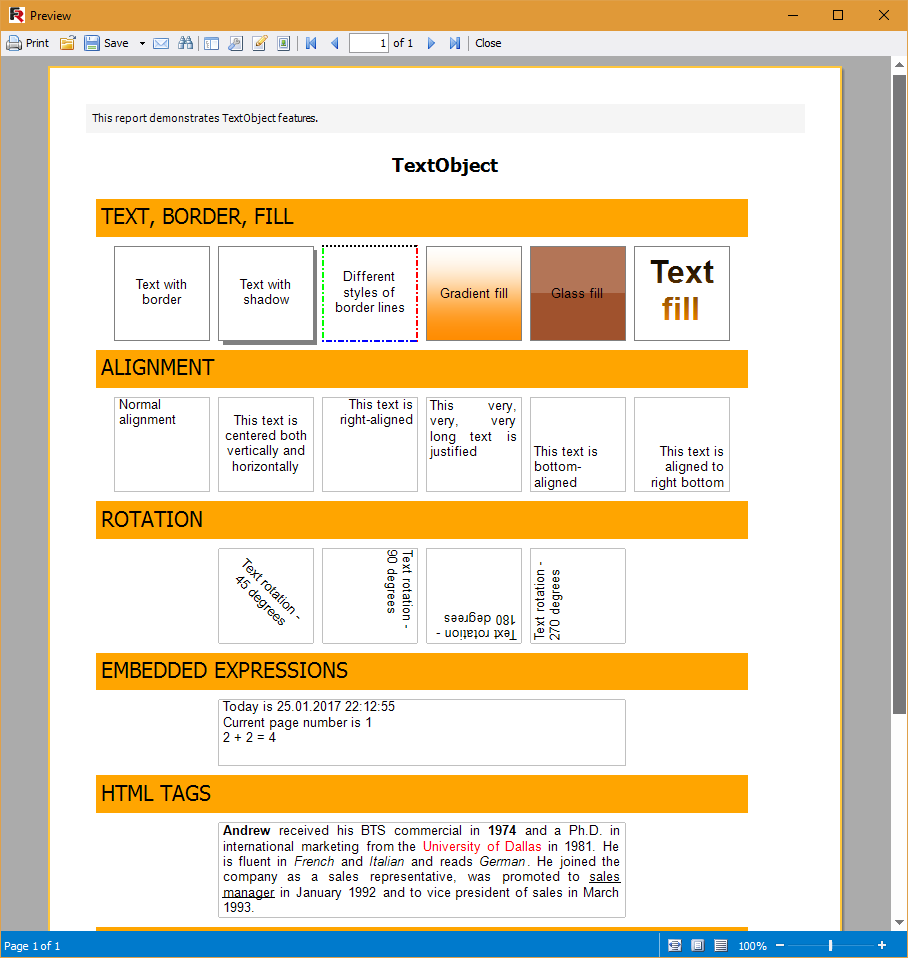
Now click the Save button  in the toolbar:
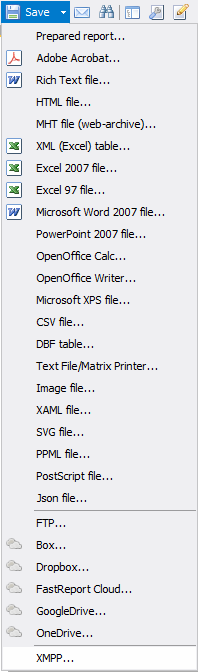
Then, select the lowest point of the list - XMPP. FastReport displays the export settings:
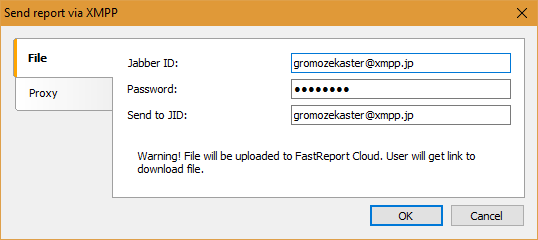
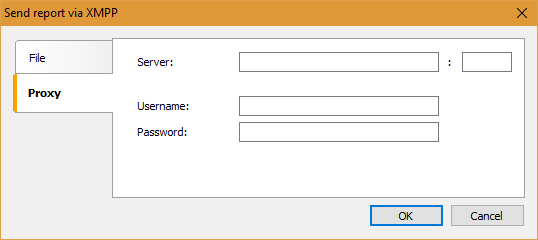
Next, define the settings of your Jabber Profile - an ID and a password, and an identifier of the recipient of the report. This is the way to a message to yourself, therefore the sender name and the receiver name are the same. On the Proxy tab, set the proxy settings:
Click "OK". After that, we get a message in the Jabber:
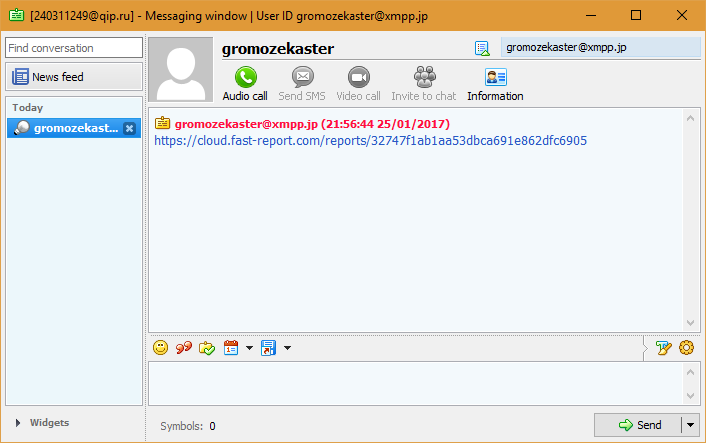
Open the link and see our report:
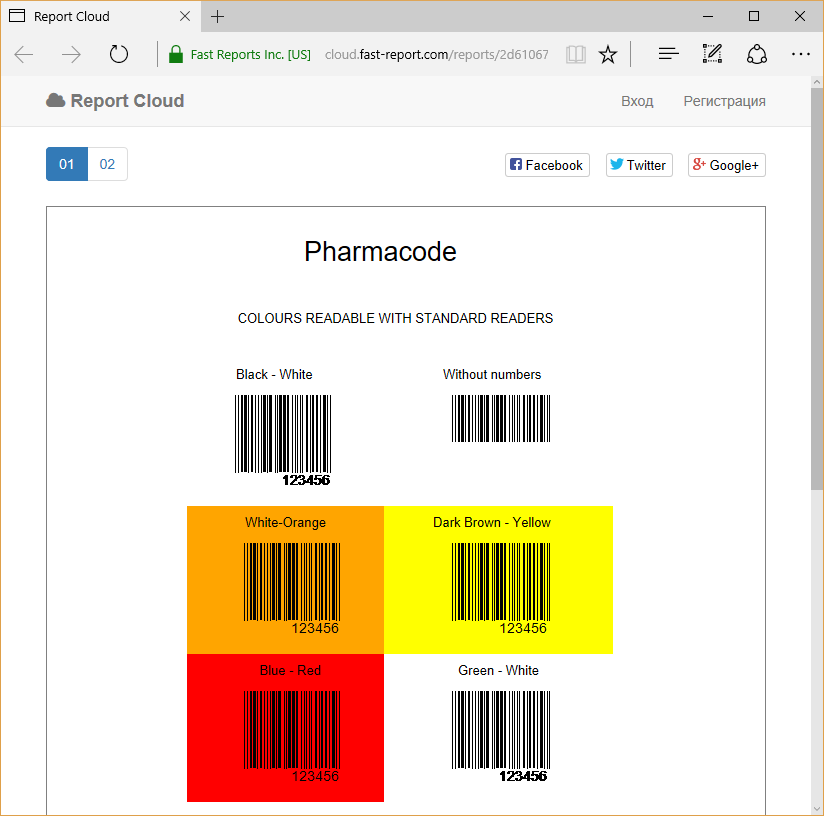
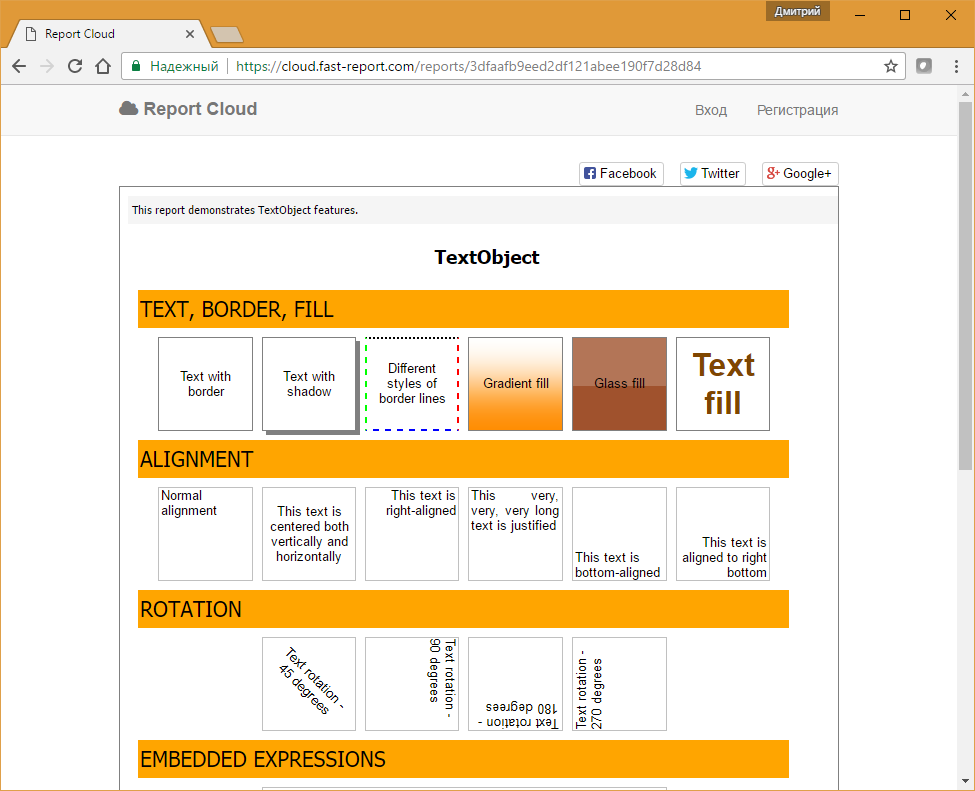
The procedure is intelligible. If you often send reports to someone inside your company, it can be done faster with the XMPP exports. It is not necessary to transfer the report file as a reference to the report is sufficient. The recipient can share this link with others or download a report to a local computer.