Conversion to .fr3 from QuickReport and ReportBuilder

Perform the following list of actions:
1. Create a new application (File -> New -> VCL Forms Application).
2. Enter in the Uses clause module ConverterQR2FR (for convert QuickReport) or ConverterRB2FR (for convert ReportBuilder).
3. Depending on the installed components, you may need to remove the following blocks from the Uses clause in ConverterQR2FR.pas or ConverterRB2FR.pas:
VCLTee.TeeProcs, VCLTee.TeEngine, VCLTee.Chart, VCLTee.Series, VCLTee.TeCanvas
frxChart, frxBDEComponents, frxIBXComponents
4. Add the following components to the form:
- frxReport
- OpenDialog
- Button1, Button2, Button3
- ListBox1, ListBox2
- Label1, Label2
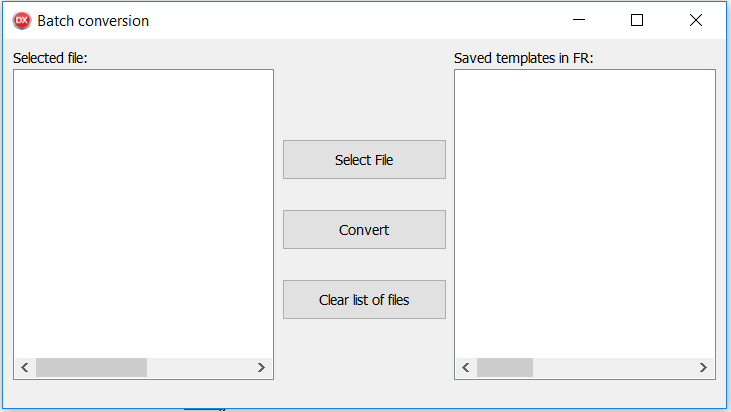
Enter this code to the Button1Click() event of the “Select File” button.
Code Button1Click:
1 2 3 4 5 6 7 8 9 10 11 12 13 14 |
procedure TForm1.Button1Click(Sender: TObject); var i: integer; FirstLine: string; begin OpenDialog1.Options := [ofAllowMultiSelect, ofFileMustExist]; OpenDialog1.Filter := 'Delphi Form (*.dfm)|*.dfm|' + 'QuickReport (*.qr2)|*.qr2|'+ 'ReportBuilder (*.rtm)|*.rtm' + '|All files (*.*)|*.*'; OpenDialog1.FilterIndex := 1; if OpenDialog1.Execute then with OpenDialog1.Files do for i := 0 to Count - 1 do ListBox1.Items.Add(Strings[I]); end; |
Enter this code to the Button2Click() event of the “Convert” button.
Code Button2Click:
1 2 3 4 5 6 7 8 9 10 11 12 13 14 15 |
procedure TForm1.Button2Click(Sender: TObject); var i: integer; s : string; begin ListBox2.Clear(); with ListBox1.Items do for i := 0 to Count - 1 do if frxReport1.LoadFromFile(ListBox1.Items[i]) then begin s := ListBox1.Items[i].Substring(0,ListBox1.Items[i].Length-4)+'.fr3'; frxReport1.SaveToFile(s); ListBox2.Items.Add(s); end; end; |
Enter this code to the Button3Click() event of the “Clear list of files” button.
Code Button3Click:
1 2 3 4 |
procedure TForm1.Button3Click(Sender: TObject); begin ListBox1.Clear(); end; |
Enter this code to the ListBox2Click() event that performs when you click the ListBox2 element to open the selected template in the designer.
Code ListBox2Click:
1 2 3 4 5 |
procedure TForm1.ListBox2Click(Sender: TObject); begin frxReport1.LoadFromFile(ListBox2.Items[ListBox2.ItemIndex]); frxReport1.DesignReport(); end |
Run the application
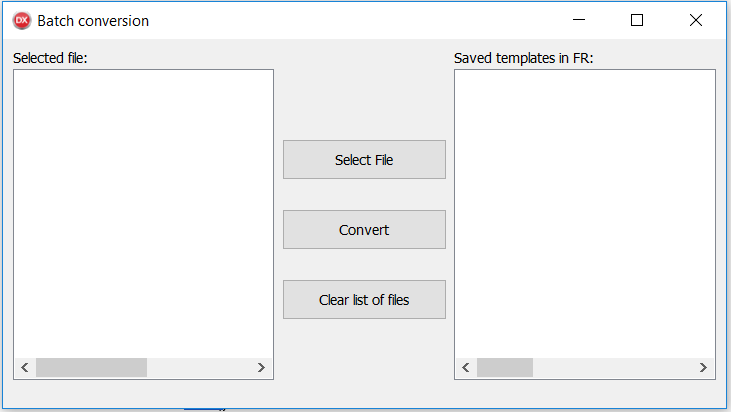
Select files to convert
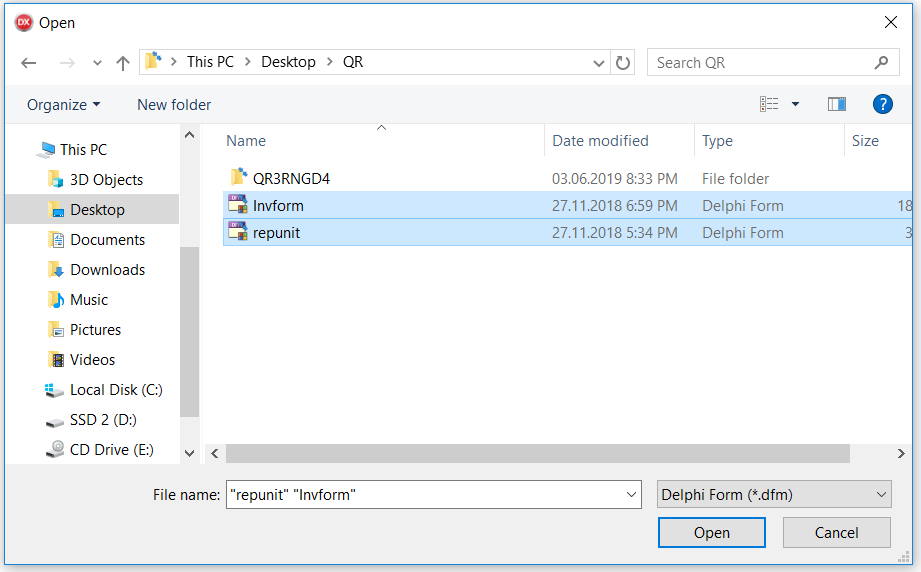
The selected files appear in the “Selected file” list
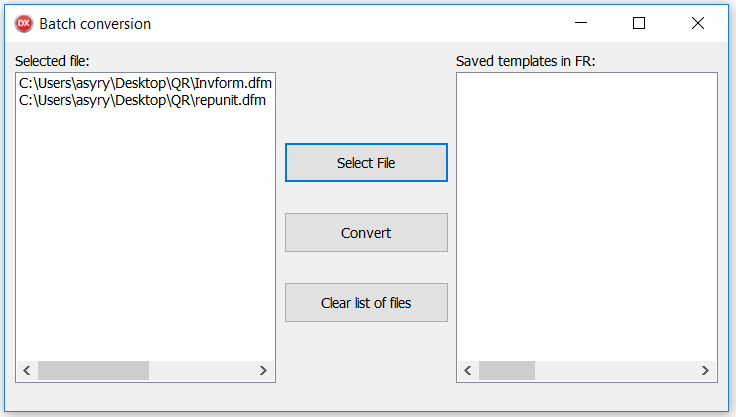
Click the Convert button, the files from the “Selected file” list will be converted, and the address of the saved templates will be displayed in the format *.fr3
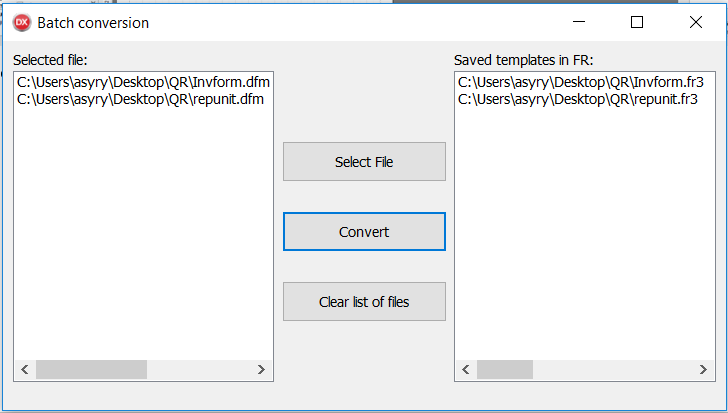
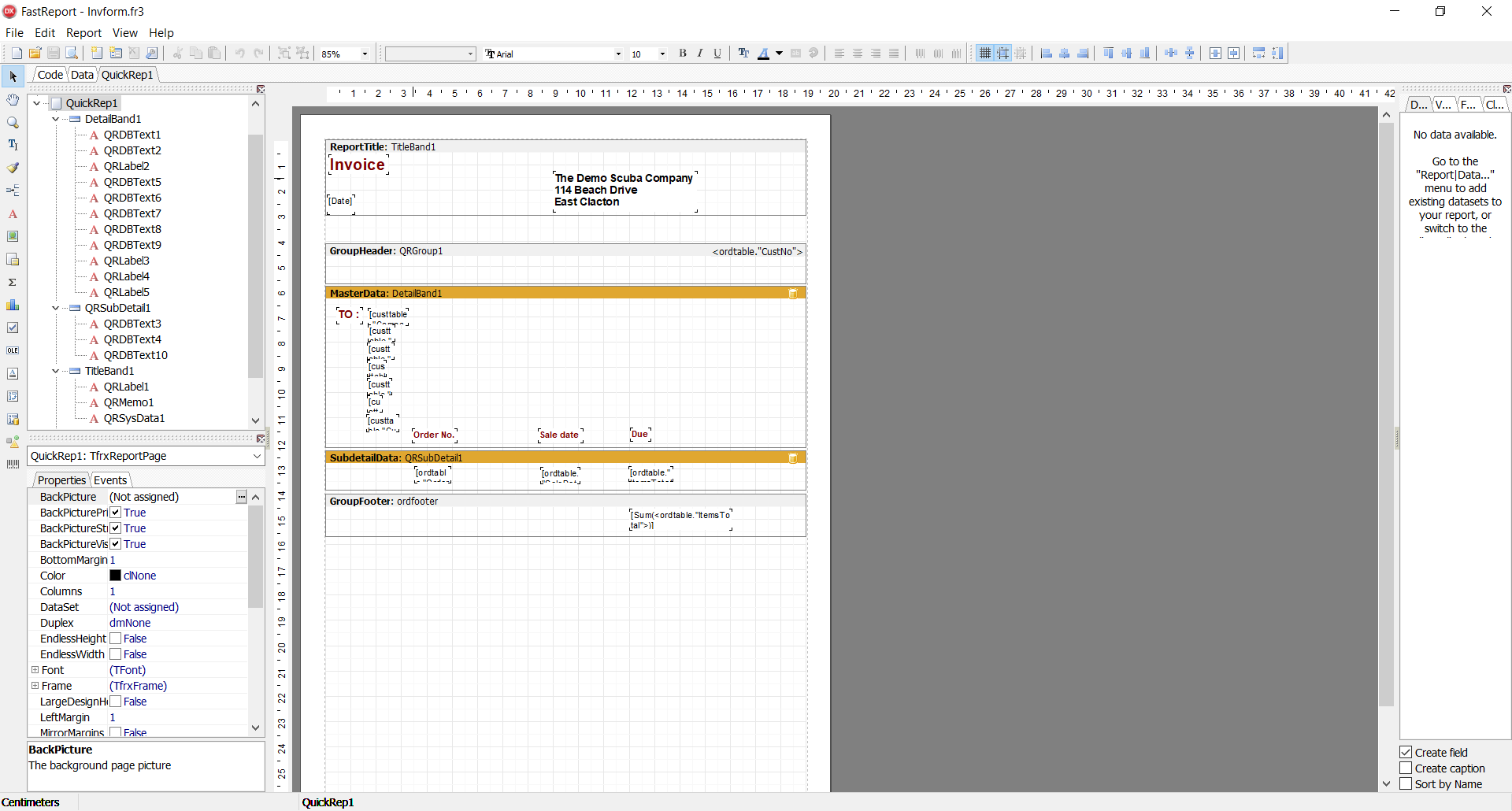
Click on any template address in the “Saved templates in FR” list and it will be opened in the FR designer, check if the conversion is correct.