How to connect to VistaDB
The Vista database will fall into the type of embedded databases. These databases differ from client server databases in that they are designed to be embedded in a client application as a file. The range of tasks of such a base will also be different from the database. Typically, these are databases that are only used in one application and are not intended for sharing. In this way, VistaDB stands in line with the SQLite and the SQL Ce.
Let's look at the way to connect to such a database inside a report. To do this, we will need to connect the report designer to a plug-in connector located in the folder:
C:\Program Files (x86)\FastReports\FastReport.Net\Extras\Connections\FastReport.VistaDB
The result of assembling of the project will be FastReport.VistaDB.dll library.
Let’s open report designer, menu File->Options:
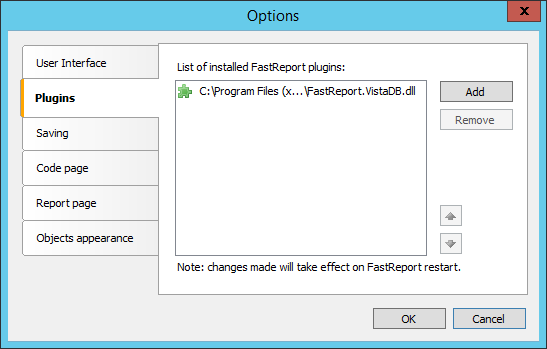
On the Plugins tab, add a reference to the previously created FastReport.VistaDB.dll library. After that restart the report designer.
Now let’s add a new data source to the report. When creating a connection, select now available VistaDB connection:
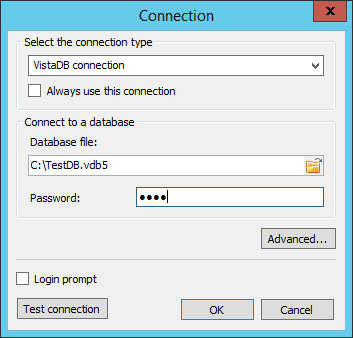
Setting up a connection is about selecting a database file and entering a password to it if you're asked.
Next, let's move on to selecting tables:
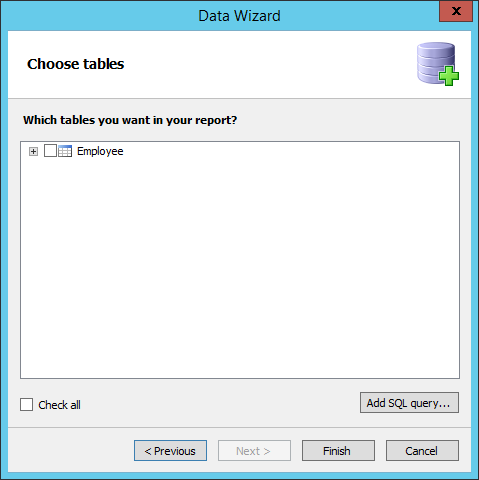
Here we can select a table and complete the creation of a data source. However, it is possible to filter the data with the SQL query. To do this, click the "Add SQL query...".
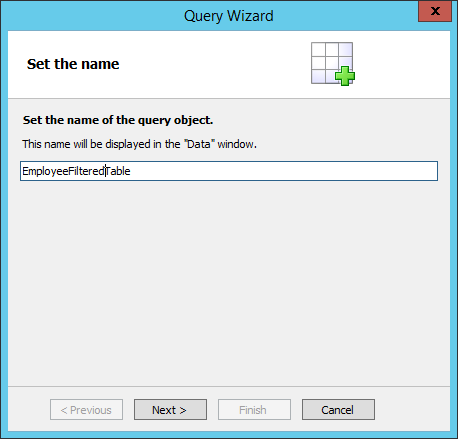
Let's give the data view the name that appears in the table list after the request is created:
Write SQL query itself:
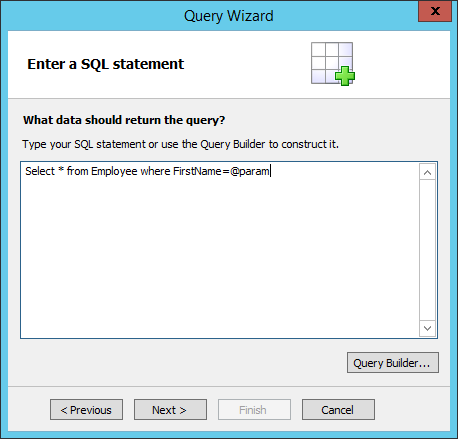
Here we used a parameterized query. Parameter itself we will announce in the next query wizard step:
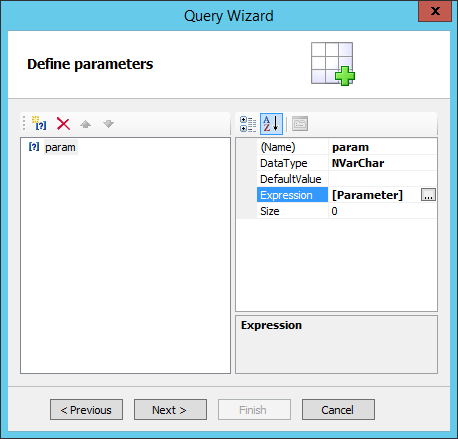
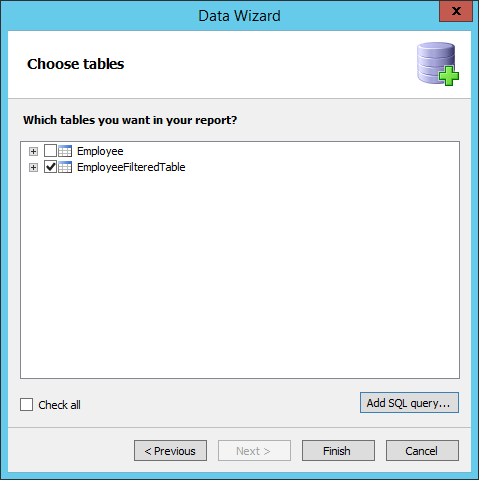
Parameter name corresponds to a parameter in the query. The parameter may be any expression: function, text report variable, a system variable. Do not forget to also determine the type of the parameter data. It must match the data field with which we compare the parameter in the query. As a result, we obtain a new "custom" table:
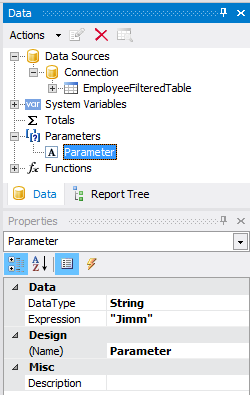
We used the report parameter as a value of query parameter:
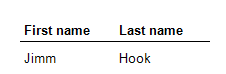
As a result we will get the following data;
Using the plug-in to connect VistaDB makes it easier and faster to create a data source, and using a parameterized request to filter the data allows you to transfer the value of the outside of the report to the filter (using the code app or through the URL).
