How to display report pages on separate sheets in Excel
2019-10-14
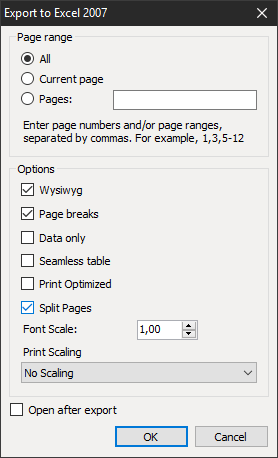
Until recently, the export of multi-page reports in Excel format was done on one sheet. That is, all pages of the report were displayed on one sheet in Excel. Of course, this is not always convenient; it would be better to be able to display each page of the report on a separate sheet in an Excel document. Now there is such an opportunity. A new option Split Pages (separate pages) has appeared in the Excel export settings:
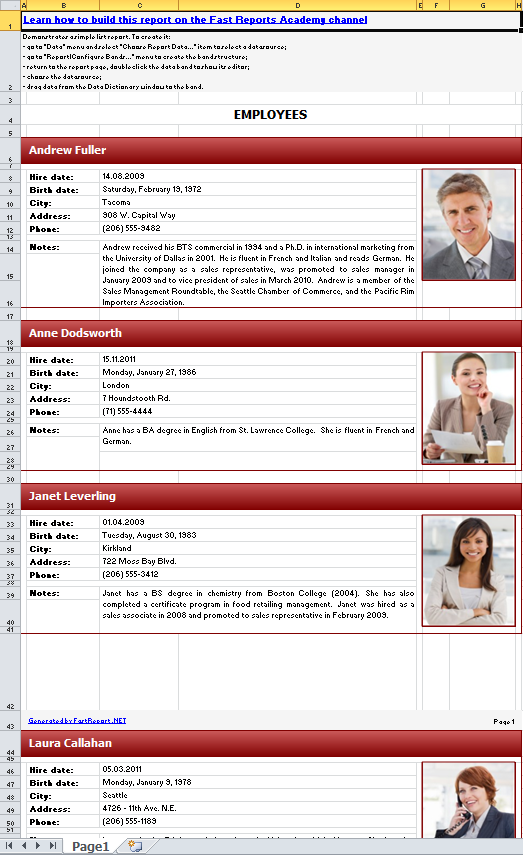
Here's what the report looks like if Split Pages is disabled:
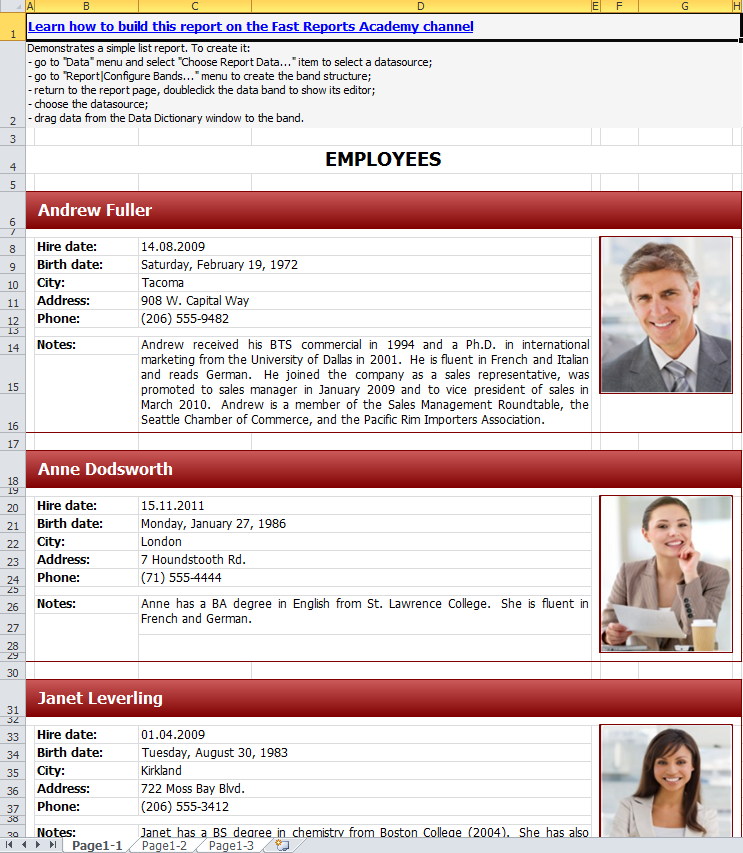
Now enable the option:
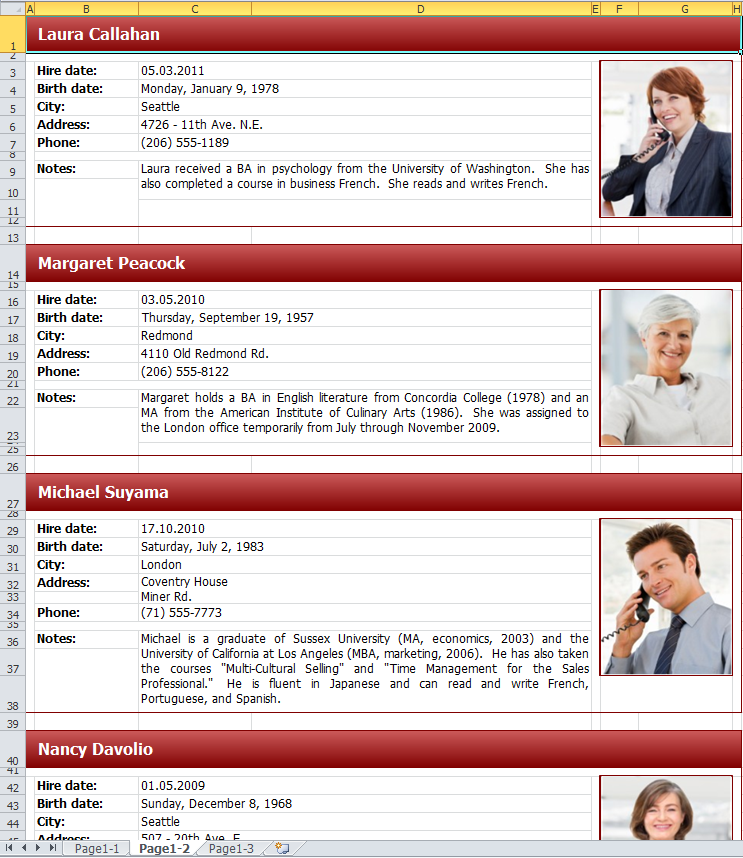
Three sheets appeared. Each of them has a corresponding report page:
We have long lacked such an option. Now export to .xlsx format has become even more functional.
12 Ekim 2026, Pazartesi
FastReport .NET'te Greenplum Database'e bağlanma
Greenplum Database’i FastReport .NET’e nasıl bağlayacağınızı öğrenin: Npgsql ile eklentiyi derleme, rapor tasarımcısına entegre etme ve bağlayıcıyı uygulamanın C# kodunda kaydetme.
12 Ekim 2026, Pazartesi
GS1 DataBar Genişletilmiş Yığılmış: FastReport .NET'te Özellikler ve Yapılandırma
GS1 DataBar Expanded Stacked barkod kılavuzu: GTIN, son kullanma tarihleri, ağırlıklar ve parti numaralarının çok satırlı kodlaması. Veri yapısı, tarama ve FastReport .NET Segmentleri yapılandırması hakkında bilgi edinin.
12 Ekim 2026, Pazartesi
FastReport .NET’te Önizleme’den bir raporu XML formatına aktarma
FastReport .NET'te bir raporu XML biçiminde nasıl kaydedeceğinizi öğrenin: kod kullanmadan Önizleme'den dışa aktarma ve parametreleri ayarlayarak XMLExport aracılığıyla programlı dışa aktarma.
