Report on entire web page
In previous articles, we discussed how to create a web report. And it looked like this:
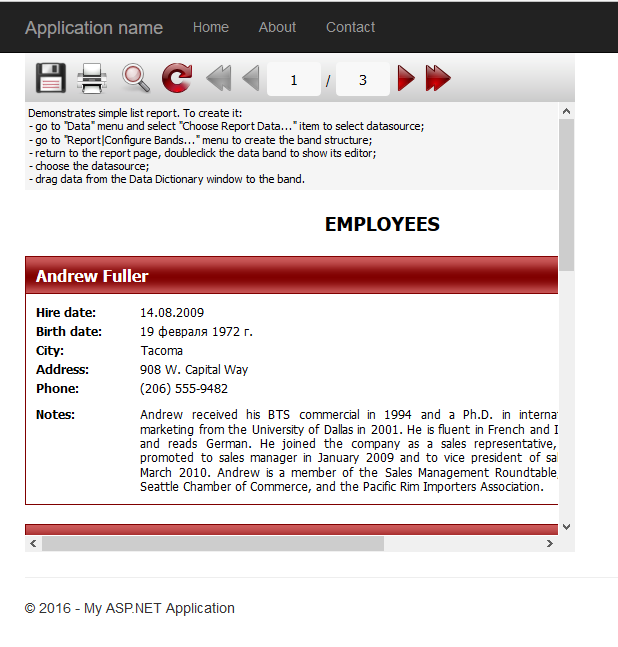
Agree that not very attractive looks. Scroll bars, a small display area of the report. But it is possible to stretch a report on the entire page. To do this, set the properties of an object WebReport1 SinglePage how true. This means that the report will be displayed without page breaks. Change the Width and Heigh to 100%. Thus we get a report on a single page, stretched to the entire available width and height of the page. Since the report has only one page, you can hide the toolbar above. To do this, ShowToolbar property is set to false.
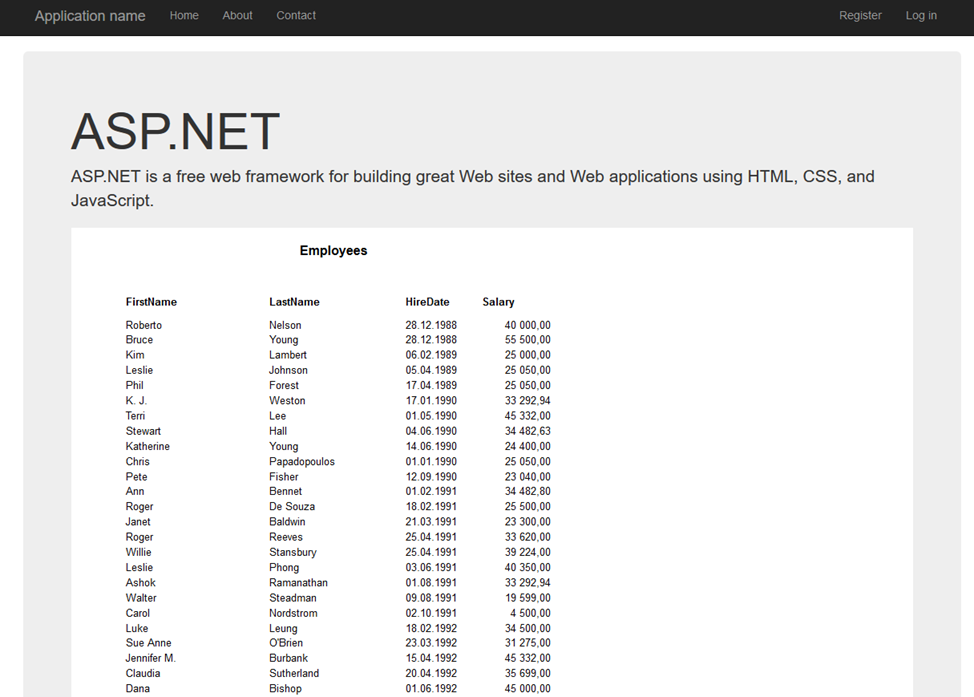
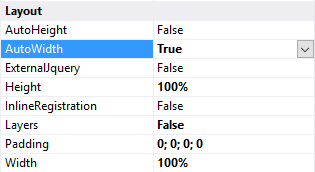
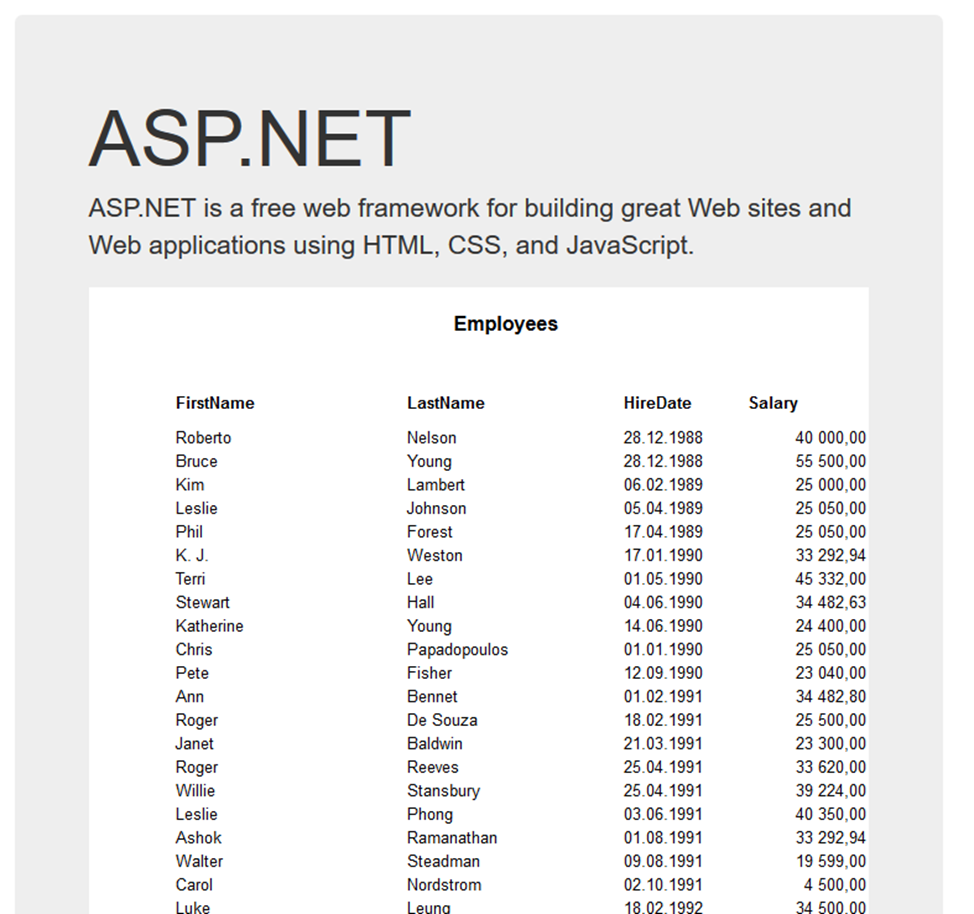
As you can see, the page of the report does take 100% of the available space. You can stretch the contents of the report on the entire page, if required. We use the property AutoWidth of WebReport object. If you enable it, the cells of the table will be automatically stretched to the desired width to fill the area of the report page. Moreover, when the browser window is resized, the width of the cell will be adjusted to display all the data. But for this property must disable another - Layers. This report will be exported to a HTML as tabular.
Now let's see how the report changed:
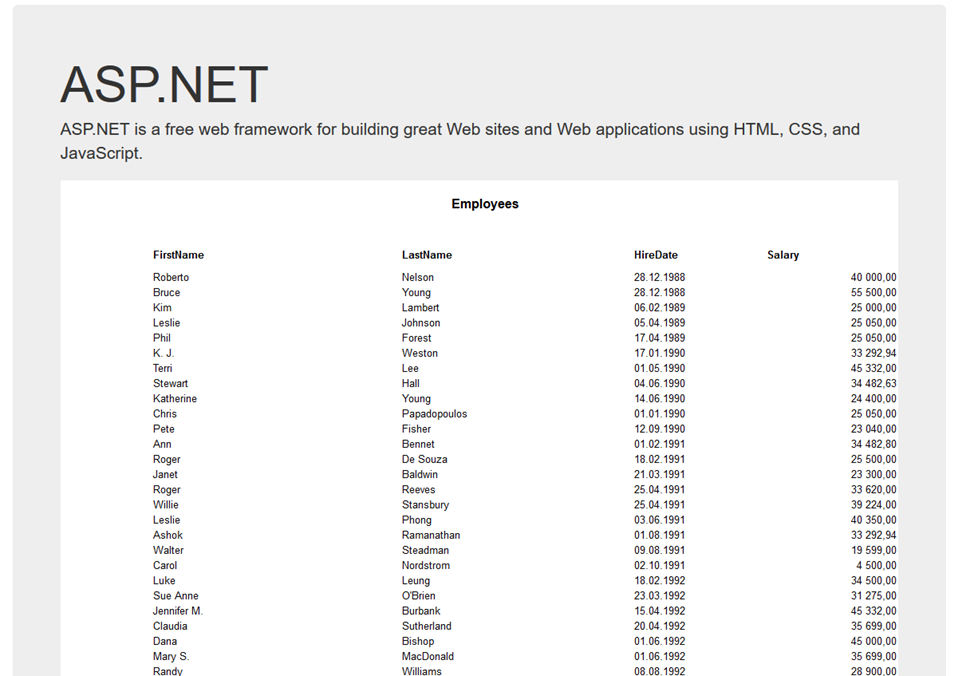
And so, if you resize the window:
So, using the properties of the object WebReport you can easily improve the appearance of the Web report.
