Importing an RDL report into FastReport .NET
As you know, there are very different report generators and they work differently. Sometimes you cannot create the same report in one system as in another. Even if a person creates a report from scratch, it is impossible to achieve one hundred percent identity. Our team knows very well how to work with the FastReport generation core, but at the same time, we do not know how the reporting system in other generators works. This issue requires full source codes of such solutions.
What is RDL import?
An RDL report is a report template in the Report Definition Language format. The format is used in Microsoft Reporting Services. Reports can be created in Microsoft Visual Studio and Microsoft Report Builder, as well as some third-party editors. Reports are stored in files with the .rdl or .rdlc extension.
RDL import is a tool that allows you to open an RDL report in the FastReport .NET designer. Our RDL import works specifically with the report file, which does not store all the information necessary for full conversion. In the same RDL, data sources are often stored on the server but they are not included in the report.
Only objects similar to those of FastReport can be converted to FastReport .NET. Accordingly, only the general view with some basic object properties will be converted. Scripts, formulas, and expressions will not be converted.
Importing an RDL report
Open the FastReport .NET designer, go to the "File" menu, and select "Open." Select the filter RDL files (*.rdl;*.rdlc) in the appearing window. The selected file will be automatically converted into a FastReport .NET report and opened in the designer.
The two pictures below show a report in RDL format and the same report converted to FastReport .NET format.
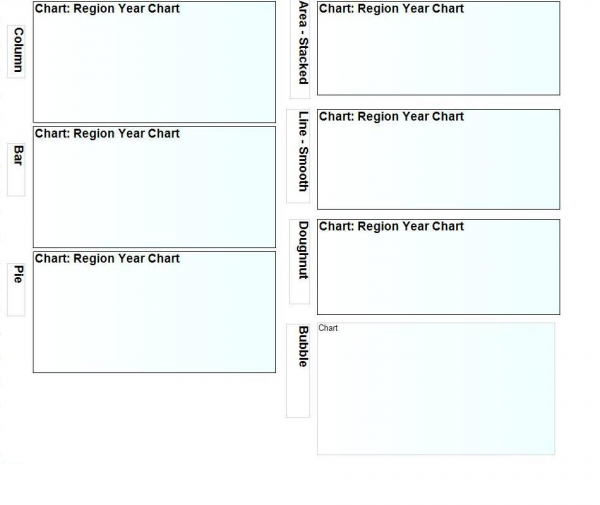
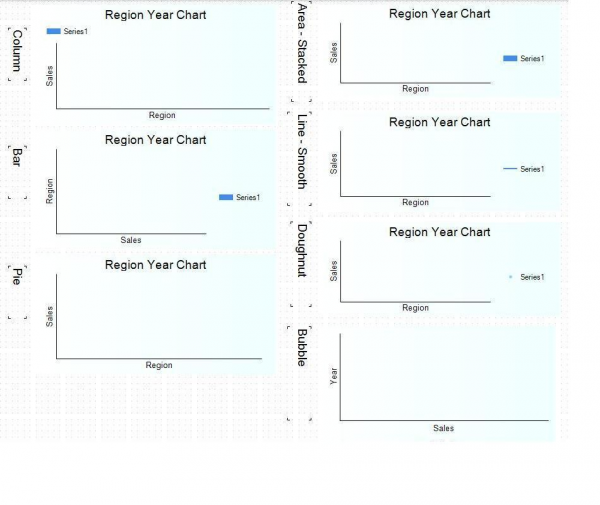
Unfortunately, the most important is that full conversion is impossible. You cannot open and run a complex report right away; likely, it won't work. And its correct work will require manual customization.
