Quick look on minimal FastReport.NET report
Have you ever noticed how a report template transformed to the prepared report? Let's look onto code of a very simple report:
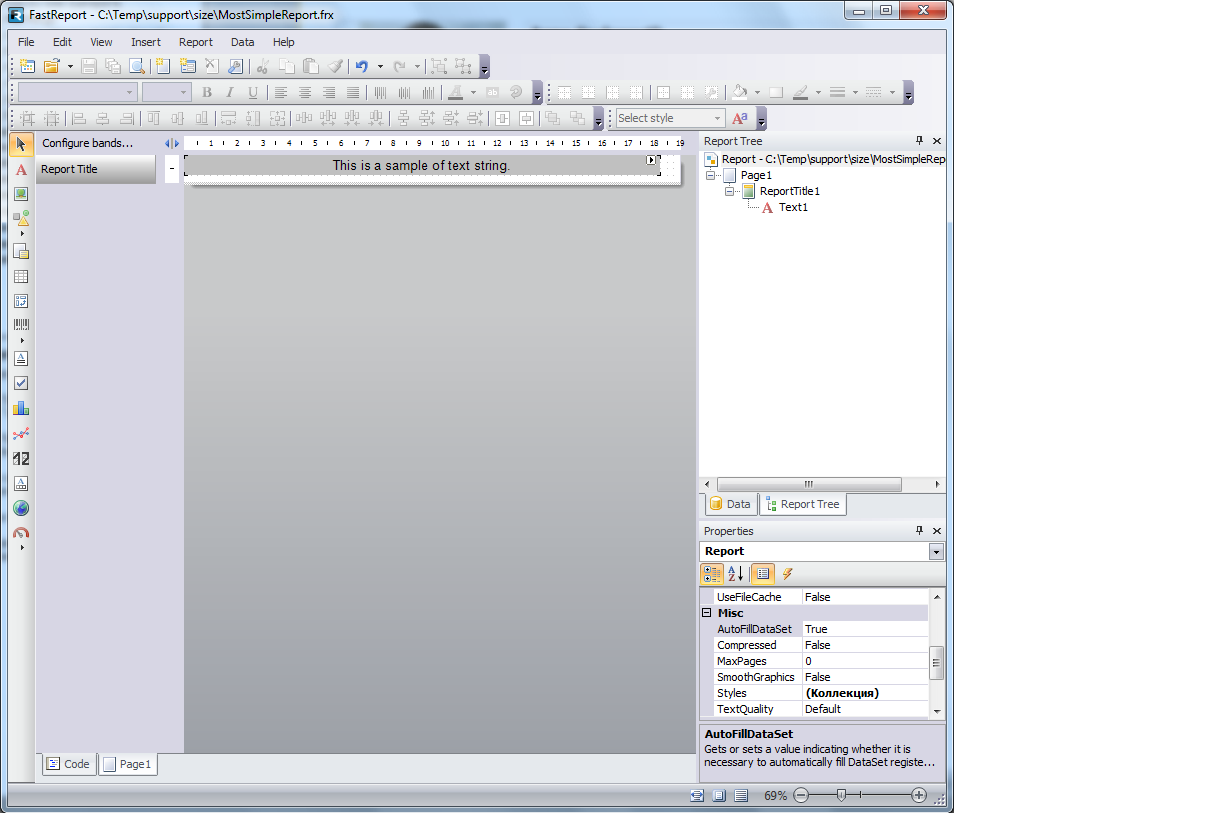
The single page. The single band on the single page. The single text field on the single band. Let's story it to the report template file:
<?xml version="1.0" encoding="utf-8"?>
<Report ScriptLanguage="CSharp" ReportInfo.Created="05/19/2015 19:07:39" ReportInfo.Modified="05/19/2015 19:21:46" ReportInfo.CreatorVersion="1.0.0.0">
 <Dictionary/>
 <ReportPage Name="Page1">
 <ReportTitleBand Name="ReportTitle1" Width="718.2" Height="37.8">
 <TextObject Name="Text1" Width="689.85" Height="28.35" Fill.Color="Silver" Text="This is a sample of text string." HorzAlign="Center" VertAlign="Center" Font="Arial, 14pt"/>
 </ReportTitleBand>
 </ReportPage>
</Report>
So we have minimal report with single text string on the gray background. Let's do preview of this report
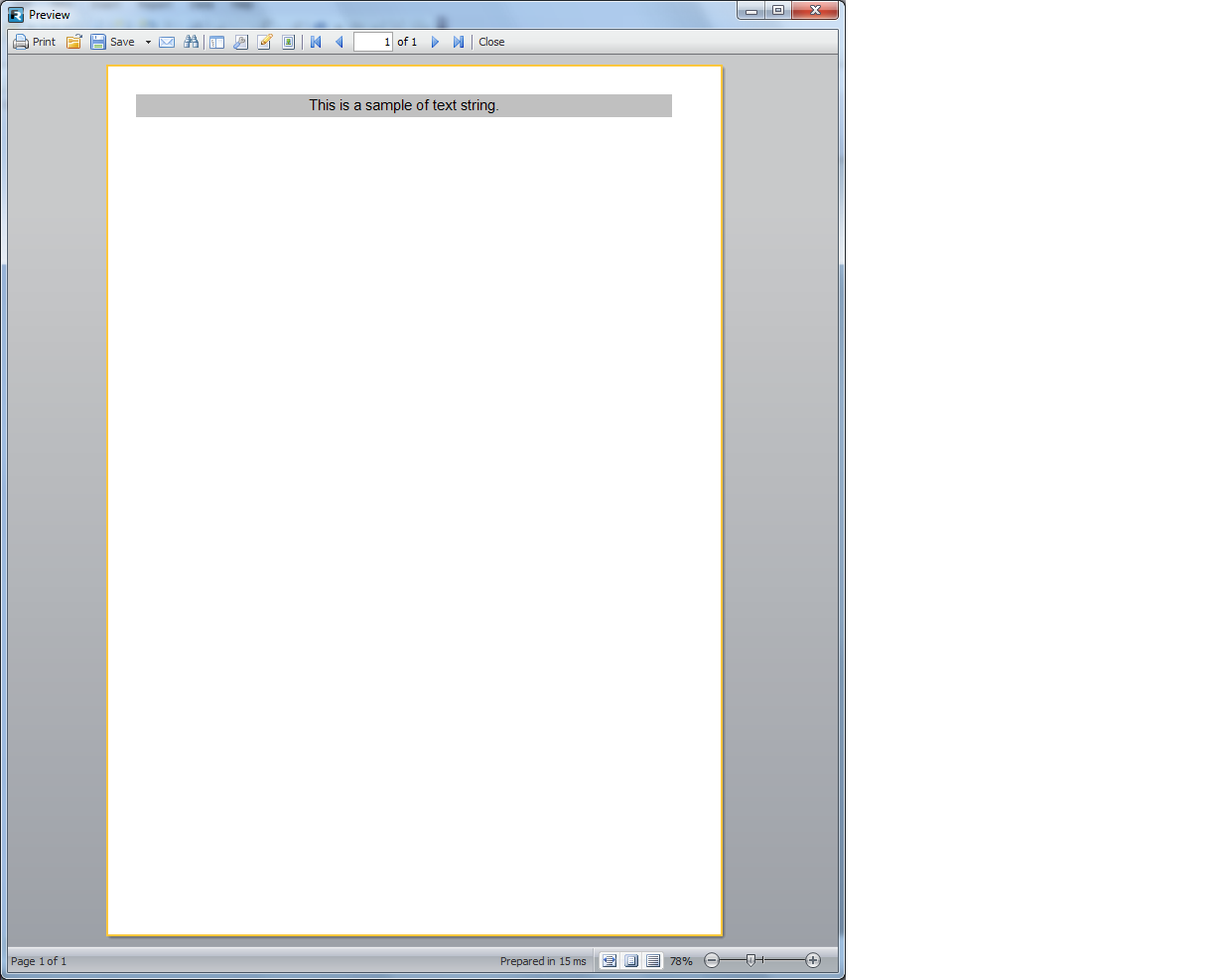
And source code of prepared report:
<?xml version="1.0" encoding="utf-8"?>
<preparedreport>
 <pages>
 <page1>
 <b1>
 <t1/>
 </b1>
 </page1>
 </pages>
 <sourcepages>
 <ReportPage Name="Page1">
 <ReportTitleBand Name="ReportTitle1" Width="718.2" Height="37.8">
 <TextObject Name="Text1" Width="689.85" Height="28.35" Fill.Color="Silver" Text="This is a sample of text string." HorzAlign="Center" VertAlign="Center" Font="Arial, 14pt"/>
 </ReportTitleBand>
 </ReportPage>
 </sourcepages>
 <dictionary>
 <b1 name="Page0.ReportTitle1"/>
 <page1 name="Page0"/>
 <t1 name="Page0.Text1"/>
 </dictionary>
 <bookmarks/>
 <outline/>
 <blobstore/>
</preparedreport>
Report template stored in prepared report within section <sourcepages>. All constant attributes are taken from the section <sourcepages> by transforming references via section <dictionary>.
For example, <page1> refers to the same element in section <dictionary>. An attribute "name" of element <page1> of section <dictionary> is set to value "Page0". By some reason we need increment a number within page name. Now we have name of element within section <sourcepages> - it is "Page1".
Therefore we link the element <page1> in section <pages> with the element <ReportPage> in section <sourcepages> by matching the property "name".
