How to open a WebP image in FastReport .NET

WebP is a file format developed by Google in 2010. Its feature is an advanced compression algorithm that allows you to reduce the image size without visible quality loss.
Starting from version 2023.2.14, FastReport .NET has a plugin that allows opening images in the WebP format. It extends the opportunities of the PictureObject object, which means that this image can be opened from the PictureObject editor or uploaded from code.
First, you need to build the project:
С:\Program Files (x86)\FastReports\FastReport.Net\Extras\Core\FastReport.Plugin\FastReport.Plugins.WebP
After building the project, you need to add the plugin to the application in one of two ways.
Method 1. Add a plugin through the designer:
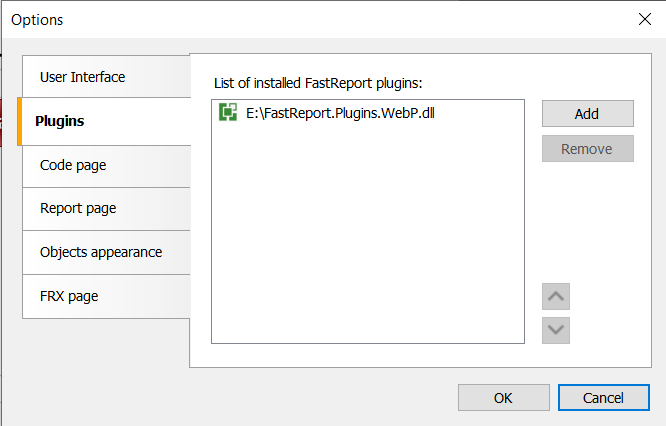
Method 2. Add the plugin as a dependency when starting the project and register it in the code with the following command:
new FastReport.Plugins.WebPAssemblyInitializer();
It is important to note that FastReport.Skia supports the WebP format without a plugin. In some situations, it may be necessary to use other versions of the SkiaSharp.NativeAssets package. In such cases, the project must be built from the source code itself.
Note: the plugin converts the image from the WebP format to a PNG picture, which is already used by the PictureObject.
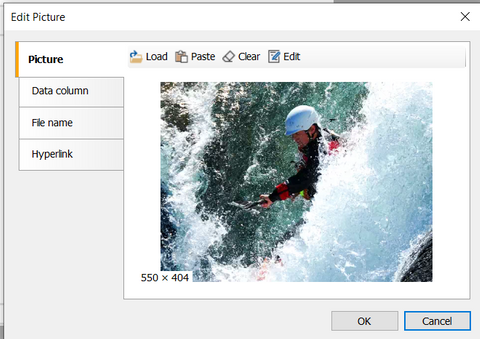
The uploaded image in the designer will be displayed as follows: