How to pass a connection string in the web report FastReport .NET
Sometimes I'm having a situation where you need to set up a web report to another data source. This may be necessary if the report was developed with the use of the test database, or a database simply "moved" to another location. Or maybe the other way around you need to connect a report to the test data. Either way, the ability to reconfigure the connection string is very useful. In FastReport .NET do it very simply. And I'll tell you how to do it.
Let's take the example of ASP .NET Core app. Let me remind you that our task is to transfer from the client part of the connection line to the report. There are two ways to do this: transfer the setting to the report and in the report script to override the connection line, or override the connection line directly in the web controller of the app. The second way is more rational. That's what I'm going to show you.
The controller will use the method Index. This is where we will create a report object and assign a new connection string. Therefore, the method will take a parameter - the connection string.
1 2 3 4 5 6 7 8 9 10 11 12 13 14 15 16 17 18 |
public class HomeController : Controller { public IActionResult Index(string connstring) { WebReport webReport = new WebReport(); if (connstring is null) { webReport.Report.Load("reports/Empty.frx"); } else { webReport.Report.Load("reports/Master-Detail.frx"); webReport.Report.Dictionary.Connections[0].ConnectionString = connstring; } ViewBag.WebReport = webReport; return View(); } } |
Index method takes parameter Constring, which is initially at startup is equal to null. To report a Web object is not sprinkled with errors when displaying the page, you need to download it to the report template. Since the connection string is not yet known, then let it be a blank template. When the connection string is set, we load the desired report template and redefining it in the connection string. Everything is very simple.
If the report template initially has no connection to the data source, you can add it. Here is an example to connect to a database MSSQL:
1 2 3 4 5 6 |
RegisteredObjects.AddConnection(typeof(MsSqlDataConnection)); MsSqlDataConnection sqlConnection = new MsSqlDataConnection(); sqlConnection.ConnectionString = connstring; sqlConnection.CreateAllTables(); webReport.Report.Dictionary.Connections.Add(sqlConnection); webReport.Report.Load("reports/CoreMSSQL.frx"); |
The Index method should have an appropriate view. Add the following code:
Here we used a form that refers to the Index method. It has a text field with the name and constring button. The contents of the text field will be passed as a parameter to the method.
Now let's see what we've got:
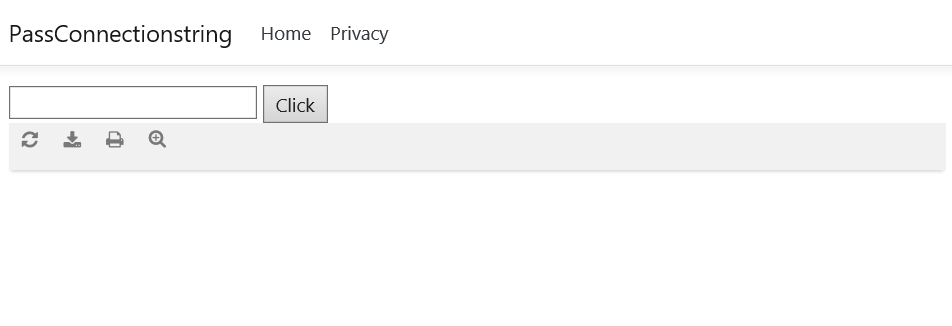
Initially, the connection line was not set, so the blank report template was uploaded. Let's try to enter the connection line to the xml database:
«XsdFile=;XmlFile=C:\\Users\\Dimon\\source\\repos\\PassConnectionstring\\PassConnectionstring\\reports\\nwind.xml»
Now we get the report:
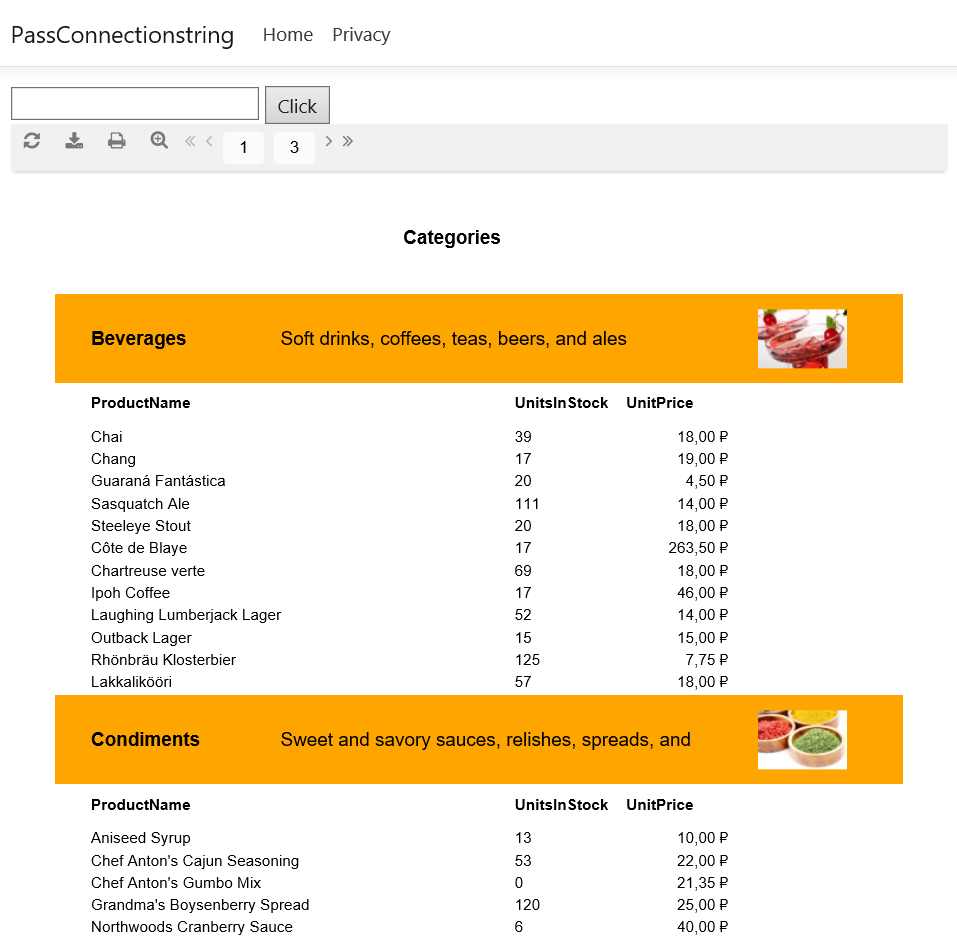
This way you can always get out of a situation where the report cannot connect to the data source, because of its inaccessibility.
