FastReport .NET on mobile devices
Modern mobile technologies provide worldwide access to any information. FastReport .NET brings reports in your favorite tablet or phone, and helps you communicate with dialogs.
Today we test preview of the reports FastReport .NET on some mobile devices with touch-oriented UI. We have created the web application to generate sample report of FastReport .NET together with MVC ASP .NET Framework.
All screenshots are clickable.
I show original screenshot of report from desktop application.
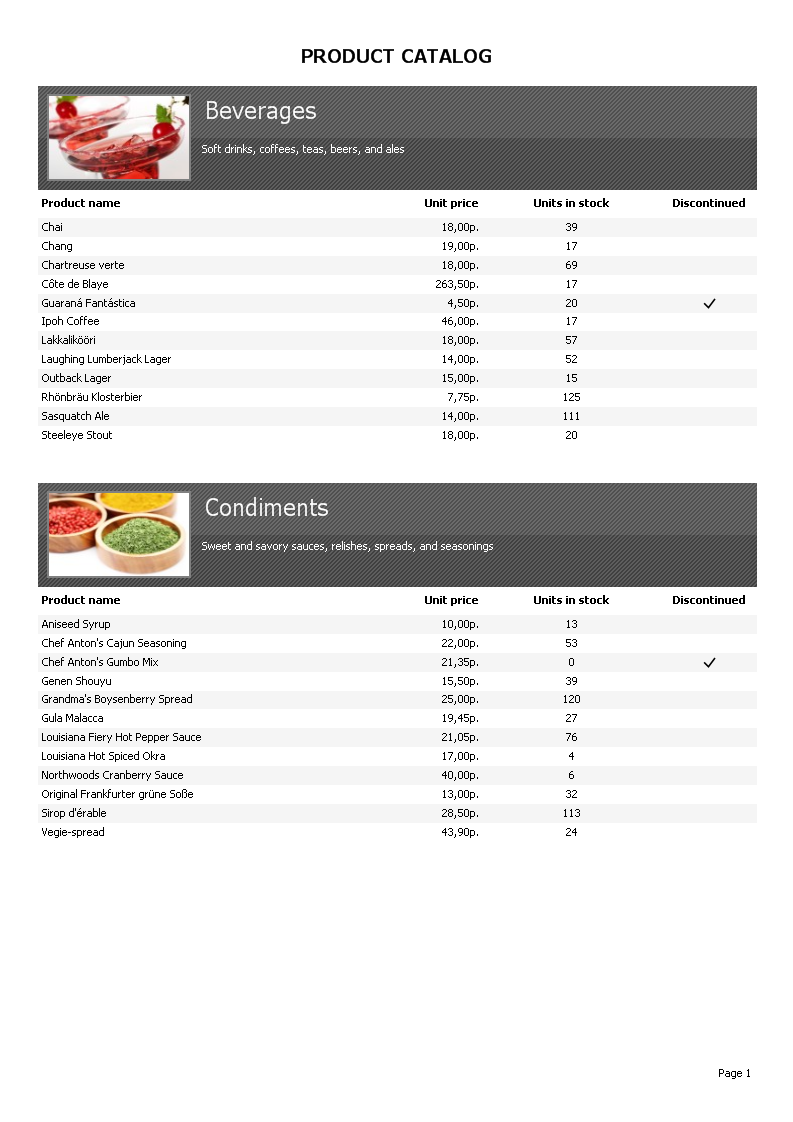
WebReport class of FastReport .NET build a report and convert it to HTML. At the stage of building HTML we have a several limitations. All objects are converted to a tabular format that can have some distortion when displaying any overlapping objects. Also, some types of background fills are unavailable because of reducing of traffic.
Toolbar of object WebReport specially developed for using with the touch screen. For example, we open a zoom menu on tapping on the magnifying glass icon and apply scale with tap on the zoom value. The toolbar supports the large buttons, which also help in the preview of the report.
When you create a report, you should remember that some fonts may not be available on various mobile platforms. In particular, our test report uses the font Tahoma, which is missing in iOS.
Let's go testing.
The first device is tablet Asus Nexus 7 with the operating system Android and 7" screen.
Asus Nexus 7, Google Chrome:
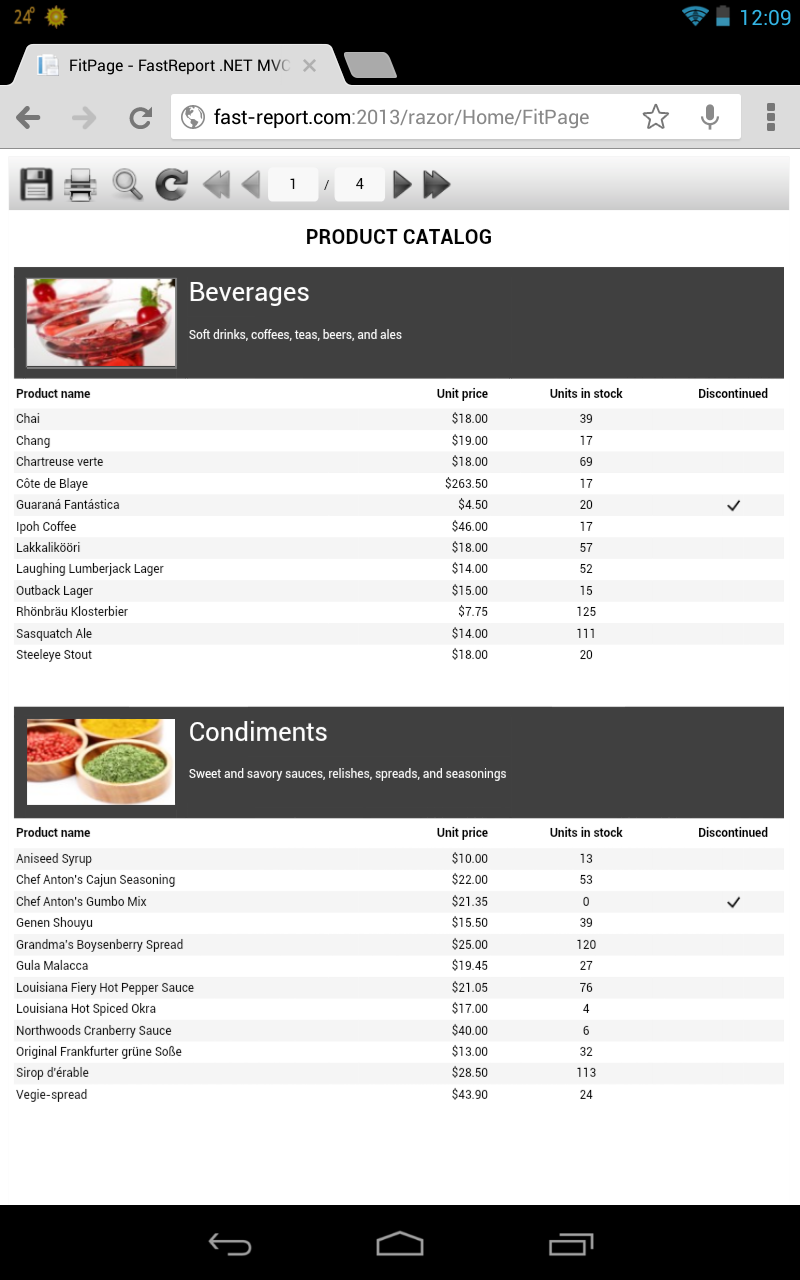
Asus Nexus 7, Boat browser:
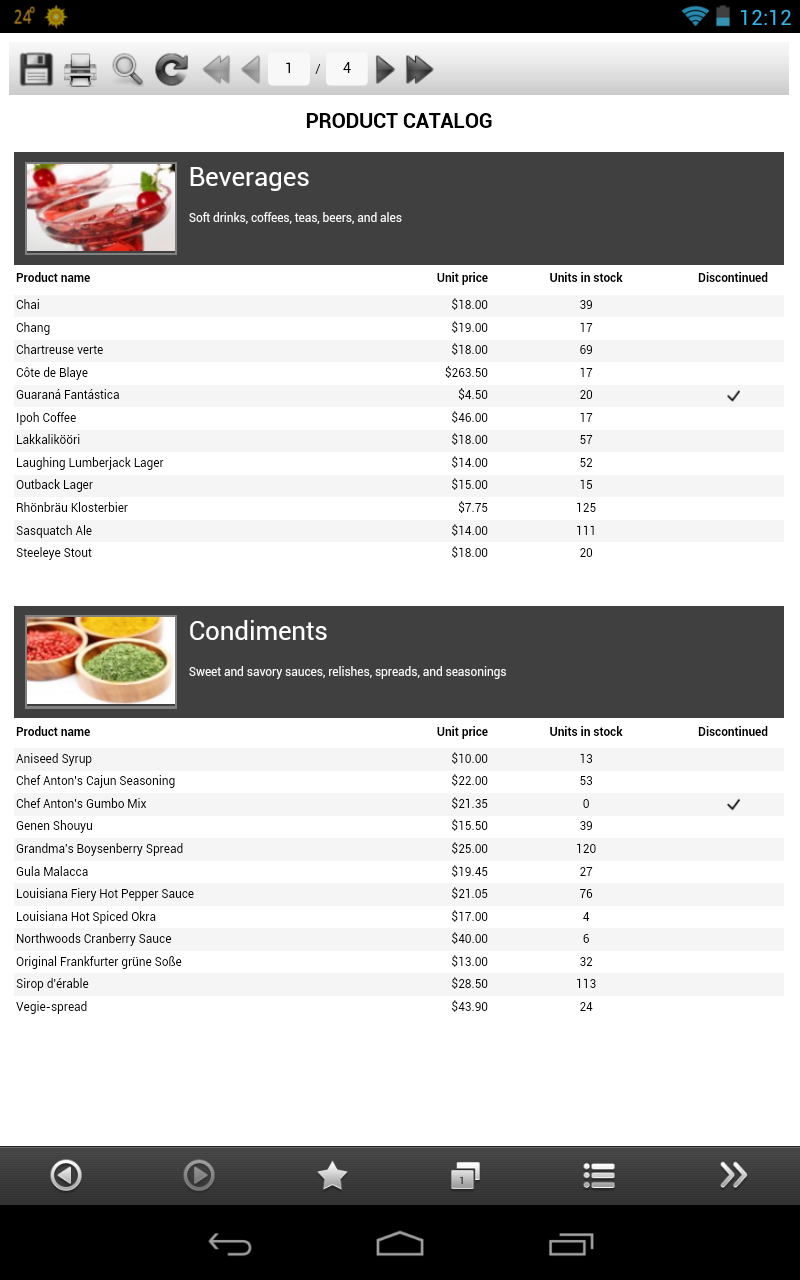
Asus Nexus 7, Firefox:
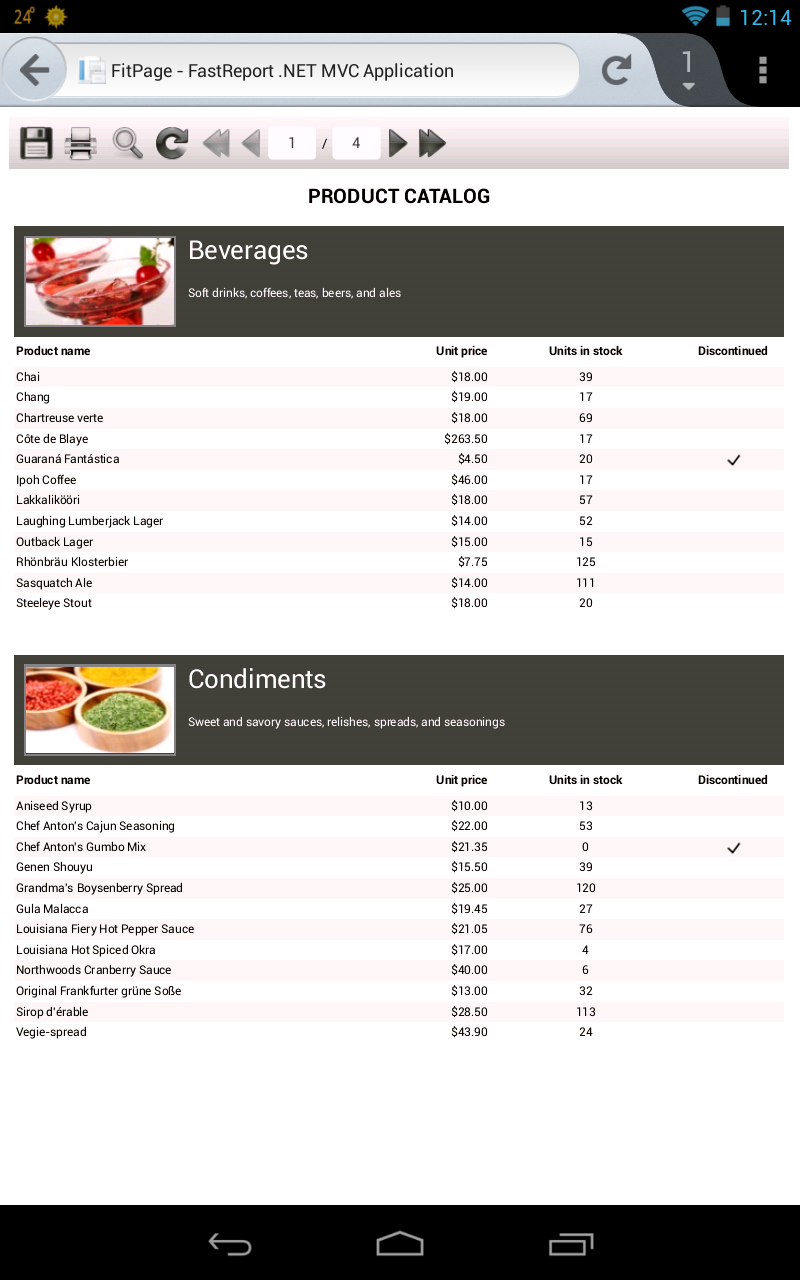
Asus Nexus 7, Firefox - report with dialog:
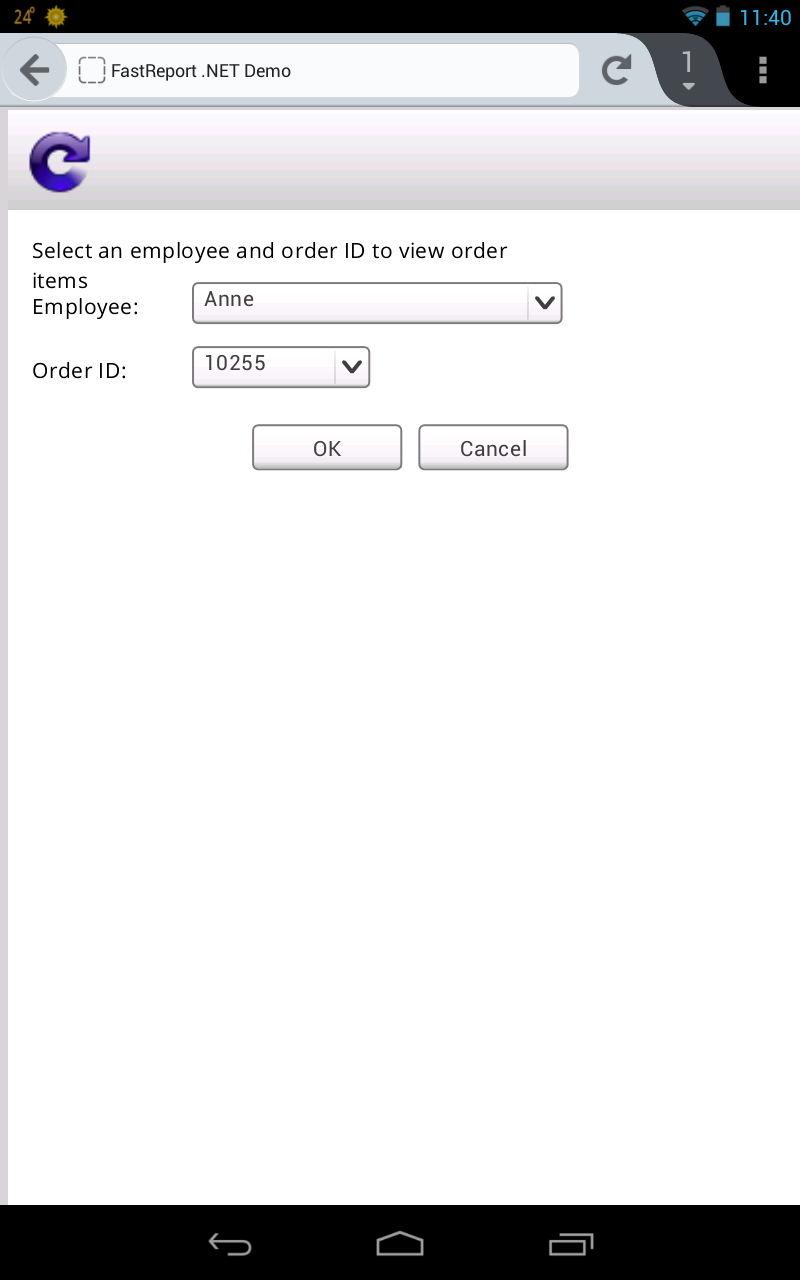
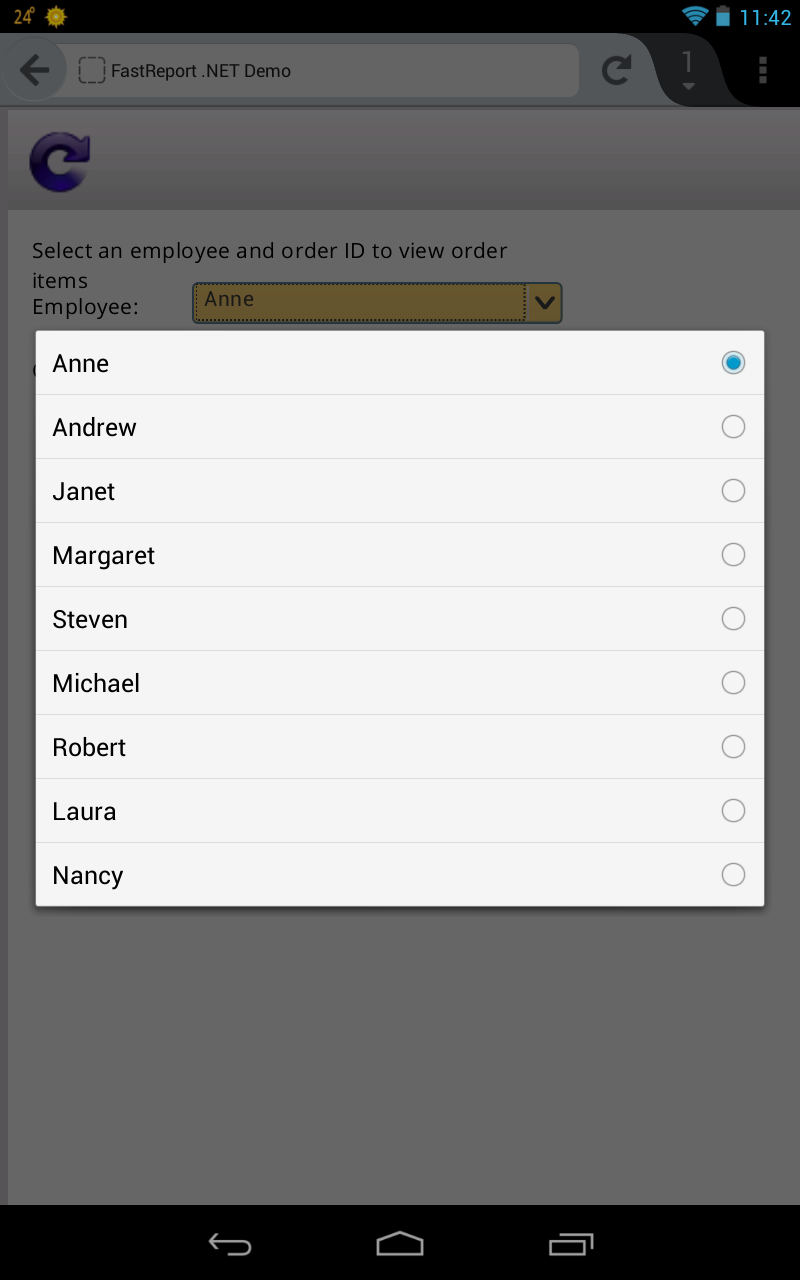
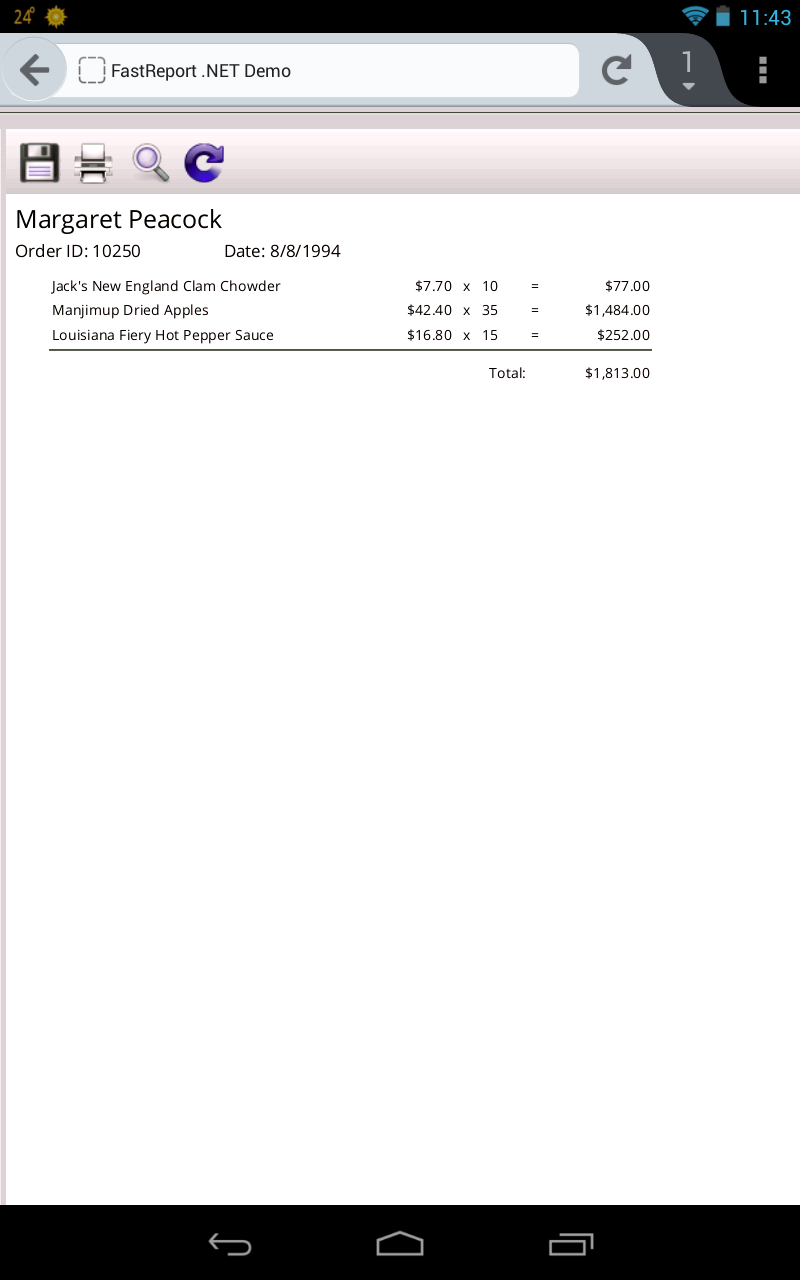
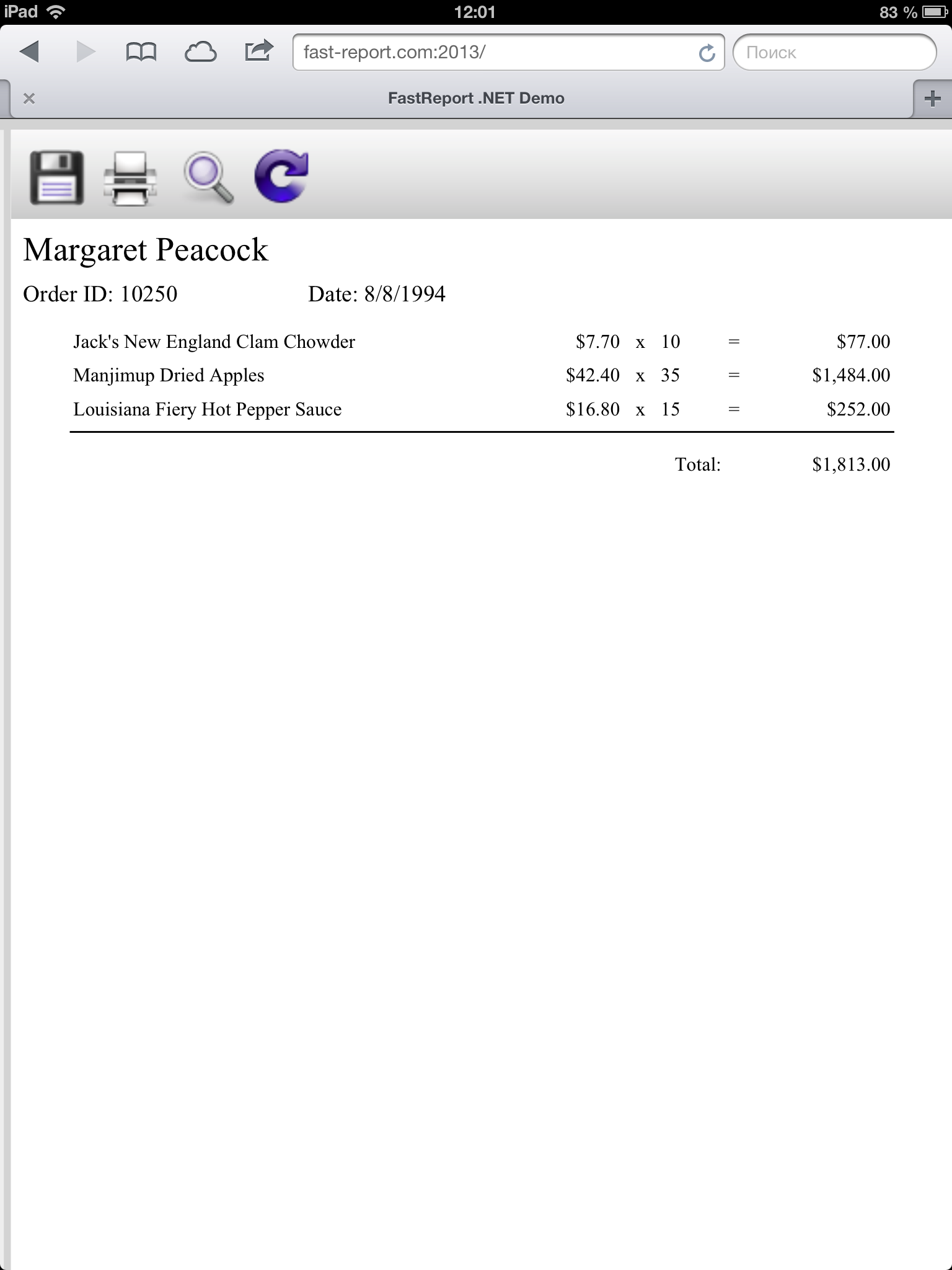
Next item is tablet Apple Ipad 3 with 10" screen.
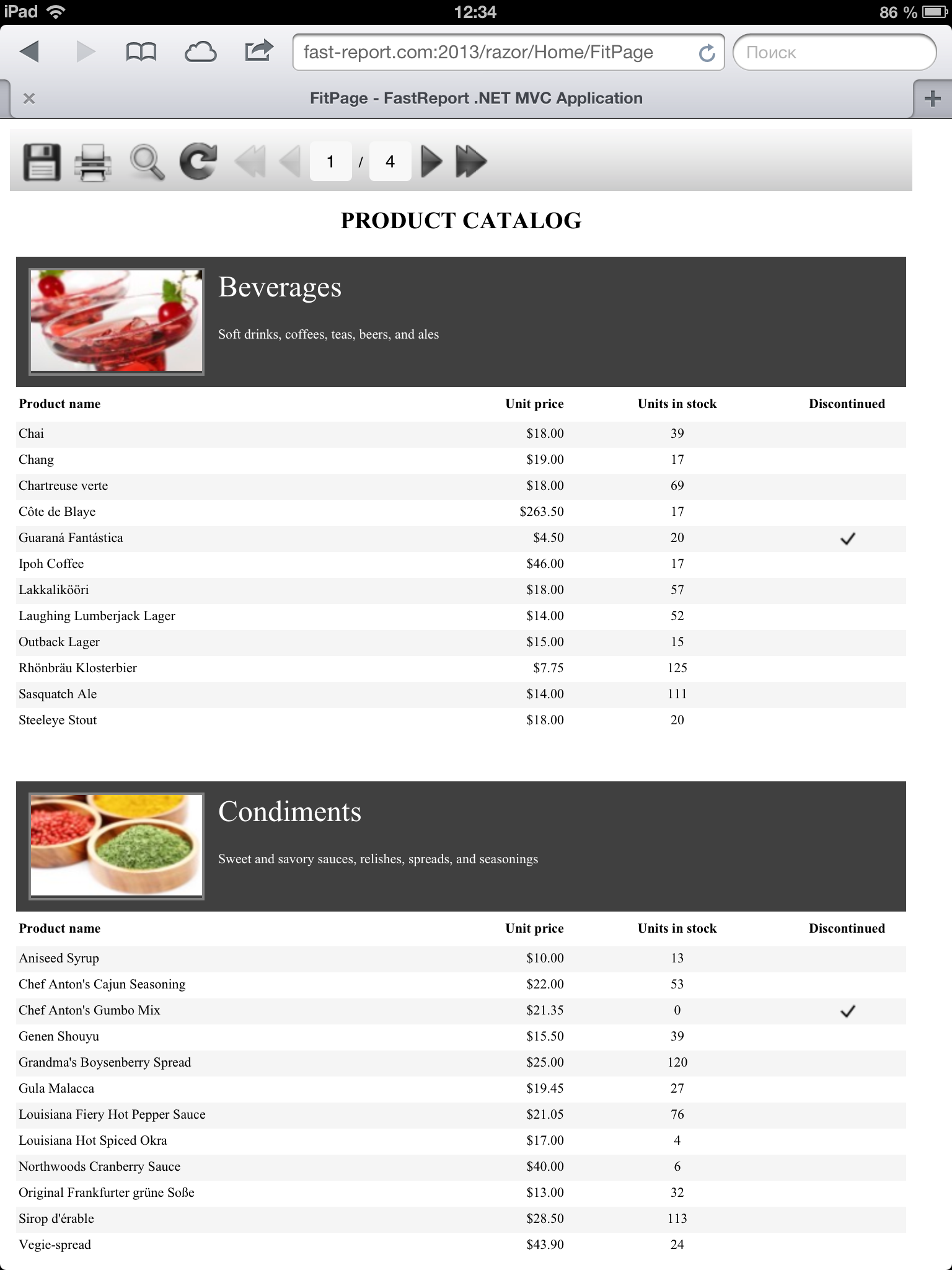
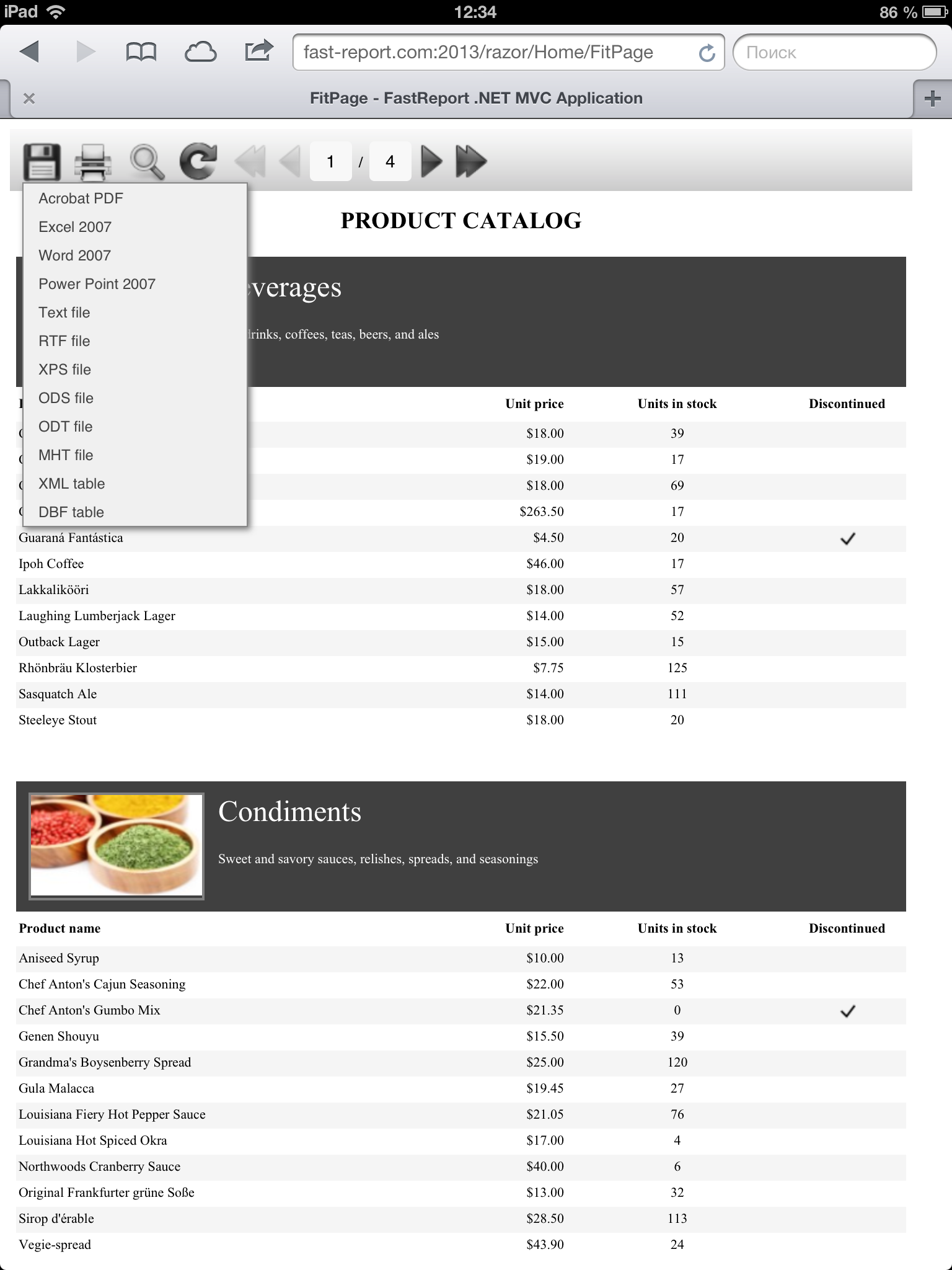
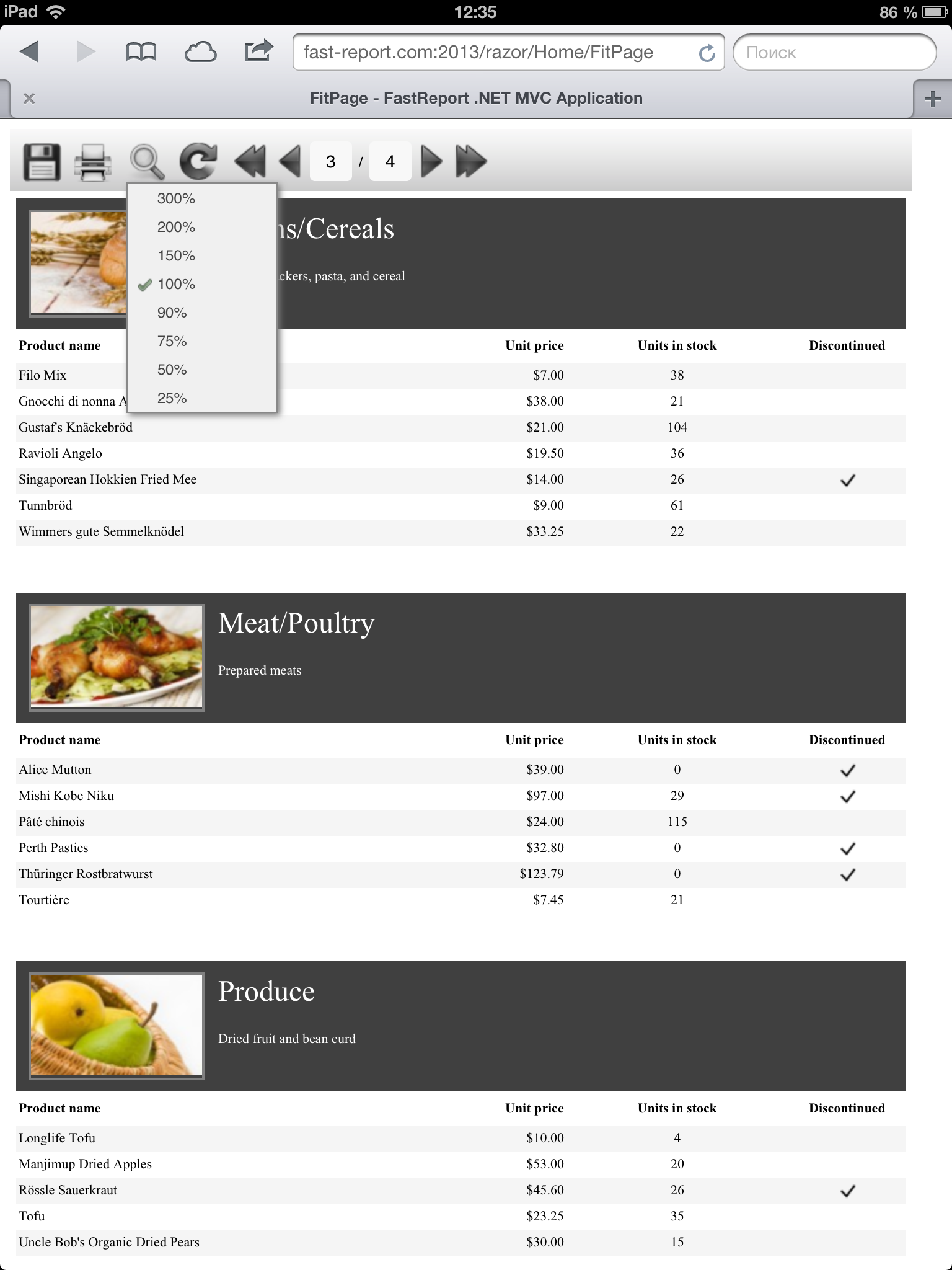
Tahoma font is missing in iOS as you see.
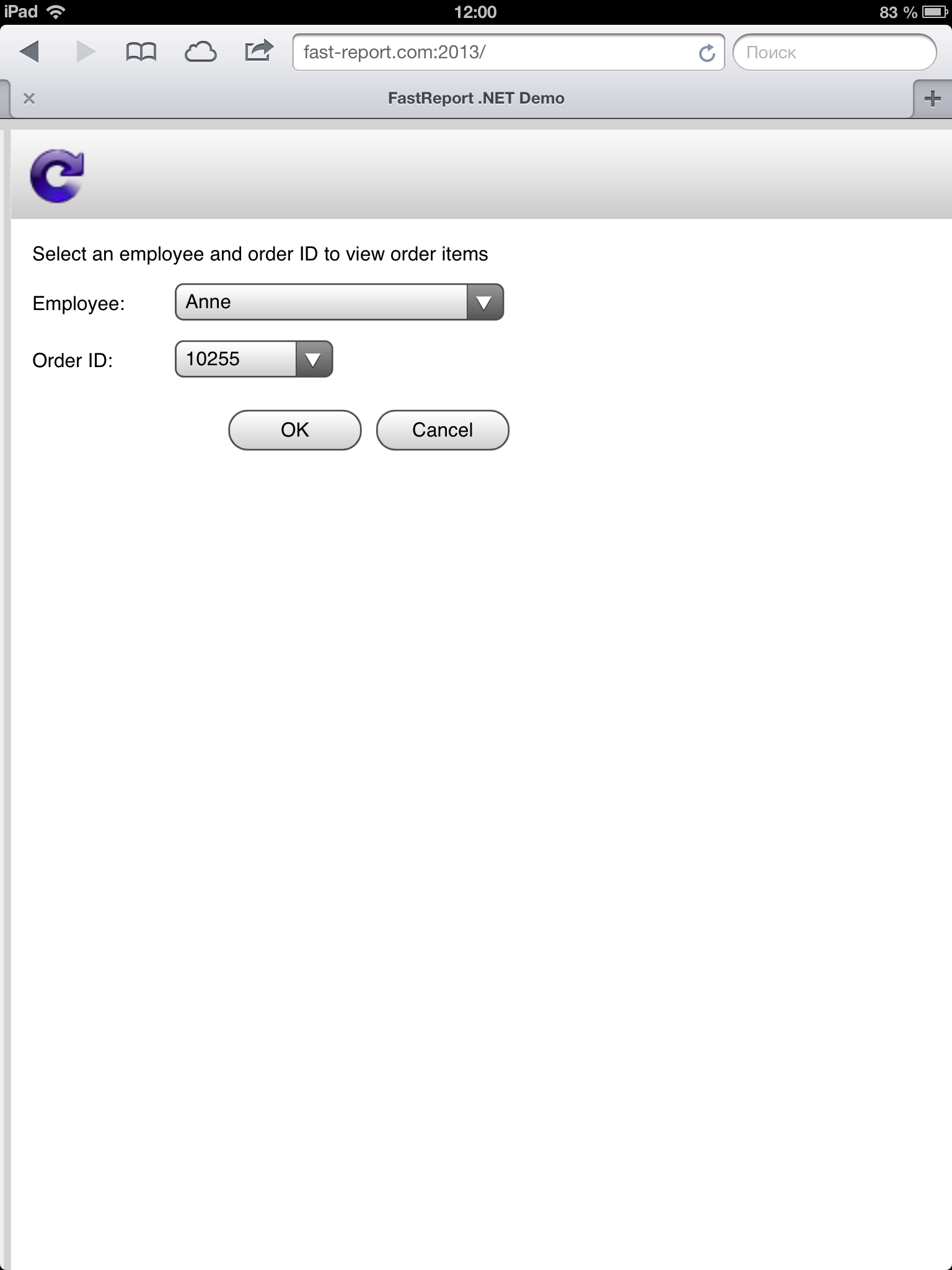
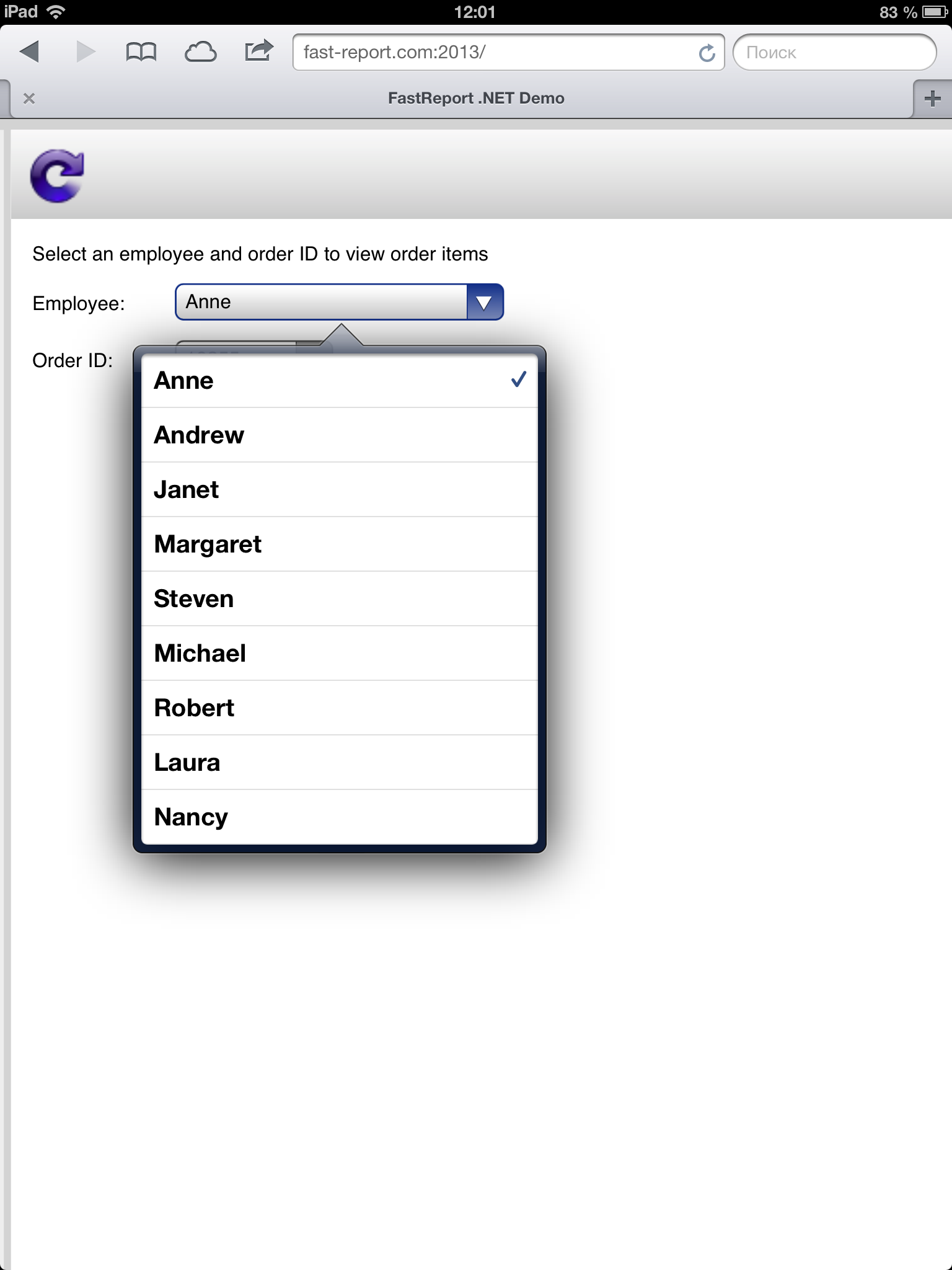
Report with dialog on iPad3:
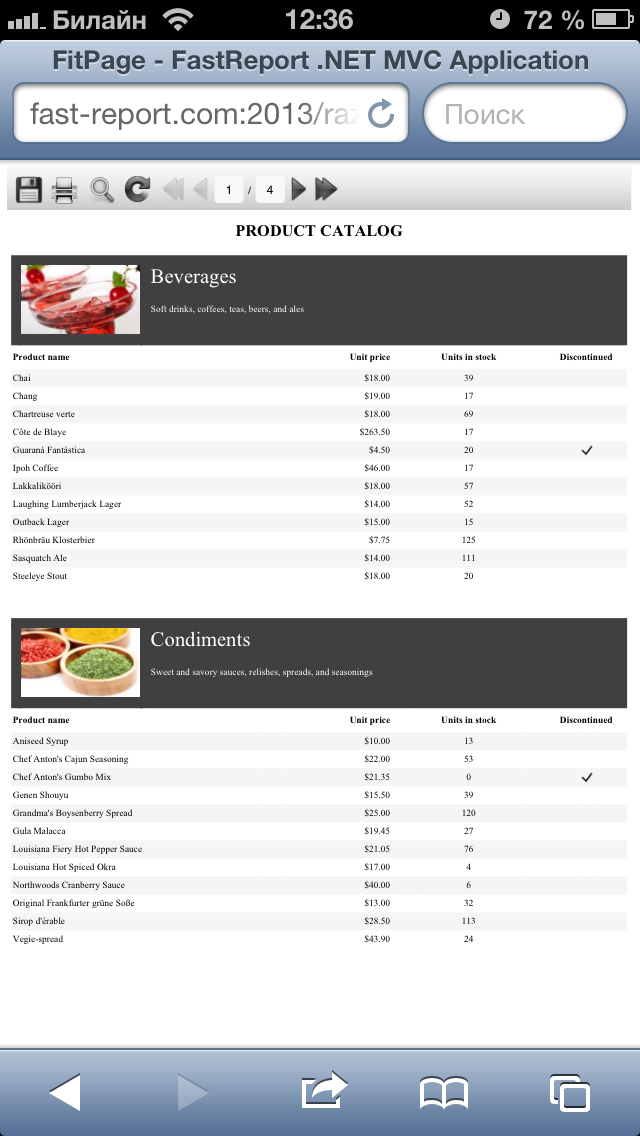
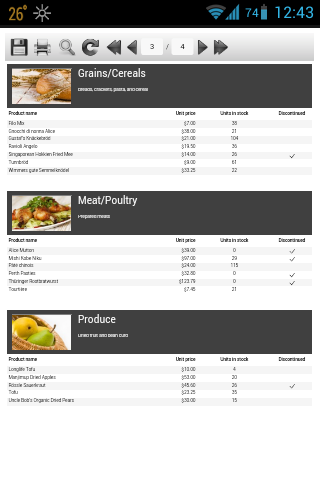
Finally, a few screenshots from the mobile phones.
Apple Iphone 5:
Sony Xperia Mini Pro:
Conclusion: FastReport .NET supports displaying in mobile browsers with touch-oriented UI, but you should take into mind the features of mobile systems in the development of reports. In particular, you need to use a font that is present on all mobile platforms.
