Installation FastReport.Mono on CentOS7
As you know, installing programs on Linux systems is traditionally done using the command line from the repository. However, now many systems provide visual software repositories, for example, Ubuntu Software Center. But we will consider the first method. To work with the report generator FastReport.Mono, you will need a development environment. There are not many options - monoDevelop. In this IDE, you can compile FastReport.Mono projects and create your own, using the components.
Let's install monoDevelop.
To do this, you need to switch to the root user, because only he is allowed to install programs. This is done with the su command. Then enter the password and here it is.
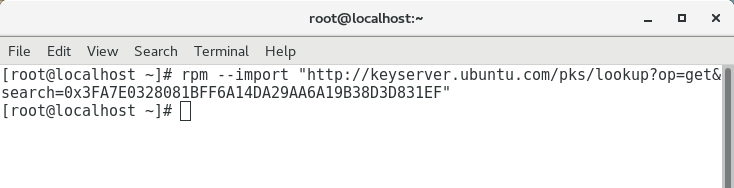
First of all, we add a repository, where from we will install monoDevelop:
rpm --import "http://keyserver.ubuntu.com/pks/lookup?op=get&search=0x3FA7E0328081BFF6A14DA29AA6A19B38D3D831EF"
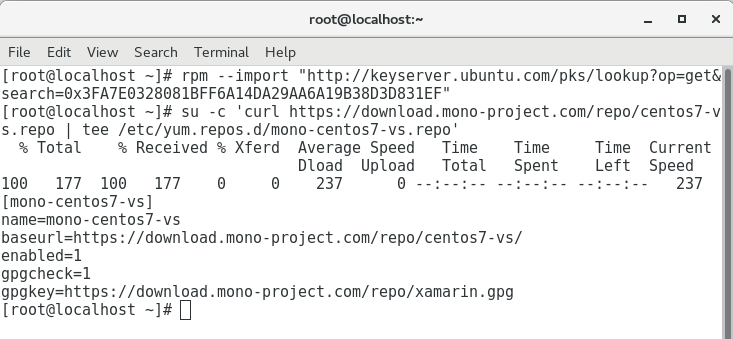
We execute the command: su -c 'curl https://download.mono-project.com/repo/centos7-vs.repo | tee /etc/yum.repos.d/mono-centos7-vs.repo'
And see how the necessary links for download were registered.
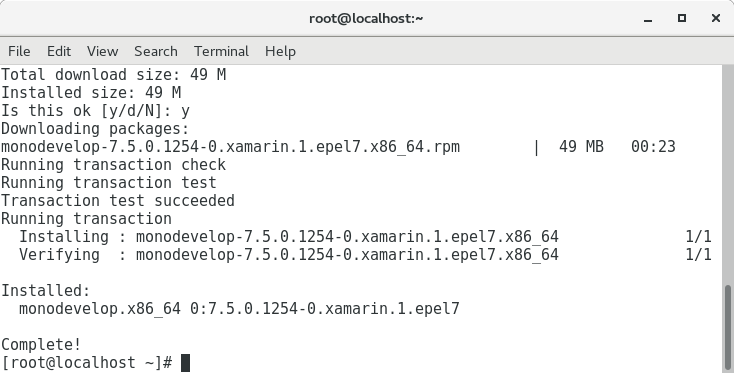
It remains to install monoDevelop. We do this with the command: yum install monodevelop. After executing the command, you will see the progress of the download:
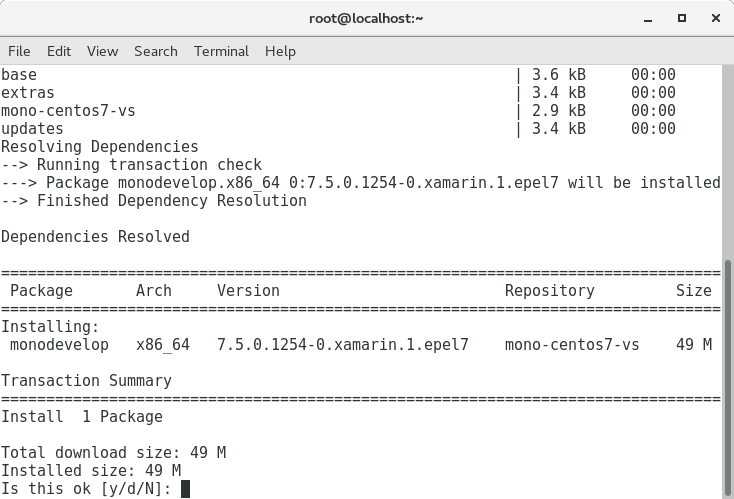
Next, you agree with the installation. Type y and press Enter.
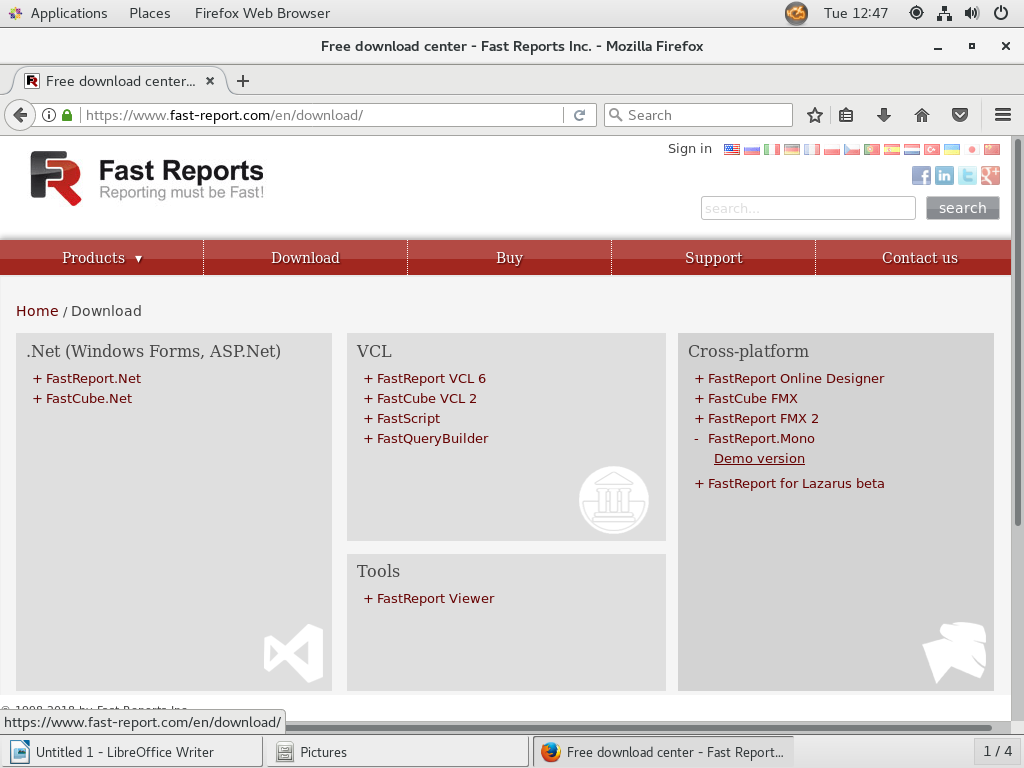
Installation completed. It's time to download FastReport.Mono from the developer's site. If you only want to get acquainted with this report generator, then you can download the demo version. It is quite workable and limits only the number of pages in the report.
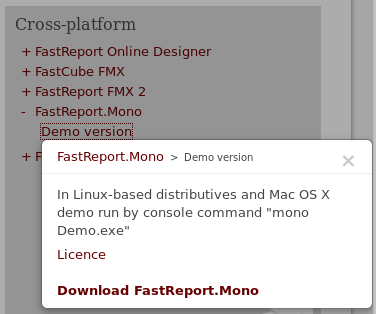
Clicking on Demo version, you will see a hint about how to launch the demo application, as well as a download link.
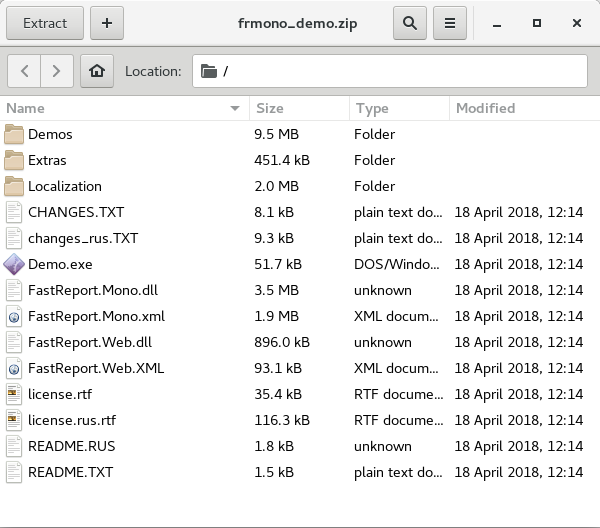
An archive with the libraries and projects FastReport.Mono will be uploaded. Extract the contents of the archive to a suitable folder.
Open the terminal in the folder with the extracted archive, or go to this folder to start the demo application Demo.exe. Type the following command:

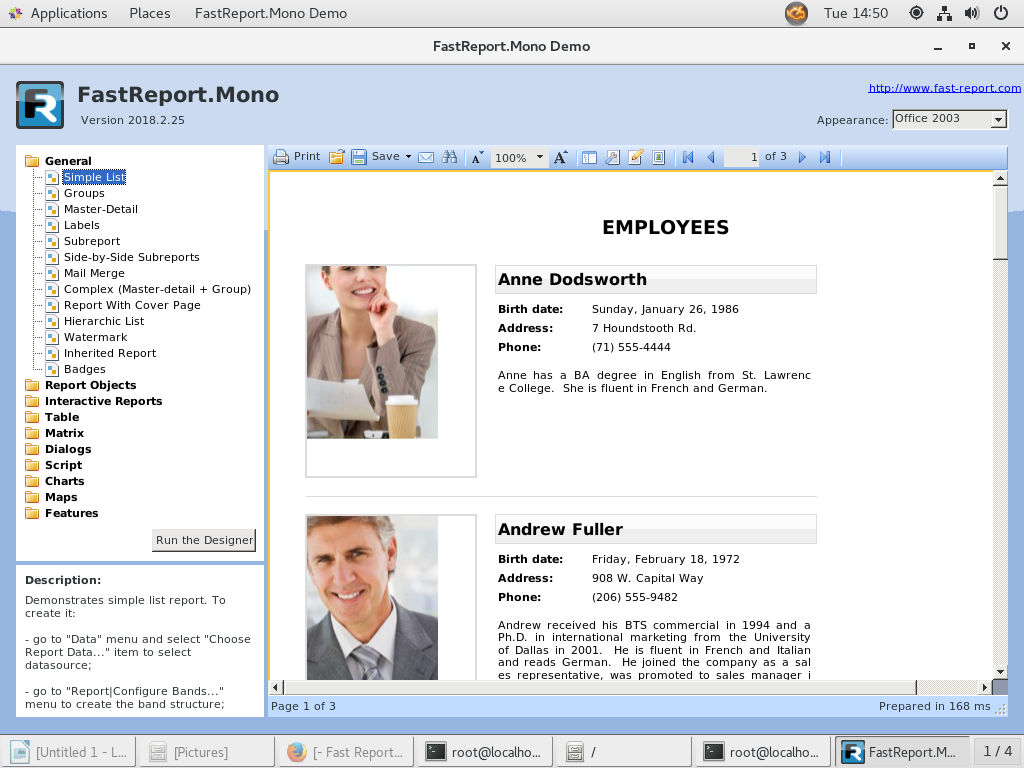
Run the demo application FastReport.Mono, as two drops of water similar to the same application FastReport.Net: