The indicator of the presence of events in the object in the report designer FastReport.Net
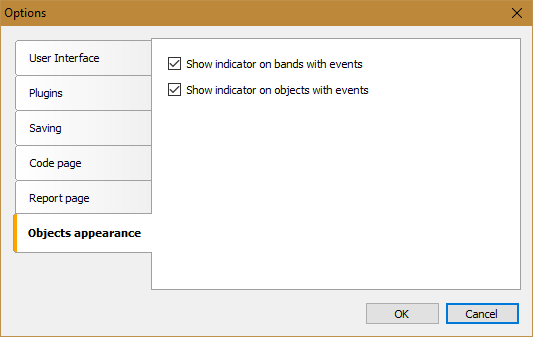
In FastReport 2018.2.3, new settings for the report designer appeared - objects appearance. Settings can be opened in the File menu - Settings.
The new section contains only two settings for now:
• Show indicator on bands with events;
• Show indicator on objects with events.
Both settings allow you to enable the indication of the presence of events in the object. Thus, you can quickly find in the report objects for which there is code in the report script.
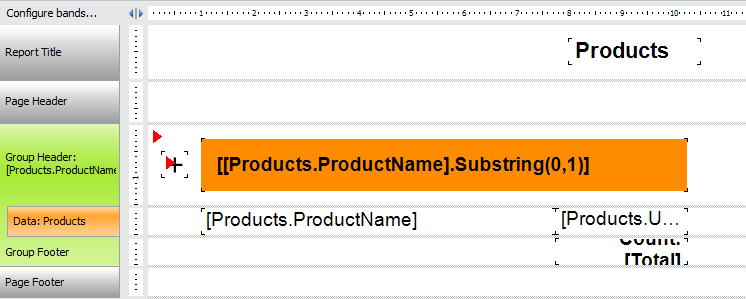
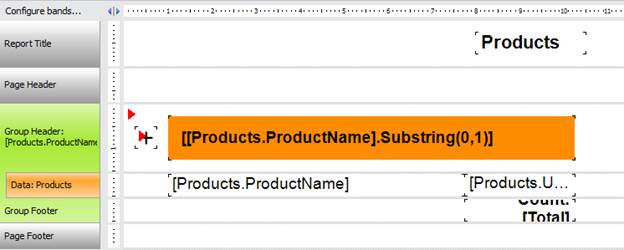
The indicator is a small red triangle in the upper left corner of the object:
For example, select the CheckBox object and look in the Property inspector for the events for it:
Indeed, it's fast and convenient to search for objects with events. An alternative path is to go to the Code section, find the desired event and read the name of the report object. Then you need to return to the report page and, in the Property inspector, select the desired object from the drop-down list. This is very inconvenient, isn’t it?
With the indicator, you can open a large, complex report and instantly detect objects with events.
Obviously, the new settings section "Appearance of objects" will be replenished with other interesting options.
