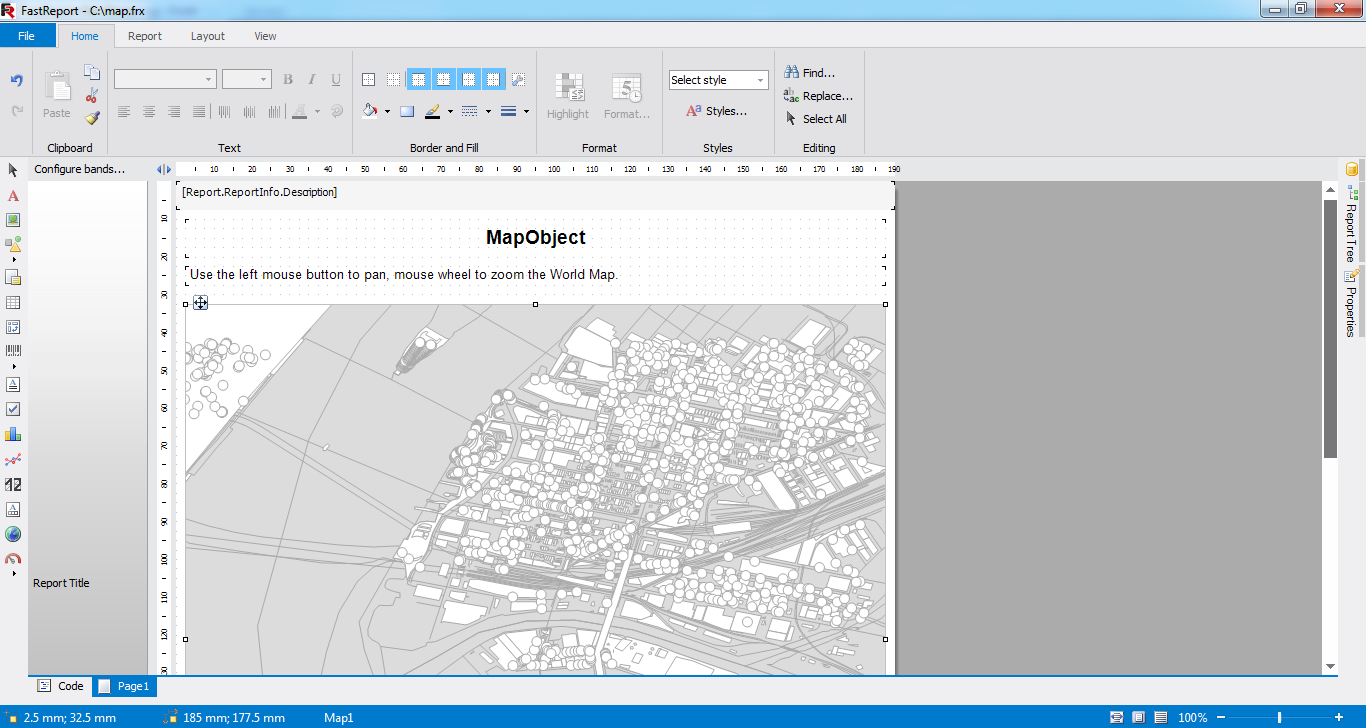
Download of OpenStreetMap in FastReport .NET
In FastReport .NET 2016.2 we added an opportunity to download maps from OpenStreetMap files (* .osm).
In this article I would like to show how to do it
First we should get a file containing part of OpenStreetMap data.
In ordert to do this:
1. Go to the website http://www.openstreetmap.org
2. Find the city which we are intrested in. To do so we should enter the name of city in the search box, e.g. New York.
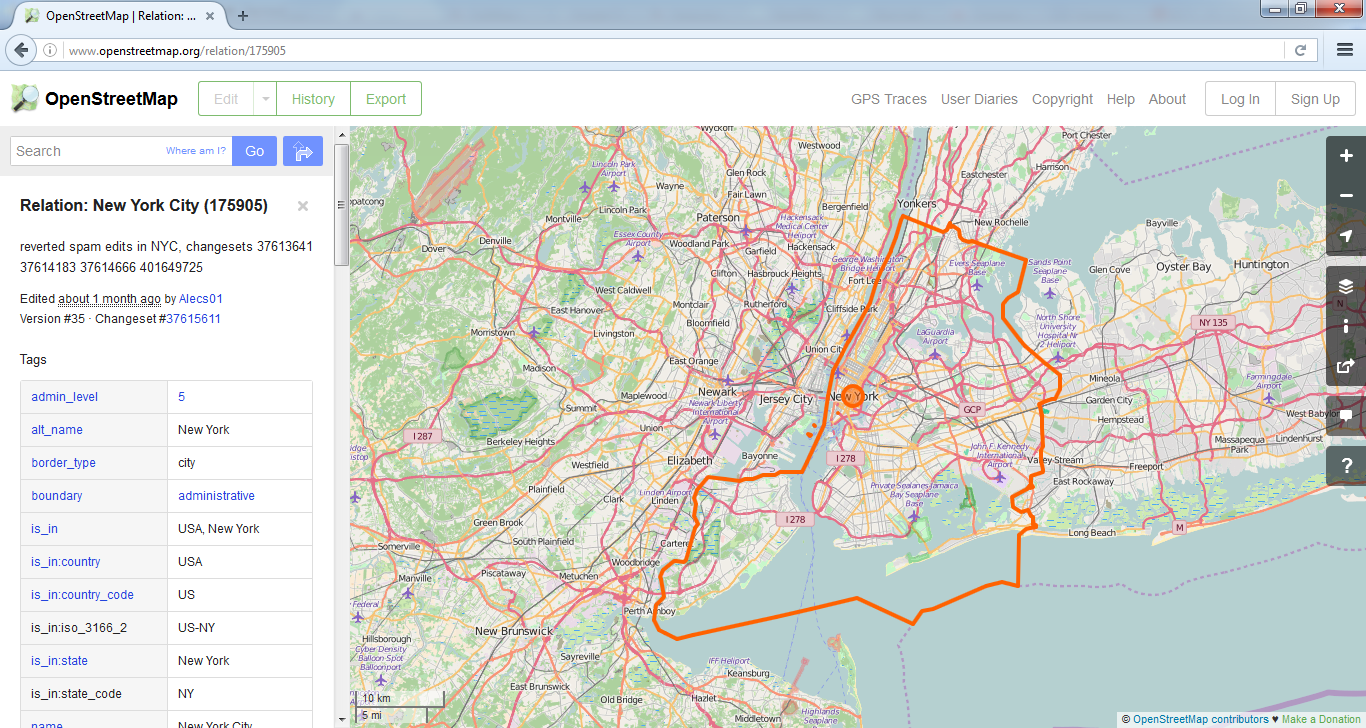
3. We can find the necessary part of the city using moving and zooming the image.
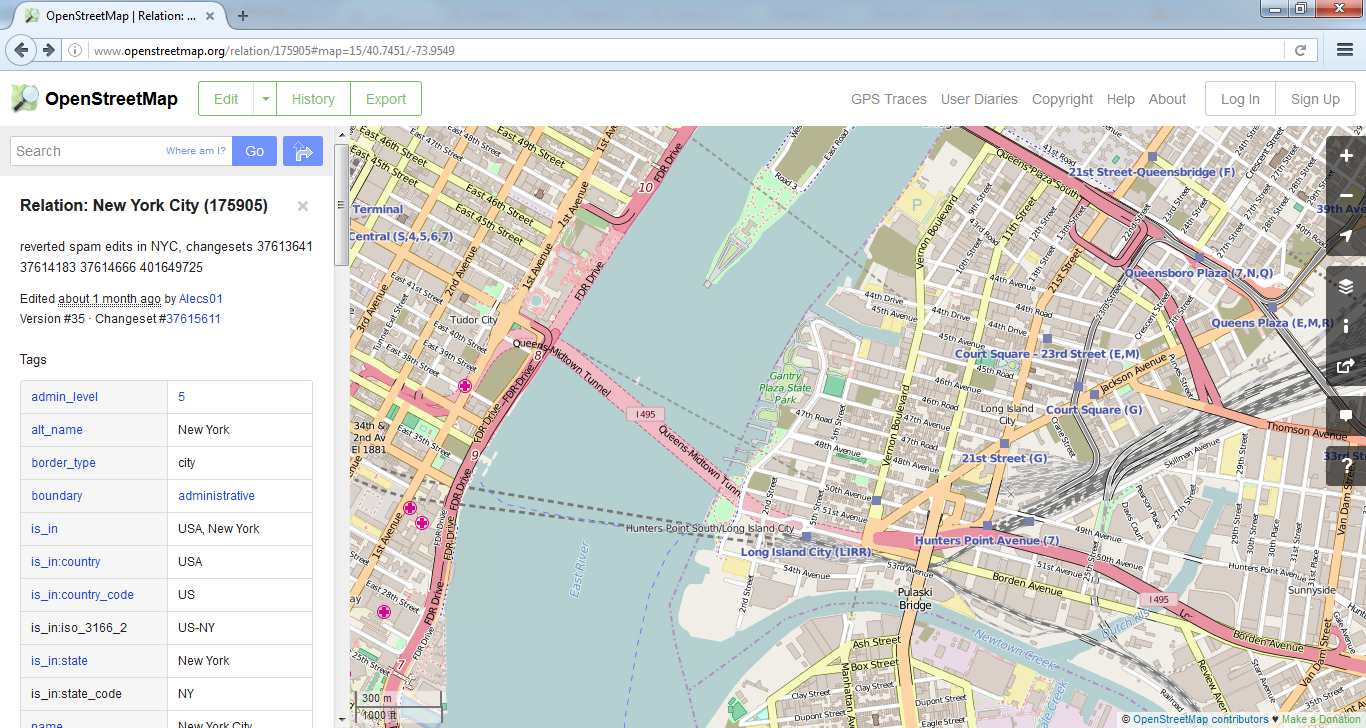
4. Now we should select and export an area of the map. To do this, click the "Export" button. And then click "Manually select a different area". We will see illuminated rectangular area. This area can be changed by dragging its corners.
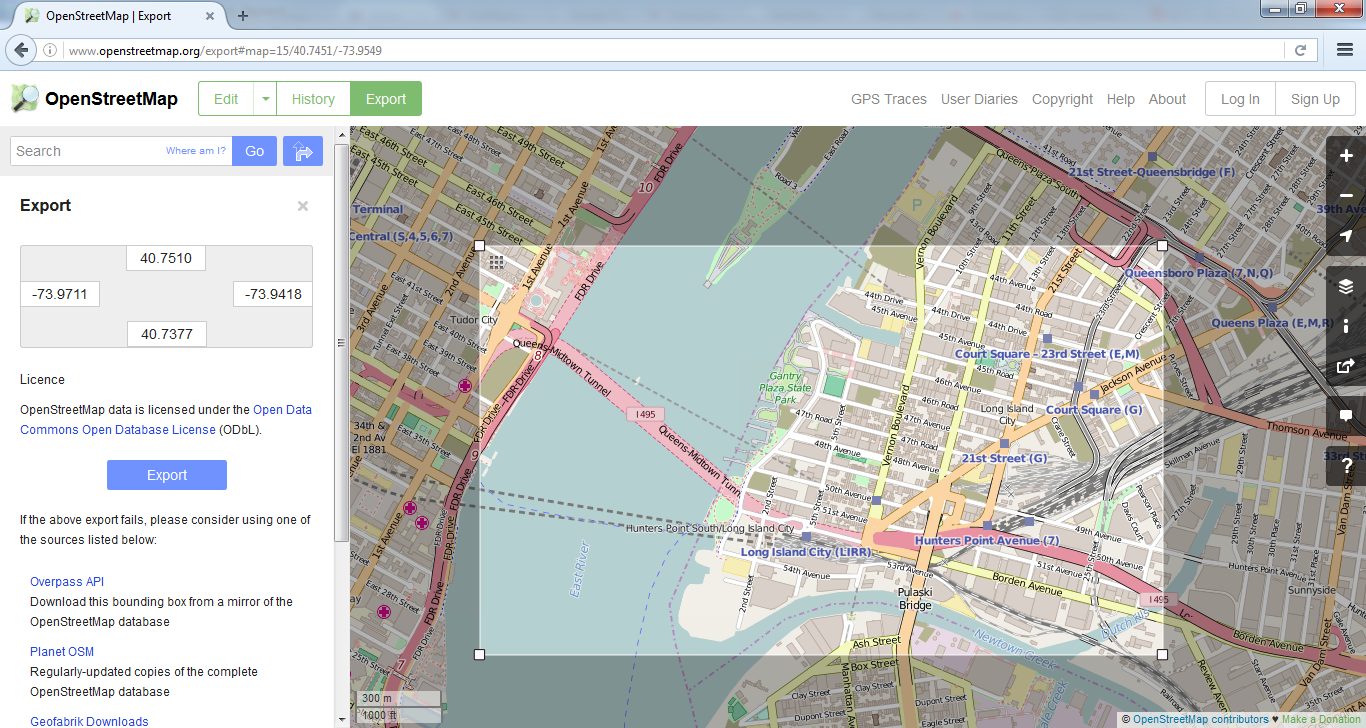
5. After selecting a part of the map click "Export" button. We will see usual save file window. Map will be saved in map.osm file. This file can be found in the Downloads folder of browser.
6. If occurs an error after pressing the "Export" button, we should select smaller area. Because OpenStreetMap does not allow to exporting too big areas of the map.
Now we can open the resulting file in FastReport .Net designer.
1. Create a map on report page.
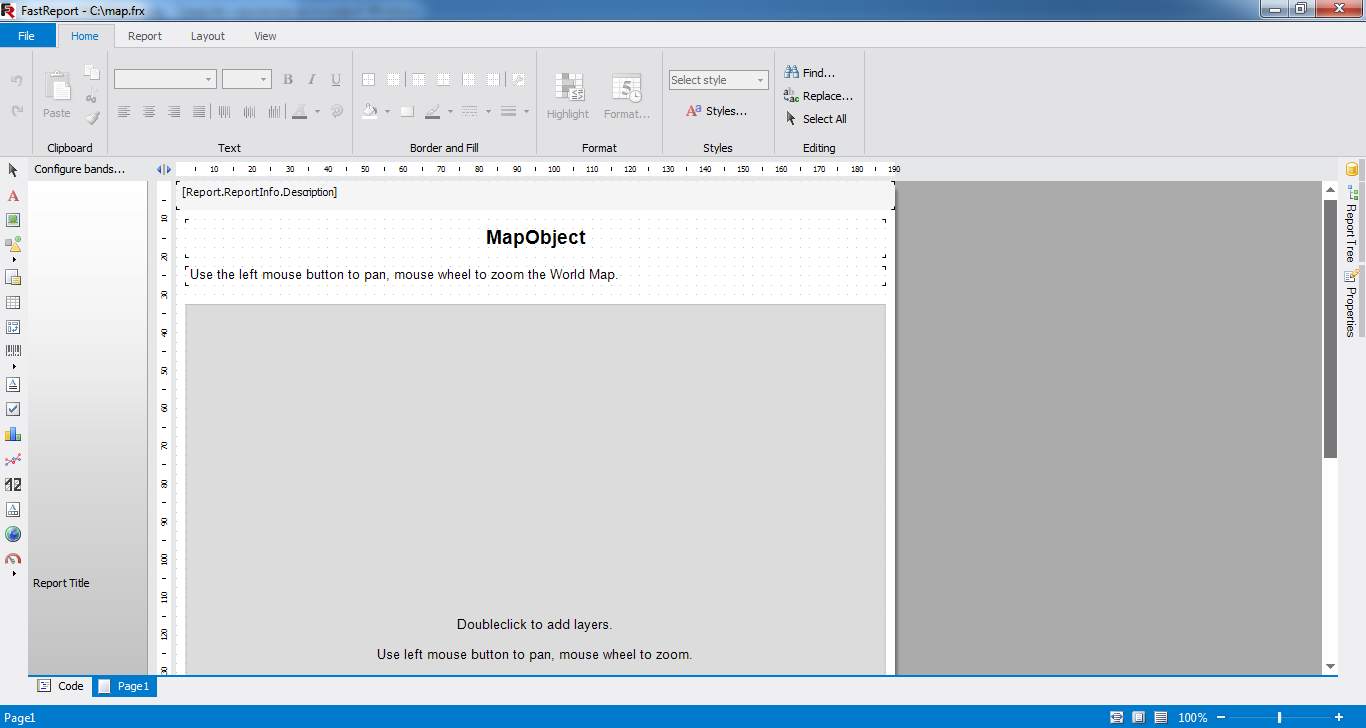
2. We should run the map editor using double click on the map.
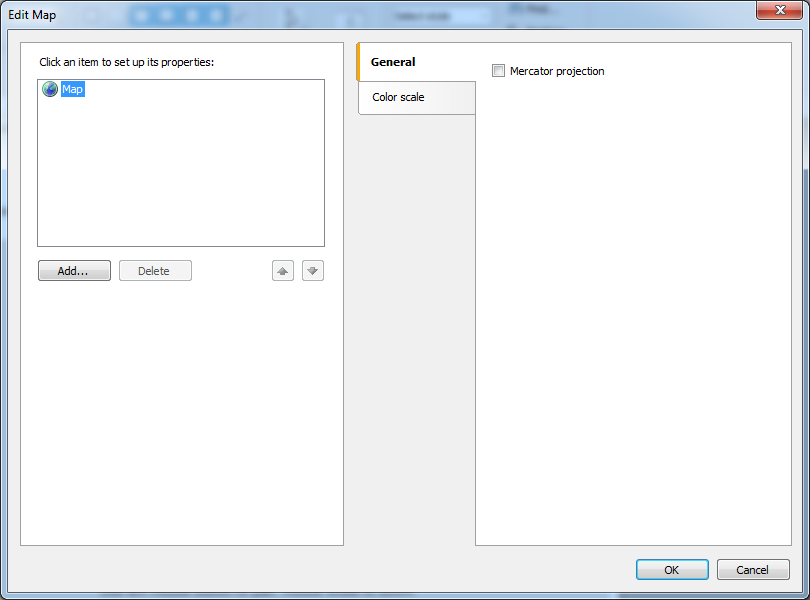
3. Click Add button in appeared window.
4. Select "Map file" in next window and click the Open button.
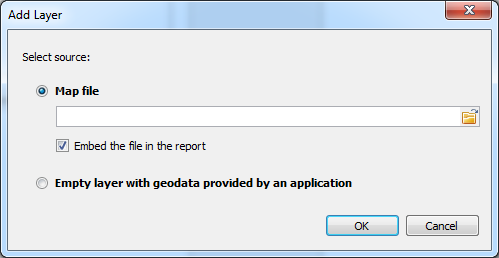
5. We will see the open file window. We should select "OpenStreetMap file(*.osm)" filter, select the file and click Open button.
6. Now we just should click "OK" in add layer window.
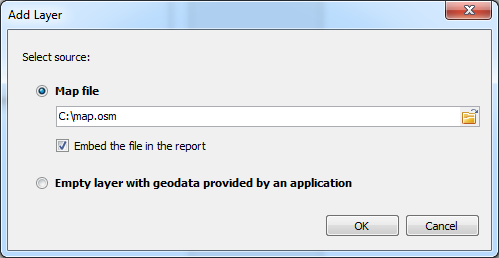
7. The map will be loaded and shown in the preview area of map editor. Now we can close the map editor by clicking OK button.
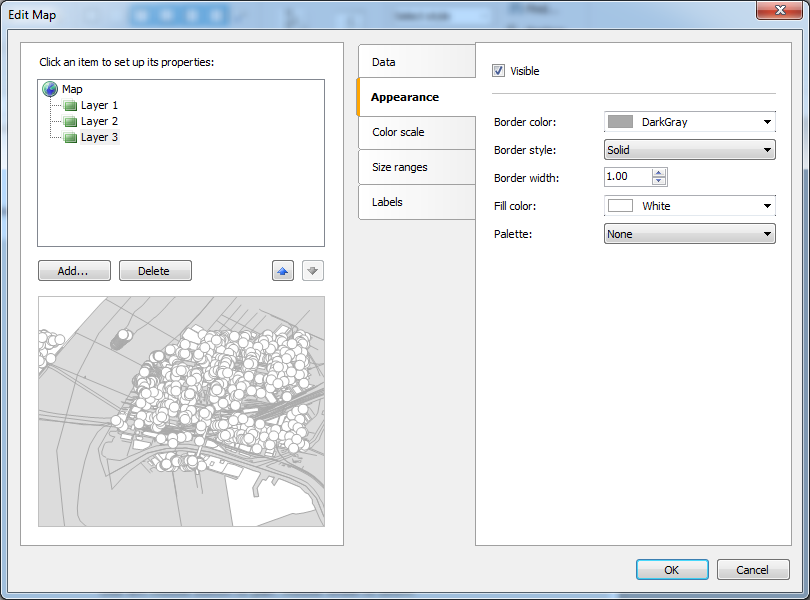
Map is loaded successfully.