Output N-th number of records on the report page
The function of limitation of the number of output records often causes some difficulties with FastReport.Net users despite the fact, that it is considered to be rather simple. This work seeks to bridge the knowledge gap in the way of displaying a certain number of records on a page with the help of a script report.
It must be mentioned, that the following script is very simple and requires basic knowledge in programming only.
Let us take a close look at the demo report given bellow:

The following list will be formed with the help of the system variable [#Row].
Set “RowCoun value” 25 in the "data band" properties. Now, the list will consist of 25 lines.
Build the report:
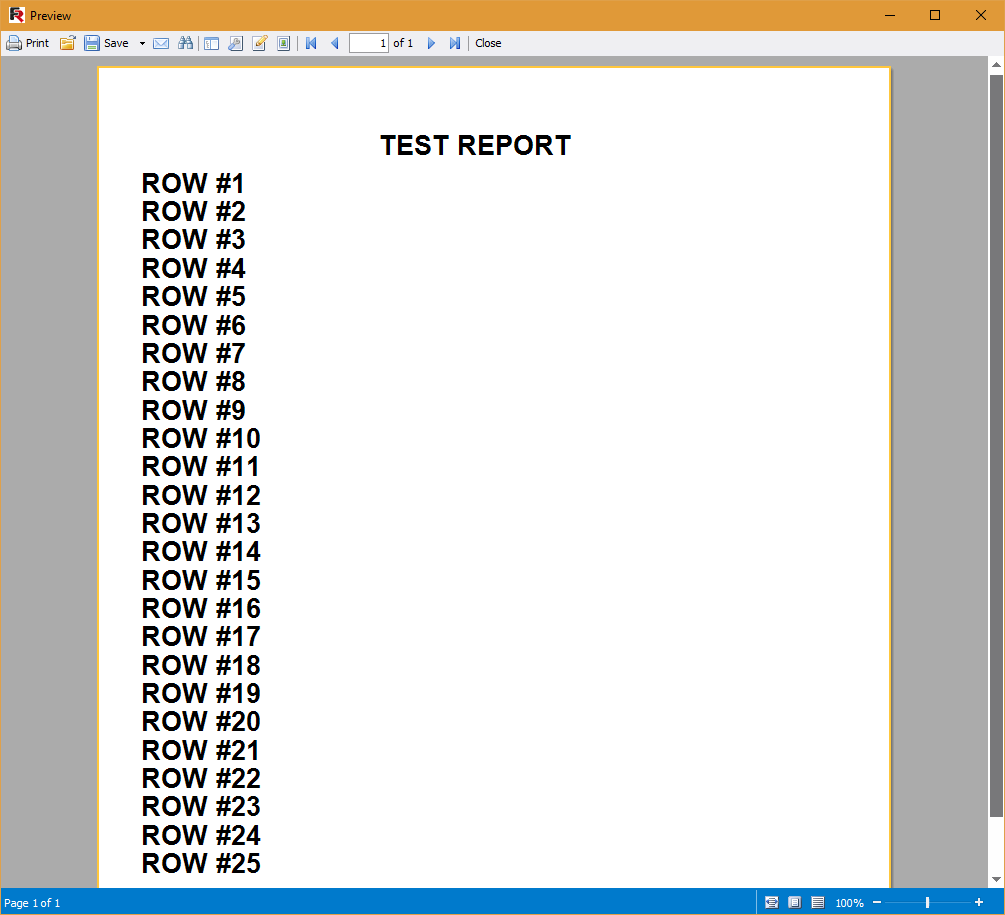
The example aims to output 5 lines on a page.
For the band "Data" create an event “BeforePrint”.
Go to the editor of the report script:
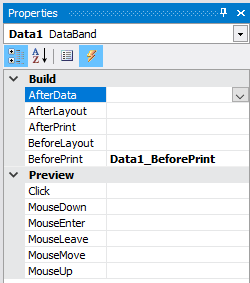
Write the following code:
1 2 3 4 5 6 7 8 9 10 11 12 13 14 |
public class ReportScript { int counter = 0; private void Data1_BeforePrint(object sender, EventArgs e) { if (counter >= 5) { Engine.StartNewPage(); counter = 0; } counter++; } } |
It should be mentioned, that the counter variable is declared globally. As it is seen, before every displaying of data the counter is checked. After reaching the number of 5 lines, the report engine starts a new page of the report and the counter is reset.
So, we need to have 5 pages with lists of 5 lines.
Since the page contains a list consisting of only 5 lines, it is needed to set the automatic page height:
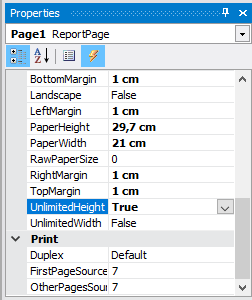
“UnlimitedHeight” property will allow to reduce the height of the page in our case.
Now, run the report:
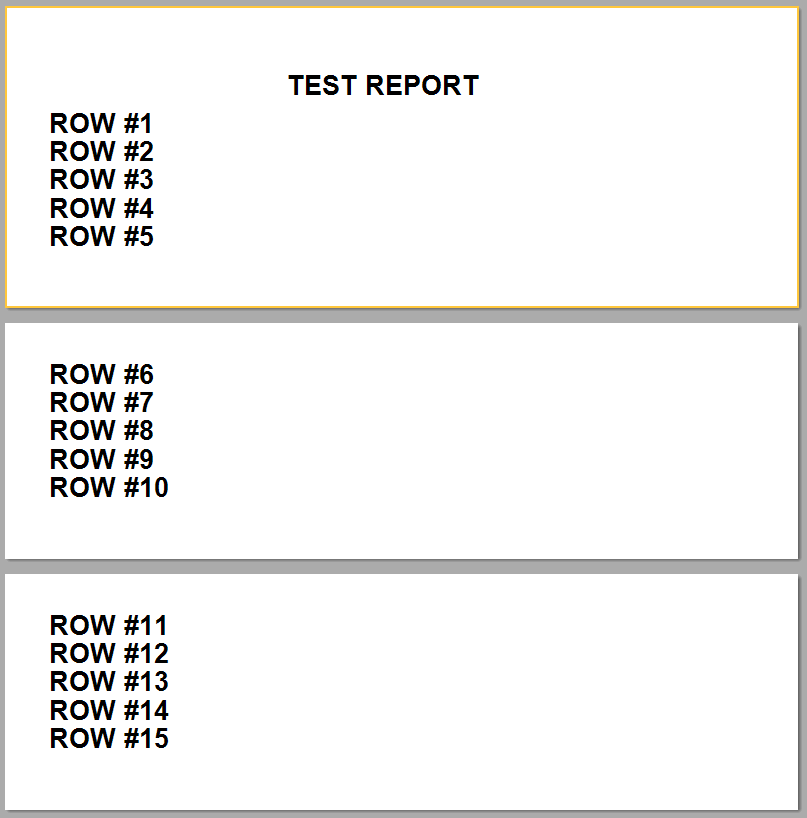 A report script is a flexible tool. By adding only 5 lines of a code, we have achieved the desired result.
