Duplication or removal of pages in the preview mode of the report
In FastReport 2018.4 a very interesting feature appeared - duplication and removal of the report pages in preview mode. Let us be clear. We are talking about the pages of already built report. That is, you can select a specific report page and clone it as many times as you want, or delete the selected page. In this case, there will be no effect on the template itself. Even if you have only one page. To get everything back to its original state - simply build the report again.
When this function can be useful? For example, if you want to print the report, and any specific pages needed in multiple instances. Or, on the contrary, some of the pages you do not want to print. Yes, in the print settings you can select the desired page number. But you must remember these numbers. It is not very convenient. Using the new function, you add the required pages without having something to remember.
Let's see how this works on practice. For example, we have a built in preview mode Simple List report. Let’s reduce its scale to fit in the scope all three pages:
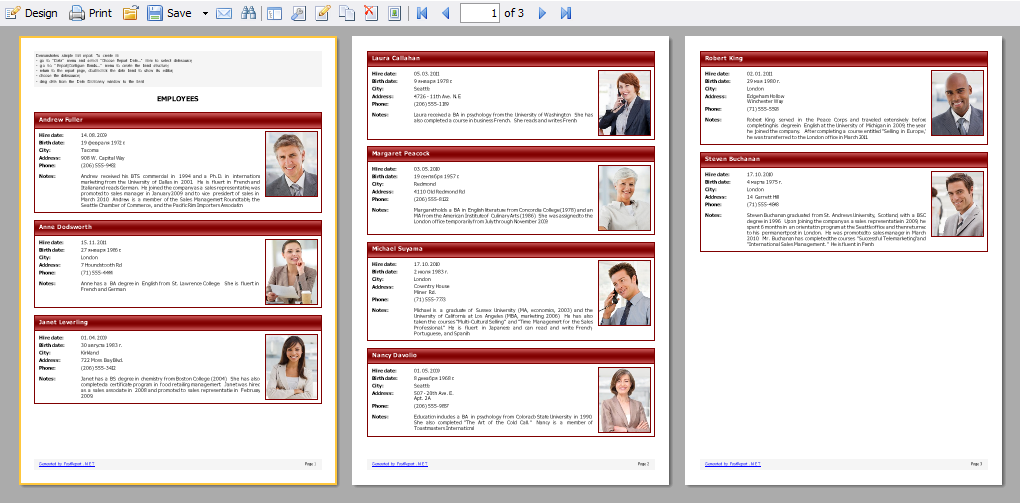
Note that the first page has a yellow frame. This means that it is now selected.
On the toolbar at the top there are two shortcuts:
-  copy the page
-  delete the page
Let’s copy the first page:
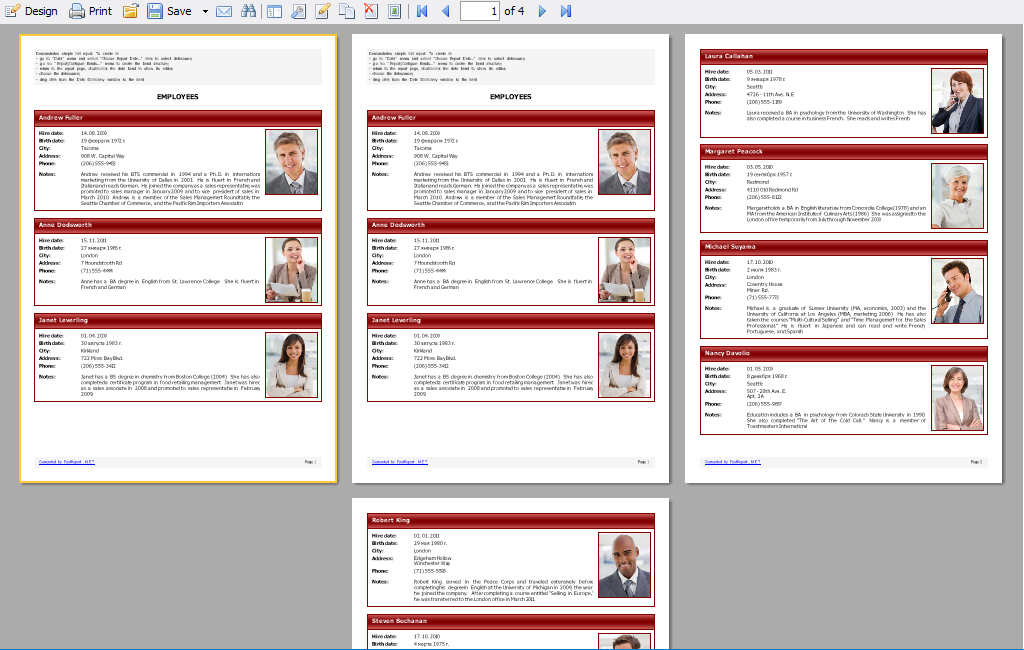
The copied page is added immediately after the selected.
Now delete all pages except the last one. When you remove pages, the focus switches to the subsequent page. So, in our case, it's best to set the focus to the first page, and then delete the page. In the end, there is only one, the last page of the report. We can clone it, but other pages are not available for this action.
Thus, the new function of cloning and deleting pages of ready built report is very useful when printing.
