Scheduler
Scheduler is an utility for creating and managing scheduled tasks. It runs predefined jobs at specified times or in response to system events by invoking a console-based report builder and passing the appropriate configuration file to it.
Note: On Windows, the Scheduler must be run with administrator privileges.
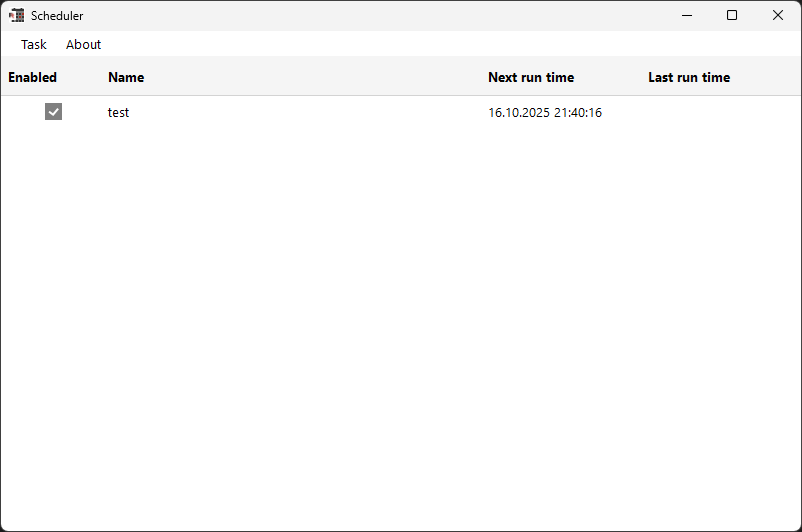
Note: The Windows Task Manager starts the task only if the computer is on AC power. The Scheduler stops the task if the computer switches to battery power.
Features
The Scheduler enables you to:
- Create new tasks
- Edit existing tasks
- Delete tasks
- Run tasks immediately
To create a new task, click Task / Create new task in the main window:
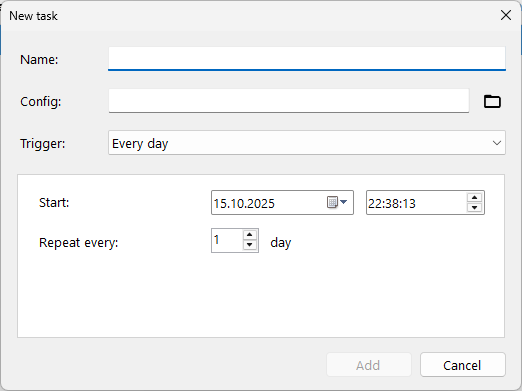
The task creation form lets you configure the following parameters:
Name- a descriptive name for the task.Config- path to the configuration file used by the report builder.Trigger- defines when the task should run.
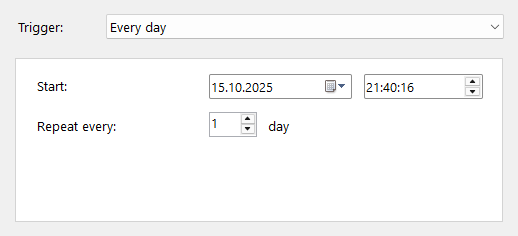
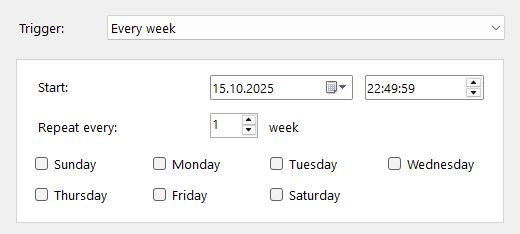
Available options include:
- Every day:
- Every week:
- Every month:
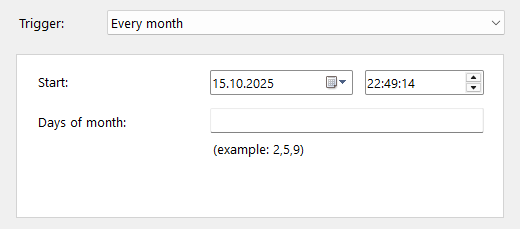
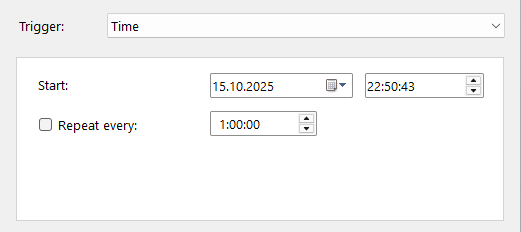
- Time:
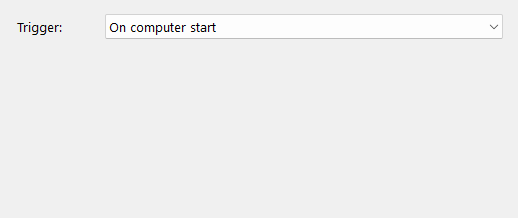
- On you computer start (time and recurrence settings are hidden for this option):
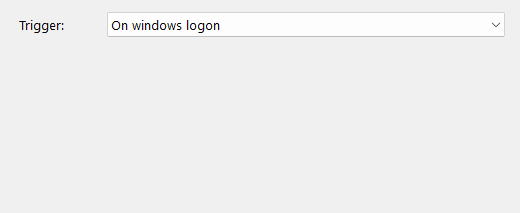
- On windows log on (time and recurrence settings are hidden for this option):
Managing Tasks
- Edit: Select a task from the list and click Task / Edit task. The editing form is identical to the task creation form.
- Delete: Select a task and click Task / Delete task to remove it.
- Run immediately: Select a task and click Task / Run the task to execute it right away.
All these actions are also available via the context menu - just right-click any task in the list.