Data filtering
There are two ways to filter the data displayed in the matrix.
Method 1: filtering using the Filter matrix property. To do this, select the "Matrix" object and fill the Property Filter in the "Properties" window:
[MatrixDemo.Year] == 2015
Method 2: filtering in the header editor using a similar expression:
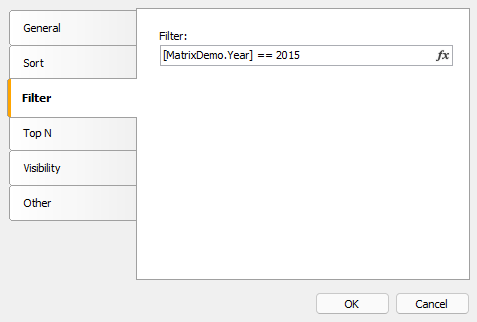
In both cases, the filter expression returns the type bool.
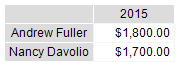
The difference between the two described methods is how much data gets into the matrix. In the first case, all values are discarded, except for those where the year is 2015. The result may look like this:
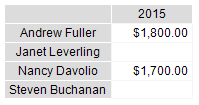
In the second case, the values of a specific element in the header are filtered. Unlike the previous option, the result can contain empty values: