Formatting
Border and fill
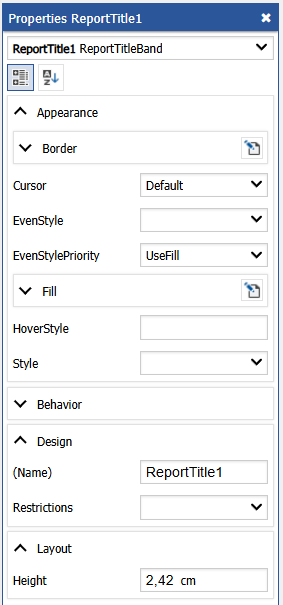
Almost all report objects have the border and fill. To work with these properties, use the "Borders" toolbar:
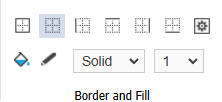
The object's border consists of four lines. Each line can have different width, color and style. The toolbar buttons affect all lines of frame. The color, width and style can be set for each border line separately (in the Properties window).