Adding map layers
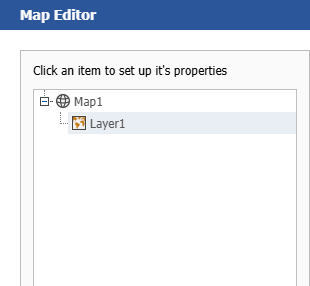
The "Map" object can contain one or more layers. The layer structure is displayed in the upper left part of the editor window:
To add a new layer, click on the "Add..." button, which opens the following dialog:
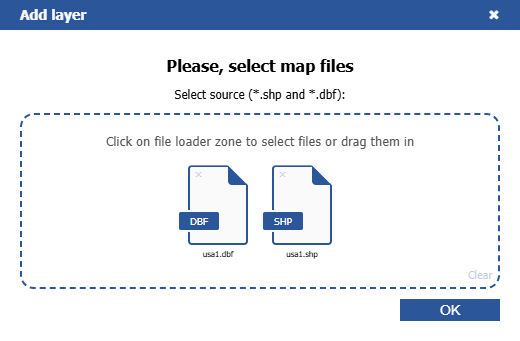
The map from an ESRI shapefile is the most commonly used type for maps. For example, you can display the world map and highlight some countries in color, depending on the sales level for these countries.
In Online Designer, the whole map data is embedded in the report file. In this case the report file (.frx) may be large.
Large map files (more than 30Mb) or map files containing a lot of polygons (more than 20,000) slow down report generation.