Conditional highlighting
The grid allows custom drawing styles to be set up for particular measure values. For example, numbers inside or outside a particular range may need to be highlighted.
Before highlighting measure values a new highlight rule must be created in the measure editor dialog:
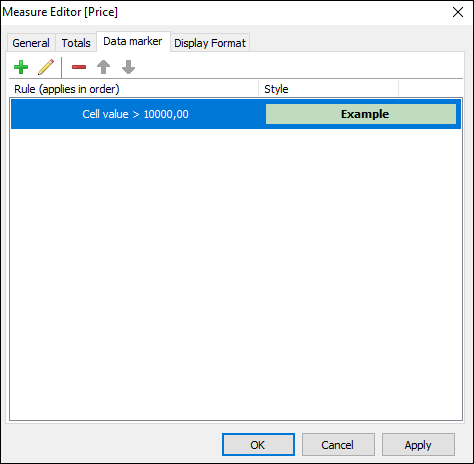
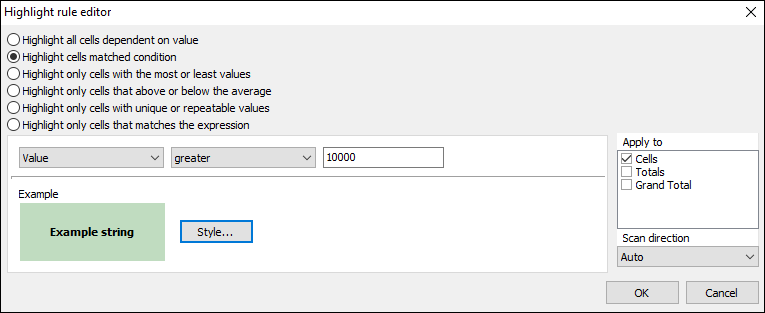
Highlight rules can process measure data as value, text or data, or as NULL. Allowable conditions depend on the type of the measure's data. So, for example, value processing allows "greater" and "lower" conditions while text processing allows "contains" and "not contains" conditions, which look for a substring within a text string:
The "Style..." button opens the drawing style editor:
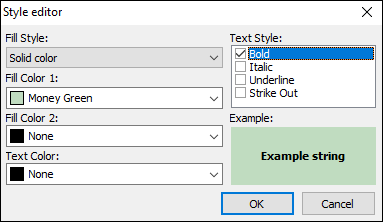
The style editor has options for the background fill style and color, and text style and color. Solid fill style only requires a "Fill Color 1" value, but gradient fills also require a "Fill Color 2" value.
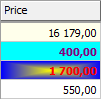
Here is an example after applying different conditional styles to some measure cells: