Example 1. "Hello, FastReport!"
In this example, all we will do - create a dialogue, which will be showing greetings. Create a new report and add a dialogue to into. For this, press the  button on the toolbar:
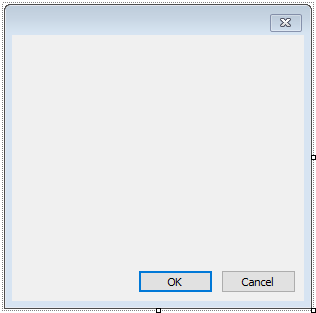
On the dialog, place the LabelControl and set its Text property in the "Properties" window:
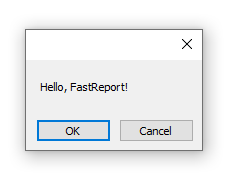
If you run the report, you will see the dialogue. Close it by the "ОК" button, and the report will be built. If the dialogue is closed by the "Cancel" button or by the "X" button, the report will stop working, and you return to the designer.