Example 5. Simple filter
Let us look at the following report, which prints a products list:

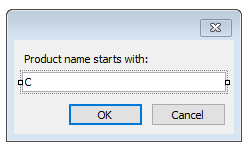
We will show in this example how to filter a products list according to the first letter of the product's name. During this, we will not use automatic data filtering facilities. For this, add a new dialog into the report and place two controls onto it - LabelControl and TextBoxControl:
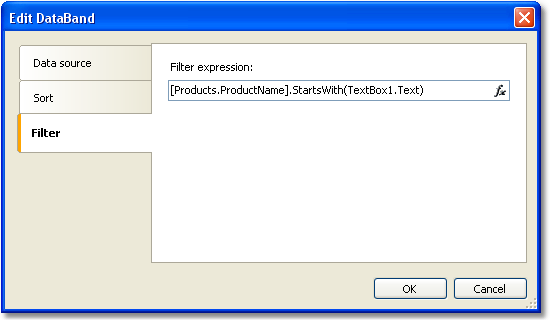
Now open the "Data" band editor and indicate the following filter expression:
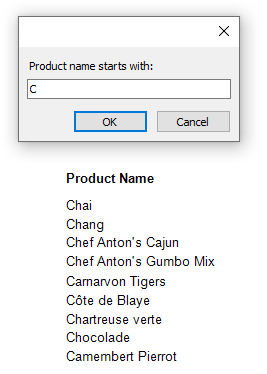
Run the report and make sure that everything works: