Example 4. Handling report objects
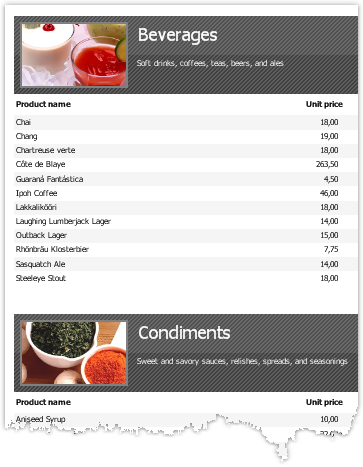
Let us look at an example of a report, which prints a list of categories and products in each category:
We will show how to stop printing products and print just categories, with the help of the dialogue. For this, add a dialogue into the report:
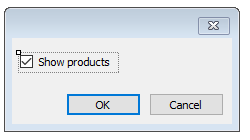
Double click on the "ОК" button. FastReport creates an empty event handler for the Click event. Write the following code in it:
private void btnOk_Click(object sender, EventArgs e)
{
  Data2.Visible = CheckBox1.Checked;
}
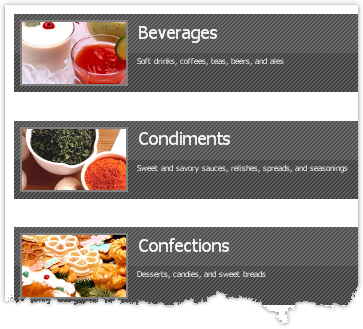
We will control the visibility of the band, which prints the product's list. In our example, this is a band with a name "Data2". If the report is run, and the checkbox is unchecked, we will have the following result: