Setting up the layer appearance
To set the layer appearance, choose the layer and switch to the "Appearance" tab:
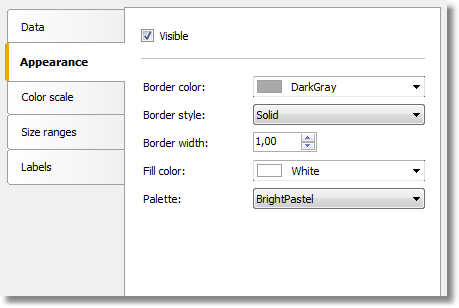
Set the border color and style of the map polygons and choose the color palette. Note that the palette is ignored if you configure the color scale (more about this later).