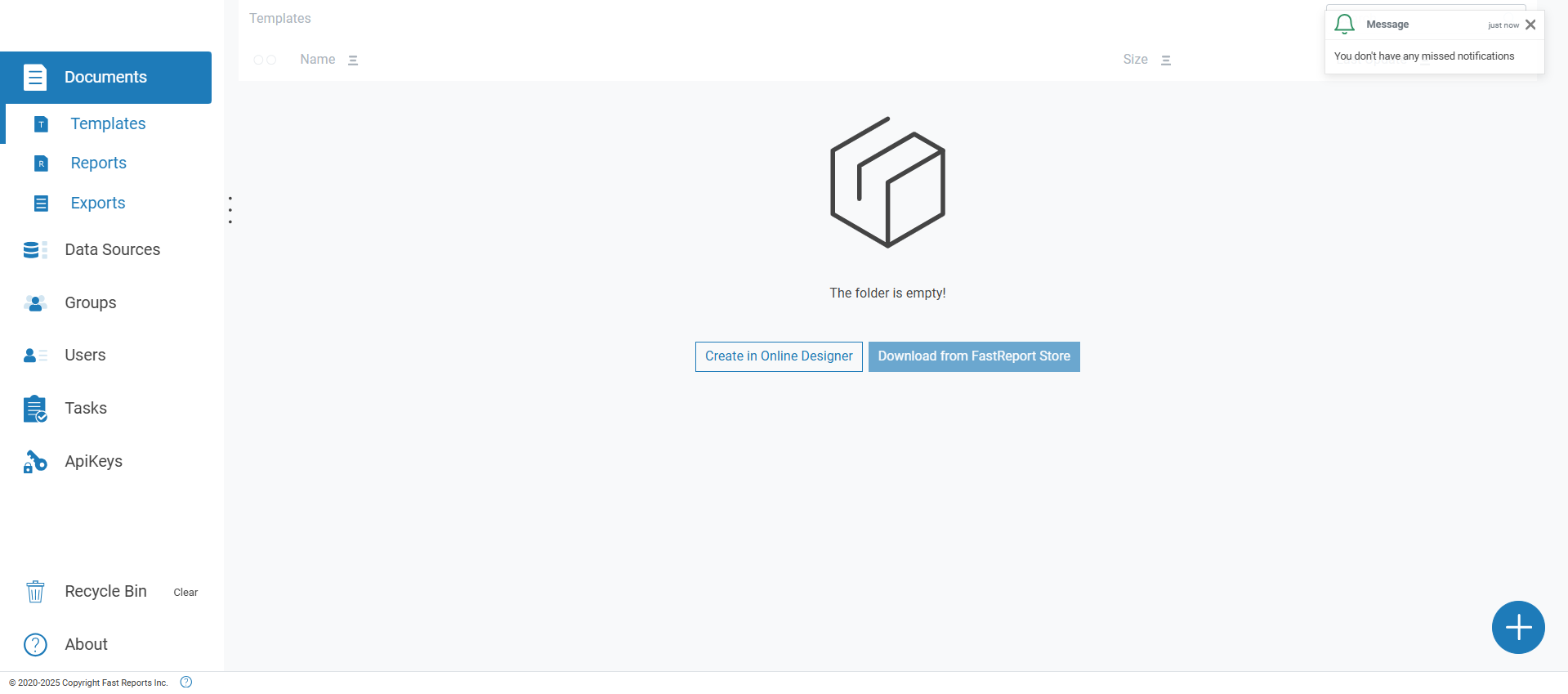
User Panel
Products: FastReport Cloud, FastReport Corporate Server, FastReport Publisher
The user panel is a visual interface for interacting with the service.
The top panel of the interface contains: a logo (a button to navigate to the home page), an element to display the workspace, the user's avatar, and a notification indicator.
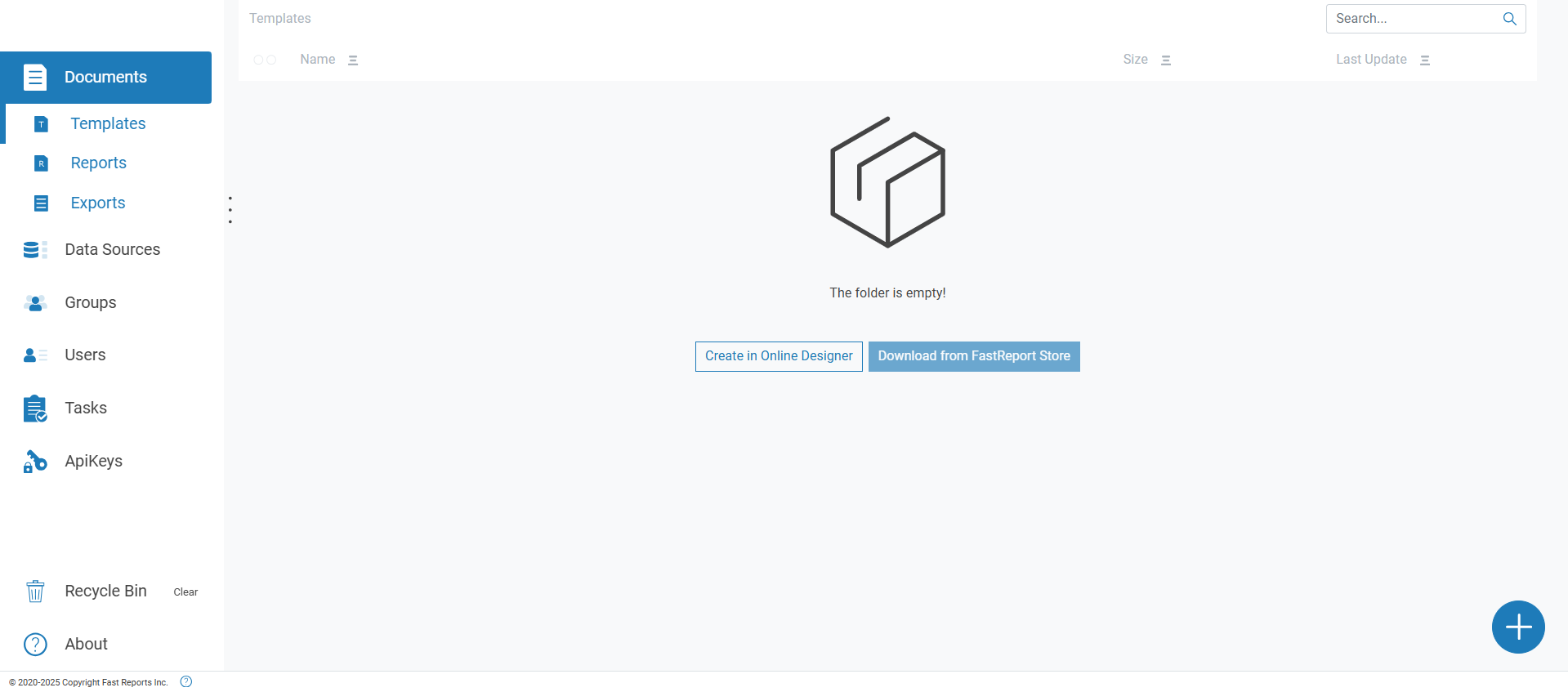
By clicking on the workspace display element, a list of all available user workspaces is opened. By clicking the "More Details" button, the workspace information page is opened.
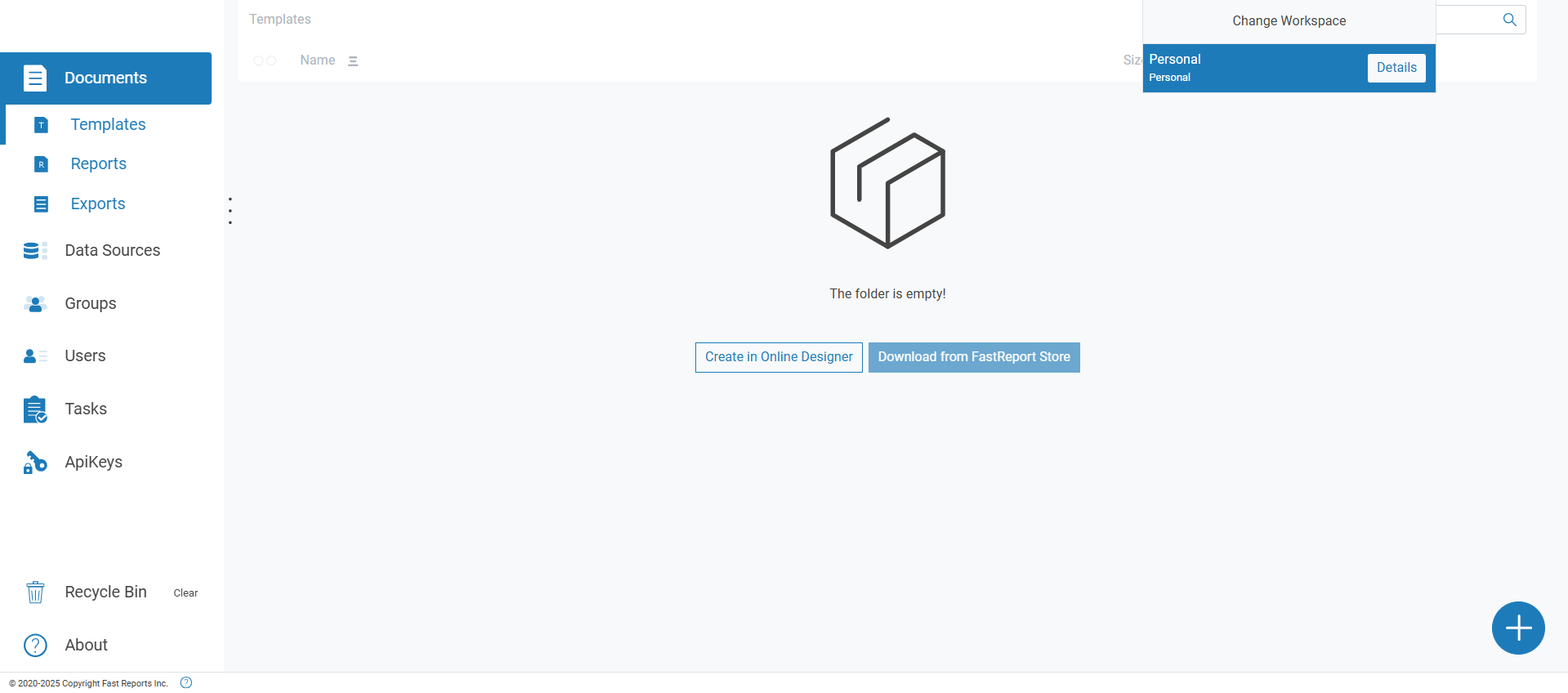
By clicking on the user's avatar, a panel with information, a logout button, and user settings is opened.
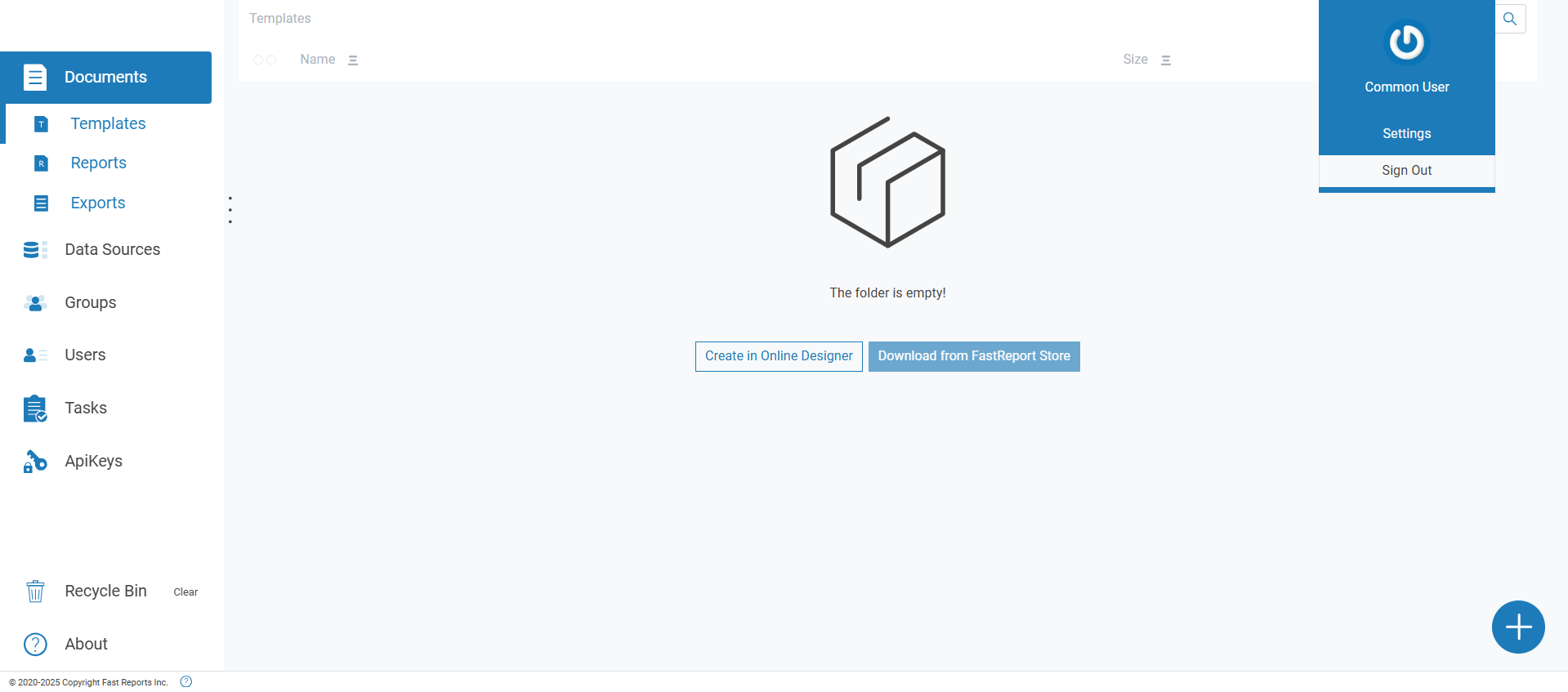
If you click on the notification indicator, the latest notifications will be displayed. If there are no new notifications, a message will appear indicating that there are no new notifications.