Workspaces
Products: FastReport Corporate Server, FastReport Publisher
On workspace page you can find the following information:
- a button to create a new workspace;
- selection of sorting type (CreatedTime, StartTime, EndTime, Name, Locale, Plan);
- included tags — tags that you want to include in the filtering results;
- excluded tags — tags that you want to exclude from the filtering results;
- a search field.
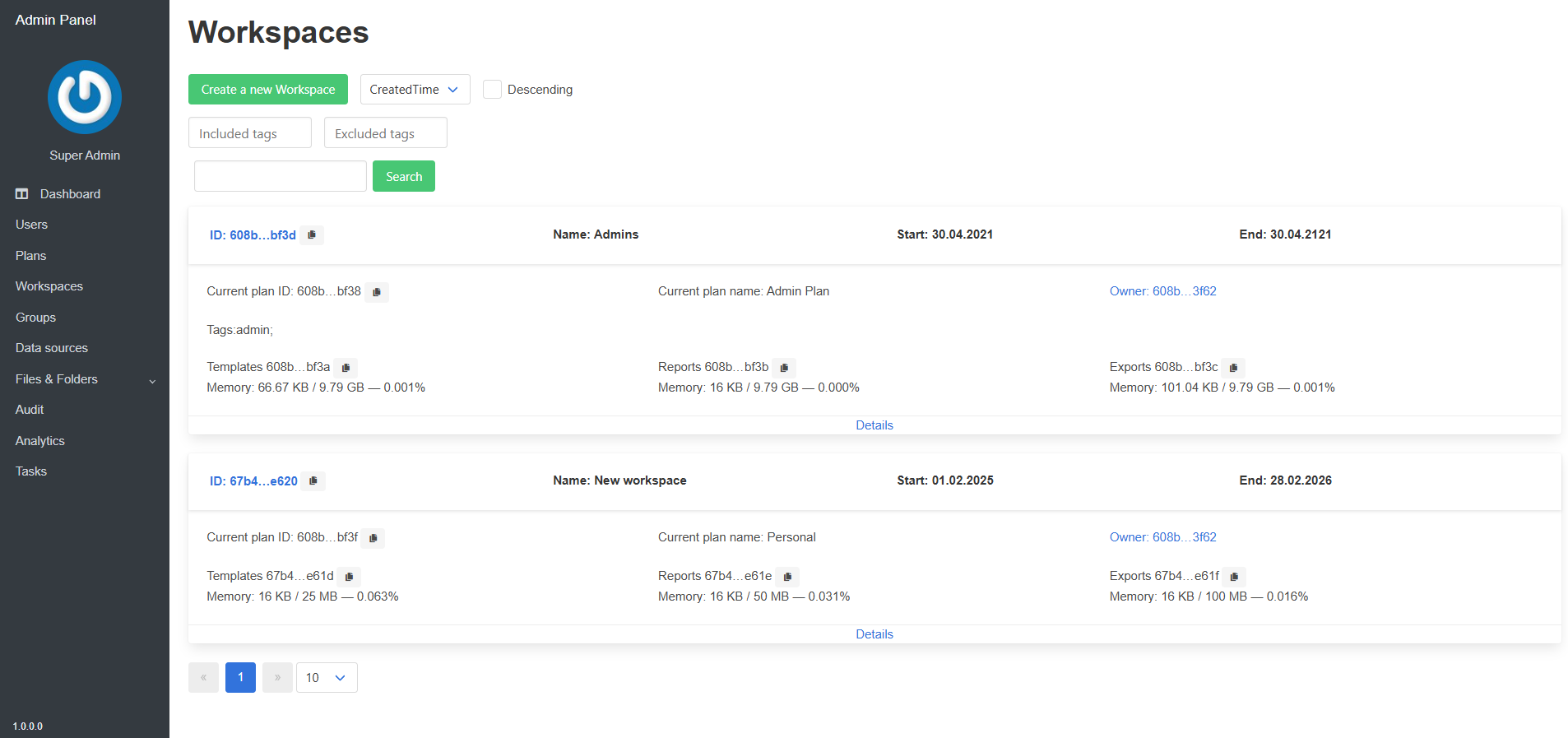
Below is a list of all workspaces with basic information.
Details
The "Details" button redirects to a page for viewing more detailed information about the workspace.
On this page, you can manage the parameters of the selected workspace.
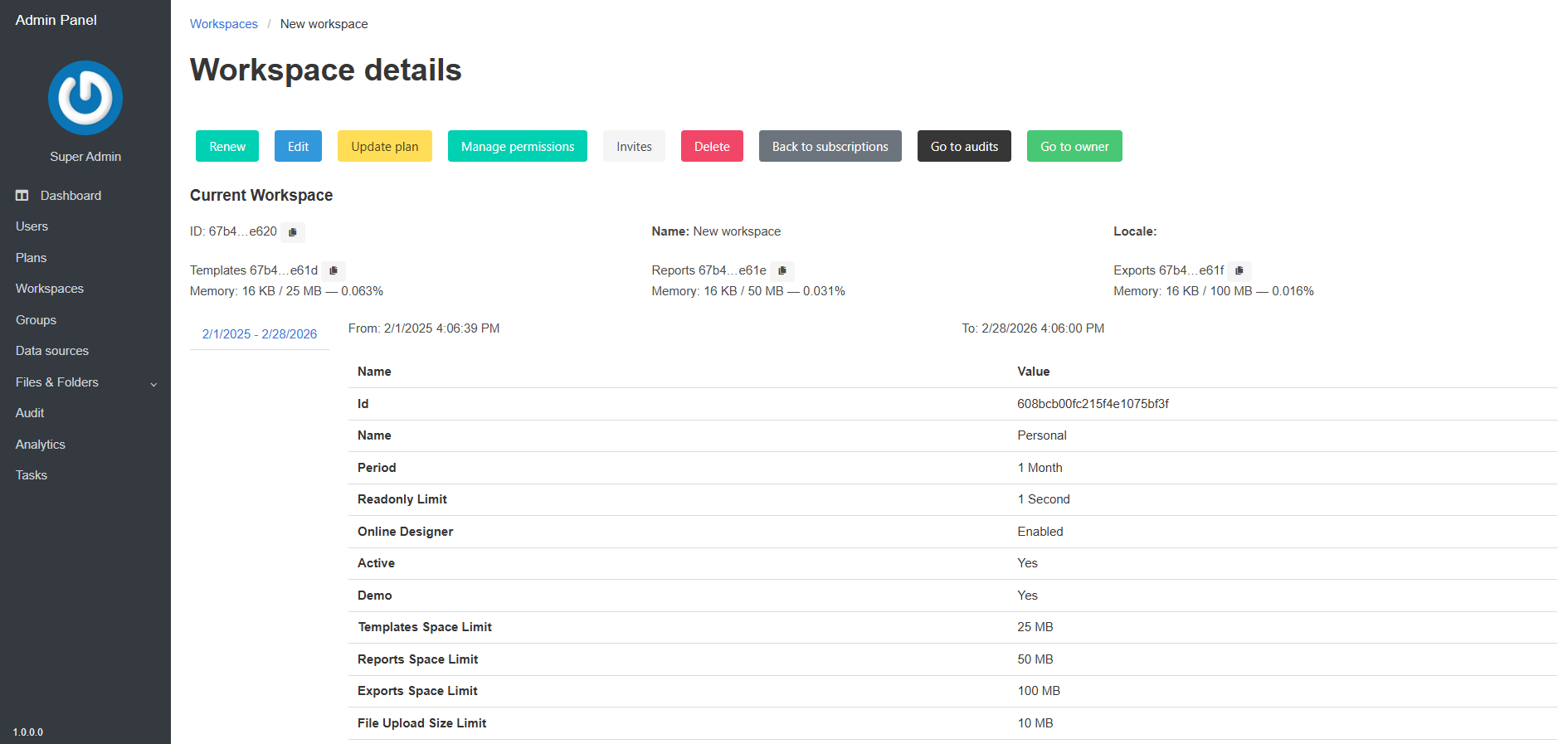
The top panel contains the following buttons:
- Renew – allows you to select a plan, start date, and expiration date of the current subscription;
- Edit – allows you to change the name of the workspace, regional settings, and add tags;
- Update plan – change the parameters of the current subscription plan;
- Manage permissions – allows you to change the owner for entities and manage the permissions of each group;
- Invites – manage invitations for new users to the workspace;
- Delete – delete the workspace;
- Back to subscriptions – navigate to the subscriptions page;
- Go to audits – navigate to the audits page of the selected subscription;
- Go to owner – navigate to the page of the user designated as the owner of the workspace;
Below is the basic information about the workspace, root folders, and plan.