Users
Products: FastReport Corporate Server, FastReport Publisher
The FastReport Corporate Server Users Management page. At the top of the page, there is a button to create a new user, a search field and a selection for sorting type.
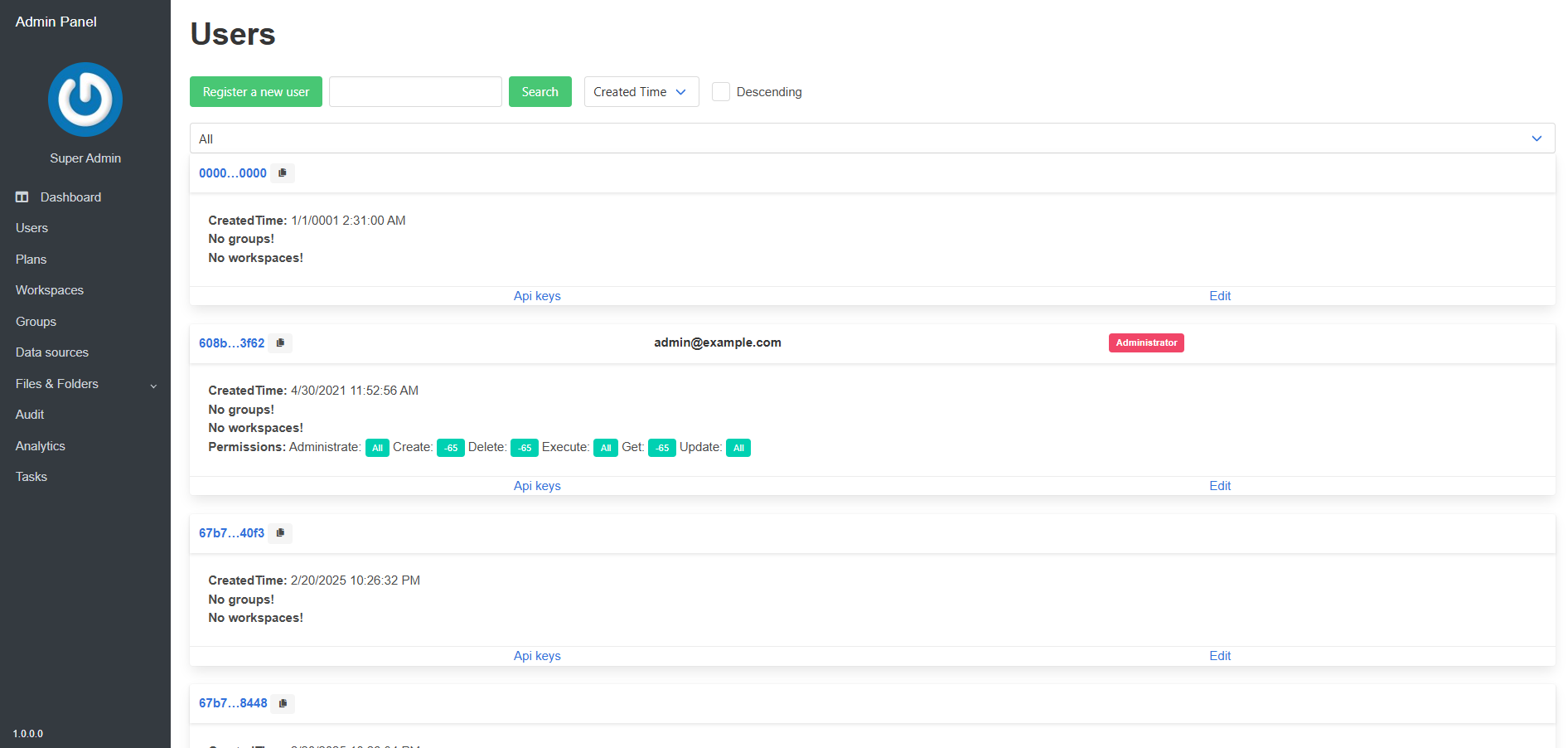
The following shows list of users. When you click on the "Api keys" button takes you to the management page for the selected users Api keys.
When you click on the "Edit" button, the user settings editing page opens.
When you click on the "Register a new user" button, it takes you to the new user registration page.
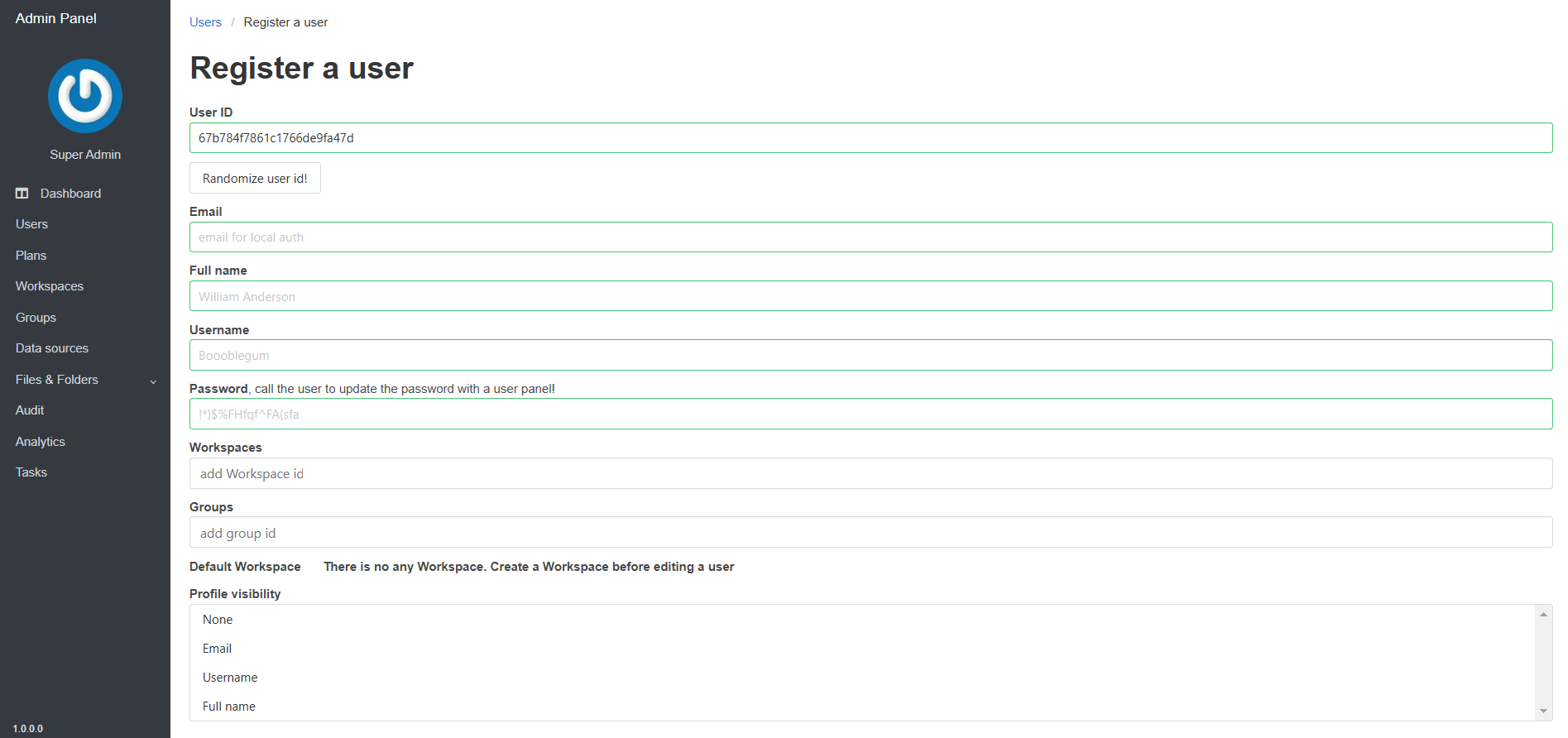
On the editing and creation pages, you can specify the following user parameters:
- Email — the users email address (must be valid);
- Full name — the users full name;
- Username — the users alias;
- Password — the users password;
- Workspaces — a list of all workspaces available to the user;
- Groups — a list of all groups the user belongs to;
- Default Workspace — workspace, that should be selected by default, when performing requests.
- Profile visibility — select which parts of users profile is publicly visible (only ID, email, username, full name).
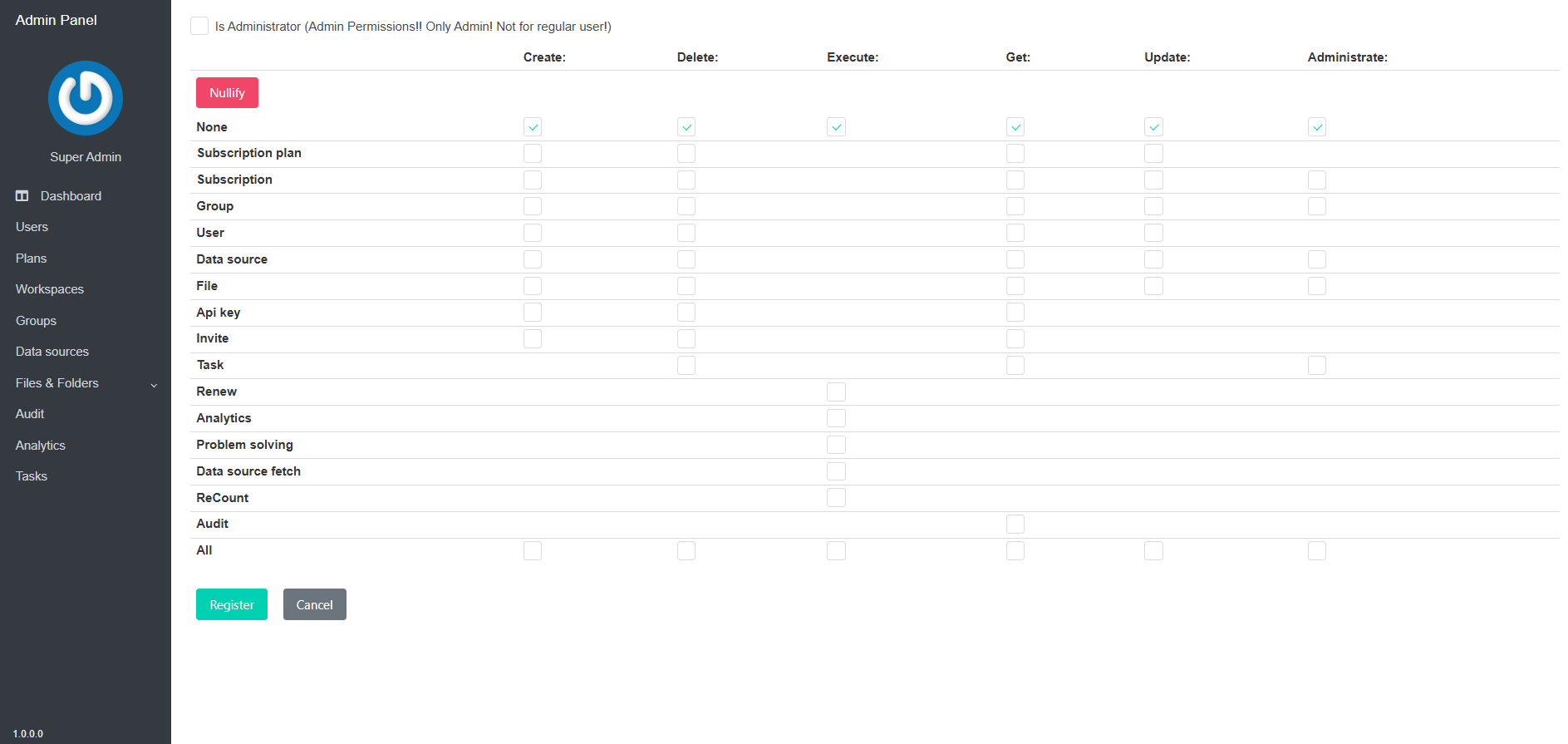
The "Administrator" flag provides access to the administrative panel and grants the user all administrative permissions. Below is the management of administrative permissions for users who is not an administrator.